
AllBoxedIn - Minecraft Skins & Skin History
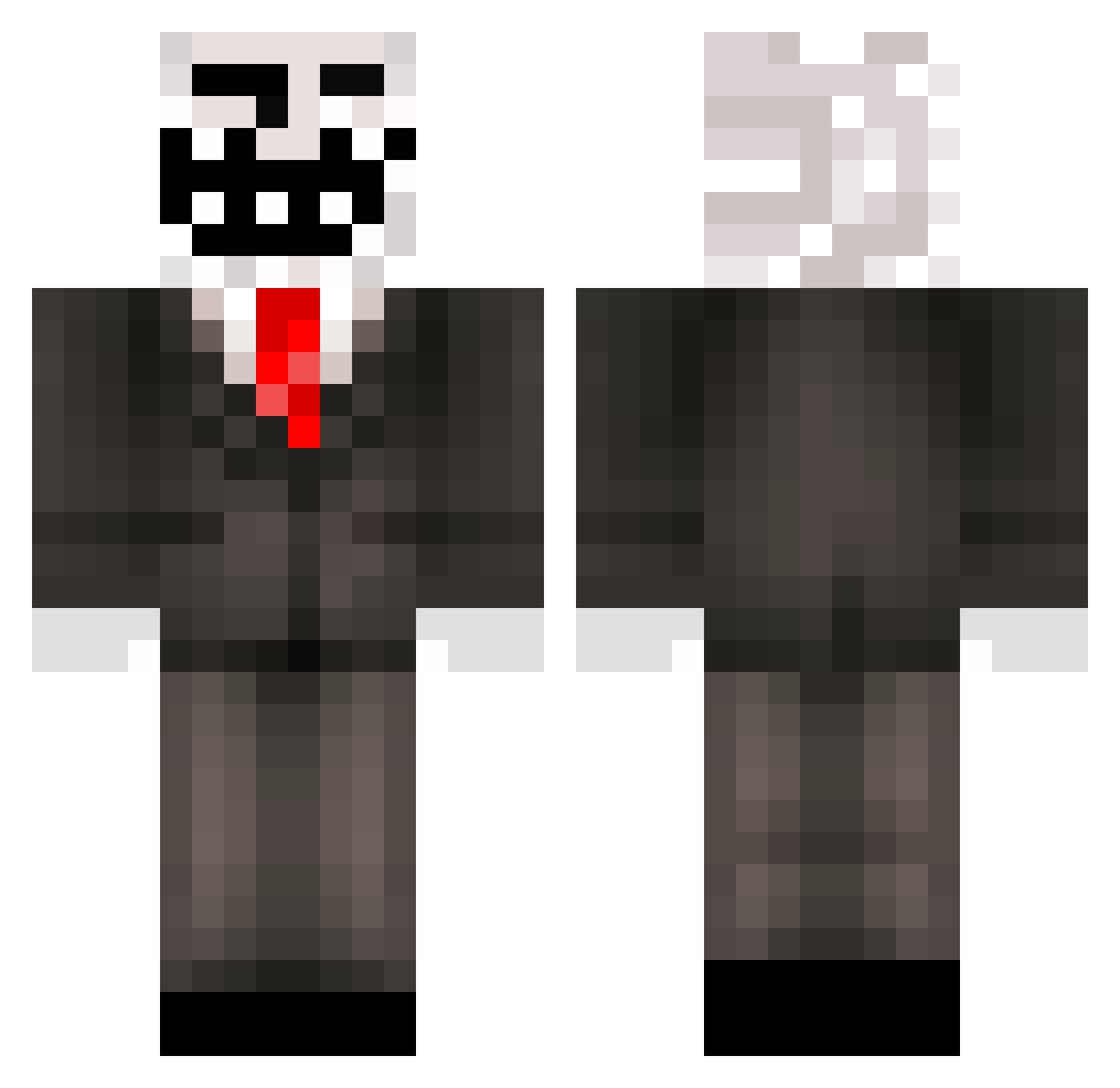
Current Minecraft skin of the player AllBoxedIn, loaded from the official Mojang API. Rotate the 3D model with your mouse or finger, then download the skin as a PNG file and use it in Minecraft: Bedrock Edition or Java Edition for free. When AllBoxedIn changes their skin, this page updates automatically and the old skin stays in the history below.
Other players with this skin (321)
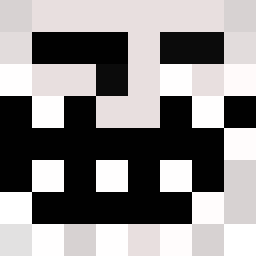
AllBoxedIn was the 32nd player we have seen with this skin, first spotted on 04.08.2026. The same skin was seen on these players. Open a nickname to see their current skin and skin history.
 Quokkaqt ZombieBen1 mylestarsong MarcSavoie Alienprobe974 mfasoli99 thespartan2003 tyattack lukeya11 XanderPander100 Jaqauvious Moibler Pryzel Baky15 dascherrybomb efoboy123 angusjake grayman999 DarkHeroFtw lukethenuke108 AmirHD1000 marchfive johnax0 Tiger9214 MatinGadi Takuninja stinkynerd AnW1zard Krilxor LipeTNT char_beef ihooge FloydNYC_ VValrus monstermixen_02 dammahum Chen_A kelvinkrueger132 Gadasgiller Mrfroser Yurgnnalose LuxSkill JuliusVeer hancook1 imworkingonaname silviogn spongebobxd pompom608 Black_Jack_57 fukitol198 bwd03 colaerdbeerschok saxyforpanda Majcho colinscottbriggs Filleman Birk_Rasmussen ruttdog niggi14 lilstew123
More Trollface Minecraft skins
How to install the AllBoxedIn skin
- Press the Download button above to save the skin as a PNG file.
- Minecraft: Bedrock Edition (PE): open the Dressing Room from the main menu (or tap your character → Edit Character), go to Classic Skins → Owned, press the + (new skin) button, choose the downloaded PNG and pick the Classic (Steve) model. Works on PC and mobile; consoles cannot import custom skins.
- Minecraft: Java Edition: open the Minecraft Launcher, go to the Skins tab, click New Skin, load the PNG, pick the Classic (Steve) model and press Save & Use. You can also upload it at minecraft.net → Profile → Change Skin.
The skin does not show up after import - what should I do?
Restart Minecraft and open the Dressing Room again - imported skins sometimes appear only after a restart. Also make sure you selected the imported skin and picked the Classic (Steve) model.
Which model should I choose, Classic or Slim?
This skin is designed for the Classic (Steve) model. If you pick the wrong model, the arms of the skin will look stretched or squeezed.
Is the skin of AllBoxedIn free to download?
Yes. Press Download, save the PNG file and use it in Minecraft: Bedrock Edition or Java Edition - no payment or registration needed. The skin also works on multiplayer servers and Realms.
More skins
Looking for more? Go back to all Minecraft skins and check the top skins of the week, month and all time, or find any player's skin by nickname.