
Alguy - Minecraft Skins & Skin History
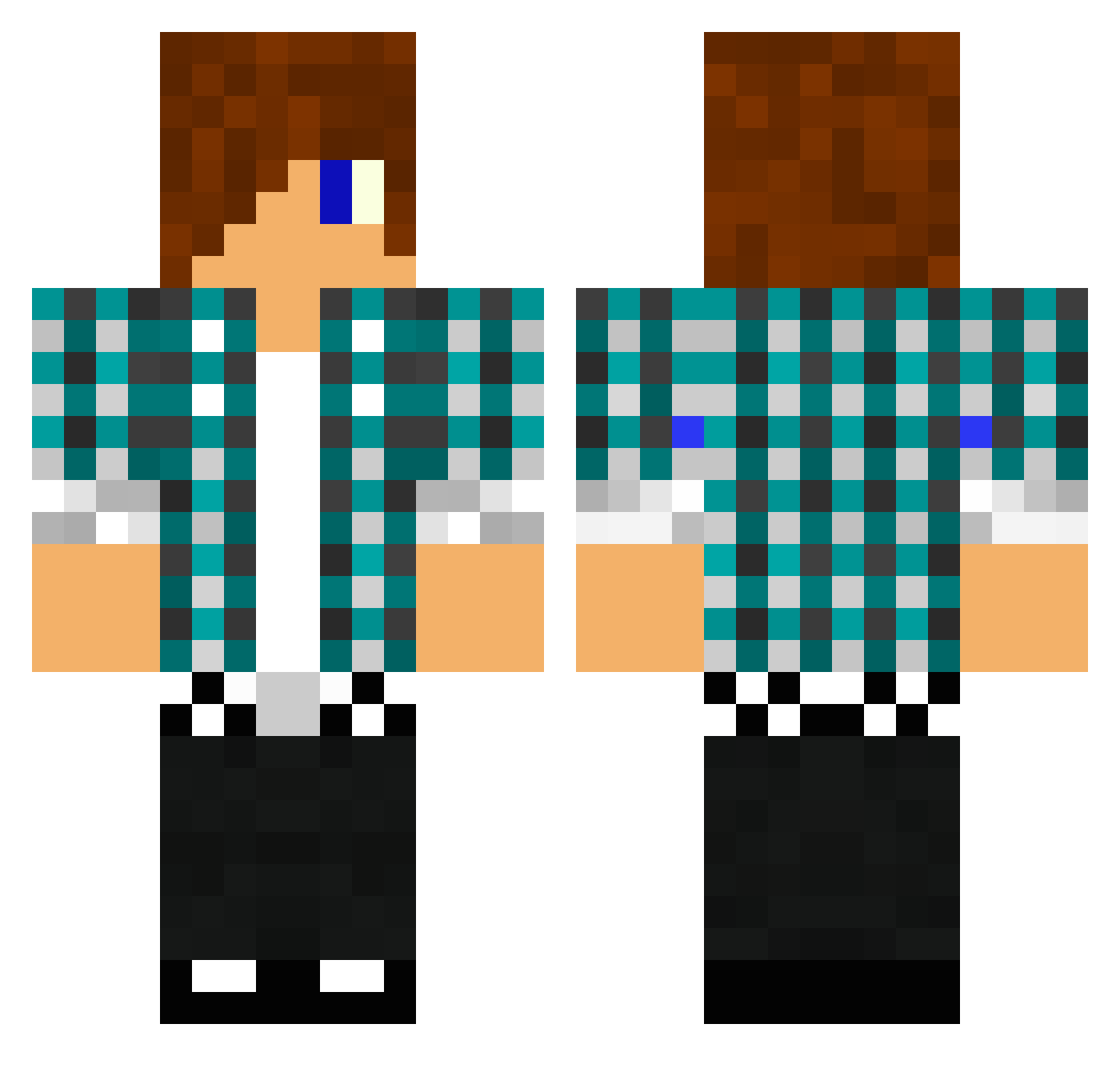
Current Minecraft skin of the player Alguy, loaded from the official Mojang API. Rotate the 3D model with your mouse or finger, then download the skin as a PNG file and use it in Minecraft: Bedrock Edition or Java Edition for free. When Alguy changes their skin, this page updates automatically and the old skin stays in the history below.
Other players with this skin (1611)
Alguy was the 1536th player we have seen with this skin, first spotted on 13.11.2026. The same skin was seen on these players. Open a nickname to see their current skin and skin history.
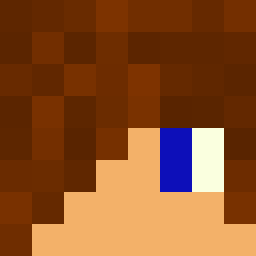 mattyshrek cocoa_monkey2 jude15 BufferAlt5 Gewoonjesse4545 notalama Kattorous Rapt0rHD Bradsh4w mrferrari333 midgetadamski Dranoel2001 1fighter2 lLIKEPIE7 danmorfin MiningDave2000 Tezzon Johne1121 Christom92 TonyT98 xPwNeGe Ambicare kingmatteon10 pukefire Scrub_Nz jtconn grant_39 J05Andersen Stylelife SuperKingy Sur3ly_NOT jack6343 NinjaGuyHD Isaiah_Medina Paso2256 them25 noojt Paradome brya22 Hairyoldman RumaxPl m1key101 scorpin15 Dicko928 xfunaki bluekookie AccroCrafter bajncandian TitanNeo Casual_Aono HerrHibbo EBONI_ROCKS ThorbenOtto kev3201 jordyluke kellenbergouleim dawg9111 Rycraft971 xx__Jayden__xx NatteHond_
More Emo Minecraft skins
How to install the Alguy skin
- Press the Download button above to save the skin as a PNG file.
- Minecraft: Bedrock Edition (PE): open the Dressing Room from the main menu (or tap your character → Edit Character), go to Classic Skins → Owned, press the + (new skin) button, choose the downloaded PNG and pick the Classic (Steve) model. Works on PC and mobile; consoles cannot import custom skins.
- Minecraft: Java Edition: open the Minecraft Launcher, go to the Skins tab, click New Skin, load the PNG, pick the Classic (Steve) model and press Save & Use. You can also upload it at minecraft.net → Profile → Change Skin.
The skin does not show up after import - what should I do?
Restart Minecraft and open the Dressing Room again - imported skins sometimes appear only after a restart. Also make sure you selected the imported skin and picked the Classic (Steve) model.
Which model should I choose, Classic or Slim?
This skin is designed for the Classic (Steve) model. If you pick the wrong model, the arms of the skin will look stretched or squeezed.
Is the skin of Alguy free to download?
Yes. Press Download, save the PNG file and use it in Minecraft: Bedrock Edition or Java Edition - no payment or registration needed. The skin also works on multiplayer servers and Realms.
More skins
Looking for more? Go back to all Minecraft skins and check the top skins of the week, month and all time, or find any player's skin by nickname.