
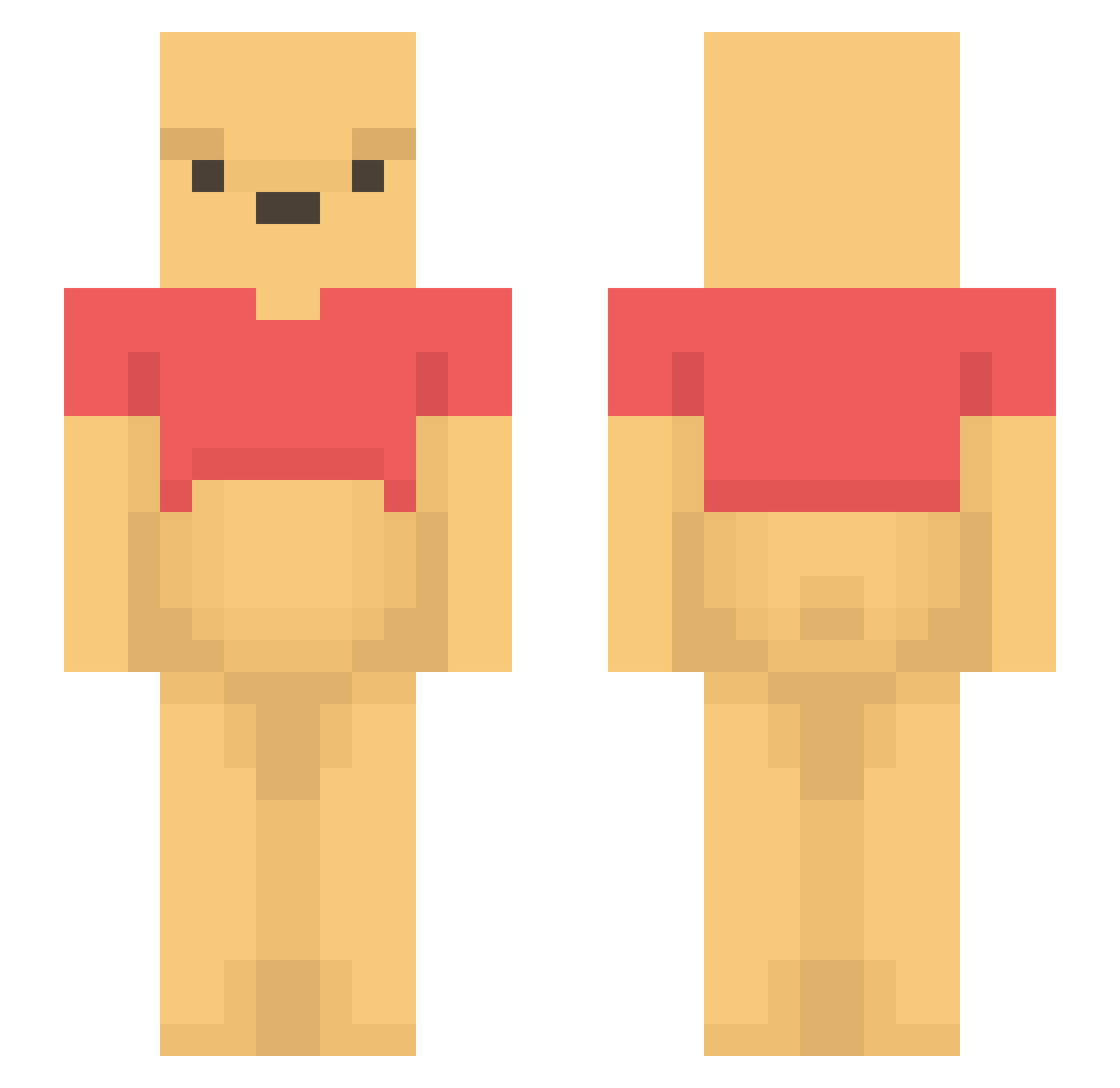
Current Minecraft skin of the player Alex011816, loaded from the official Mojang API. Rotate the 3D model with your mouse or finger, then download the skin as a PNG file and use it in Minecraft: Bedrock Edition or Java Edition for free. When Alex011816 changes their skin, this page updates automatically and the old skin stays in the history below.
Other players with this skin (1101)
Alex011816 was the 721st player we have seen with this skin, first spotted on 22.09.2026. The same skin was seen on these players. Open a nickname to see their current skin and skin history.
 TwBronco guan0902 StrikeCamer iiDeets BeepBoop444 red_goose Bzhe ocota12 Soozy_ xLugax dontda shisui_tan lowkeythor11 thetimmytuna yuyumaple sirbeli kimgeunwo LeMans004 JJonDek FruityExperience lemoned_key MonkeyBizz826 inche0 sccmeli Zoldyck_0 TinoBtw ddong0701 BabyboySam hyunnnni_ xcarrieann13 RYU_MANIA_JP B00tyMuncher Angie_gie Rasthie Ancule Etreve RongHex bugbe2409 Sn4kie seyunnam abcdeffff ChloTheBigSushi Winnie_ Cherryland42 CICACK LumpWump kinsleychicken heydii DO_NY GrauzoneDE Dalcong1 Abiel40807 DopamineMachine YorOrdinary_ buckhet dabee2 ketamijie Miheeec DonZock Ylona246
More Winnie The Pooh Minecraft skins
See all 292 Winnie The Pooh skins
How to install the Alex011816 skin
- Press the Download button above to save the skin as a PNG file.
- Minecraft: Bedrock Edition (PE): open the Dressing Room from the main menu (or tap your character → Edit Character), go to Classic Skins → Owned, press the + (new skin) button, choose the downloaded PNG and pick the Slim (Alex) model. Works on PC and mobile; consoles cannot import custom skins.
- Minecraft: Java Edition: open the Minecraft Launcher, go to the Skins tab, click New Skin, load the PNG, pick the Slim (Alex) model and press Save & Use. You can also upload it at minecraft.net → Profile → Change Skin.
The skin does not show up after import - what should I do?
Restart Minecraft and open the Dressing Room again - imported skins sometimes appear only after a restart. Also make sure you selected the imported skin and picked the Slim (Alex) model.
Which model should I choose, Classic or Slim?
This skin is designed for the Slim (Alex) model. If you pick the wrong model, the arms of the skin will look stretched or squeezed.
Is the skin of Alex011816 free to download?
Yes. Press Download, save the PNG file and use it in Minecraft: Bedrock Edition or Java Edition - no payment or registration needed. The skin also works on multiplayer servers and Realms.
More skins
Looking for more? Go back to all Minecraft skins and check the top skins of the week, month and all time, or find any player's skin by nickname.