
AlAzeri - Minecraft Skins & Skin History
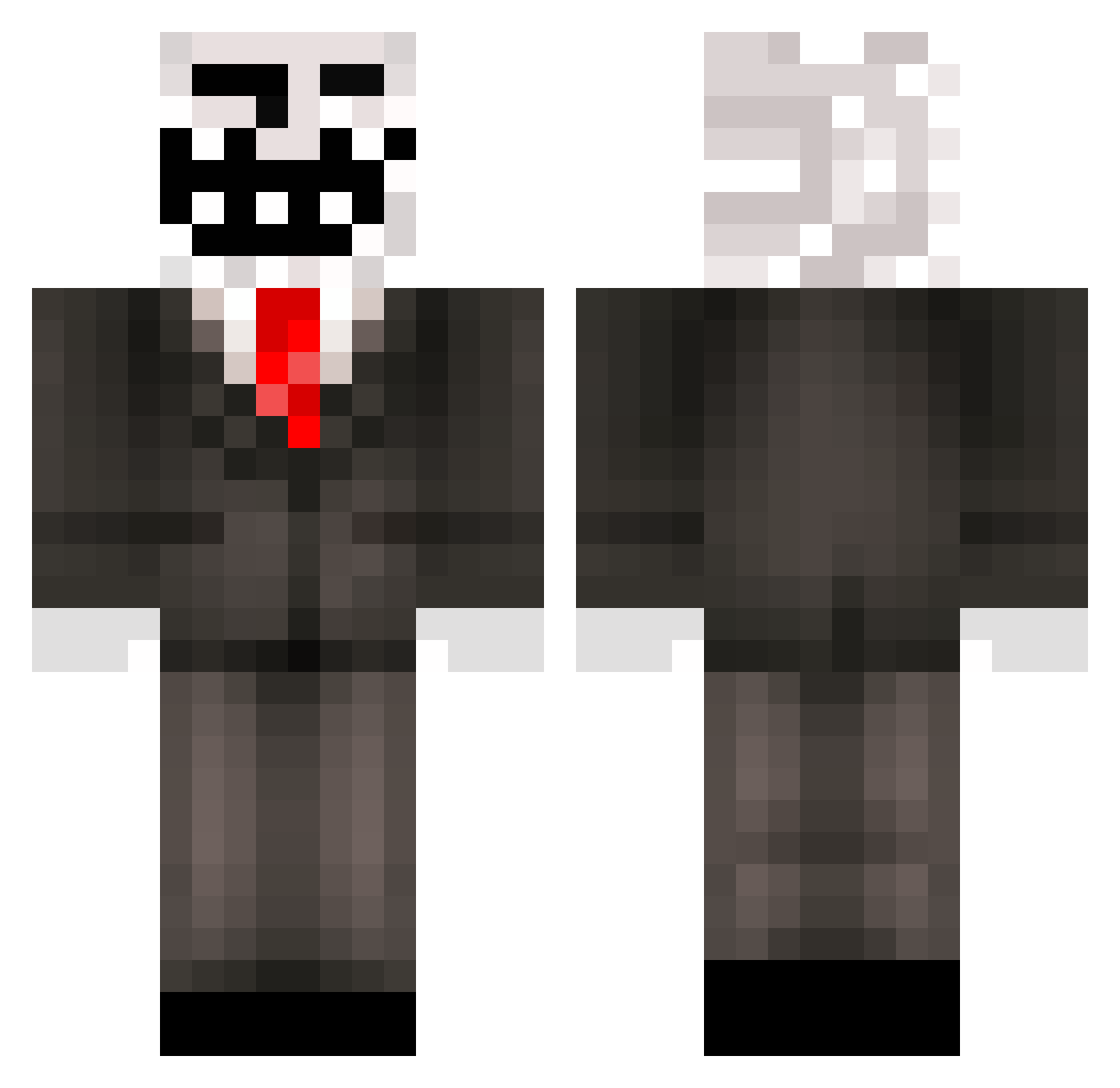
Current Minecraft skin of the player AlAzeri, loaded from the official Mojang API. Rotate the 3D model with your mouse or finger, then download the skin as a PNG file and use it in Minecraft: Bedrock Edition or Java Edition for free. When AlAzeri changes their skin, this page updates automatically and the old skin stays in the history below.
Other players with this skin (445)
AlAzeri was the 195th player we have seen with this skin, first spotted on 12.09.2026. The same skin was seen on these players. Open a nickname to see their current skin and skin history.
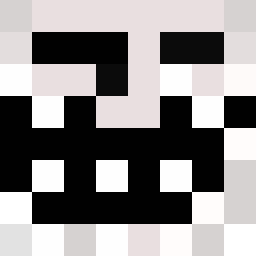 ckoft BOOK_PONGPAKORN sexy1569 Tzitzimimeh subtofalsemsp JawJuice_ ylxin Bumbocowards puffyface321 DreyaV2 nhatthi DemonicGambler Piepiez FEDE33 kawaii_SATURNO
 monkeyman_121 Koolguy1738 Jasonq_ Boolah windy272 Matyovics pedrinho_20 Enchanted_D1rt PindaGilles Kordelek KiriousZ sepucha Alejanoldlazo Carampol hmol_ie jacaguei2024 Zaqzorn sikici53 ShesIi FallingAnvil RealTCM Ranslyno MHMD742SG AgentBussin archieabb MynameeeJeff LuigiCabrioni Sogga50664 Jandre2010 GudenWalther BangPrawPraw malkoEU PackCrafter13 ikun_17 haruhiPC Par0ll3l kort00077 Taschaz RossenBossen Lewonshy turret1064 marcel2215 Bhoskmalet D1niau MihneaAndGabi
More Trollface Minecraft skins
How to install the AlAzeri skin
- Press the Download button above to save the skin as a PNG file.
- Minecraft: Bedrock Edition (PE): open the Dressing Room from the main menu (or tap your character → Edit Character), go to Classic Skins → Owned, press the + (new skin) button, choose the downloaded PNG and pick the Classic (Steve) model. Works on PC and mobile; consoles cannot import custom skins.
- Minecraft: Java Edition: open the Minecraft Launcher, go to the Skins tab, click New Skin, load the PNG, pick the Classic (Steve) model and press Save & Use. You can also upload it at minecraft.net → Profile → Change Skin.
The skin does not show up after import - what should I do?
Restart Minecraft and open the Dressing Room again - imported skins sometimes appear only after a restart. Also make sure you selected the imported skin and picked the Classic (Steve) model.
Which model should I choose, Classic or Slim?
This skin is designed for the Classic (Steve) model. If you pick the wrong model, the arms of the skin will look stretched or squeezed.
Is the skin of AlAzeri free to download?
Yes. Press Download, save the PNG file and use it in Minecraft: Bedrock Edition or Java Edition - no payment or registration needed. The skin also works on multiplayer servers and Realms.
More skins
Looking for more? Go back to all Minecraft skins and check the top skins of the week, month and all time, or find any player's skin by nickname.