
Akulkecapez - Minecraft Skins & Skin History
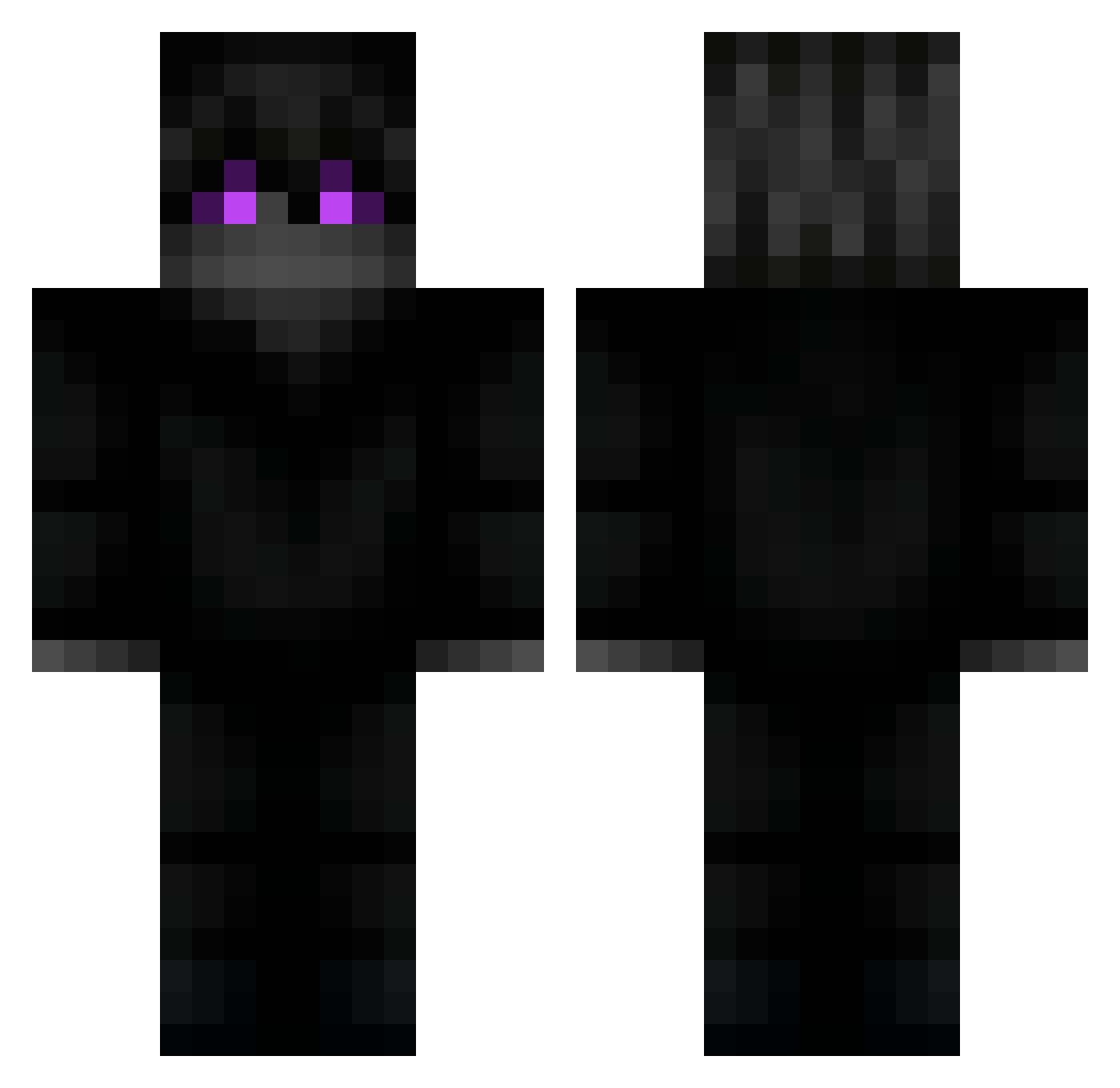
Current Minecraft skin of the player Akulkecapez, loaded from the official Mojang API. Rotate the 3D model with your mouse or finger, then download the skin as a PNG file and use it in Minecraft: Bedrock Edition or Java Edition for free. When Akulkecapez changes their skin, this page updates automatically and the old skin stays in the history below.
Other players with this skin (218)
Akulkecapez was the 63rd player we have seen with this skin, first spotted on 29.08.2026. The same skin was seen on these players. Open a nickname to see their current skin and skin history.
 mattiamondo ezkarnage dllmain_ GasPipe28 Kraezar _pooly_ X7sMoDX K4edeeeee RauulC didgmlduf Karyihee zSyyy blipy The_Ozz_ Mr_SandmanX loritzmoritz Nosmirk LeBlind bruksgod werewolf2398 Neromas Arride Mrnaosei bashmak_ Nuckki Deil1e broder1000 Muk7tm vanish2648 OliikCZ caIIed JLD4NY 3zff sebajava Dodonumber2 johhNy__ ZelateX Hiddenside
 Skiezoo Tire_Bouchon melniklox realzedd Zarkoyt_ PatoBDA_ vCalibur PrincessBonkers SlenderArm PapaGlockz Stavos_ LegitGaming_ matl1258 dragon_0007 swagifly _skitzo_ Jeeeero kajorek1g KEBhvh alpboz02 UndyingN0bMaster DeletedWolf
More Ender Dragon Minecraft skins
See all 649 Ender Dragon skins
How to install the Akulkecapez skin
- Press the Download button above to save the skin as a PNG file.
- Minecraft: Bedrock Edition (PE): open the Dressing Room from the main menu (or tap your character → Edit Character), go to Classic Skins → Owned, press the + (new skin) button, choose the downloaded PNG and pick the Classic (Steve) model. Works on PC and mobile; consoles cannot import custom skins.
- Minecraft: Java Edition: open the Minecraft Launcher, go to the Skins tab, click New Skin, load the PNG, pick the Classic (Steve) model and press Save & Use. You can also upload it at minecraft.net → Profile → Change Skin.
The skin does not show up after import - what should I do?
Restart Minecraft and open the Dressing Room again - imported skins sometimes appear only after a restart. Also make sure you selected the imported skin and picked the Classic (Steve) model.
Which model should I choose, Classic or Slim?
This skin is designed for the Classic (Steve) model. If you pick the wrong model, the arms of the skin will look stretched or squeezed.
Is the skin of Akulkecapez free to download?
Yes. Press Download, save the PNG file and use it in Minecraft: Bedrock Edition or Java Edition - no payment or registration needed. The skin also works on multiplayer servers and Realms.
More skins
Looking for more? Go back to all Minecraft skins and check the top skins of the week, month and all time, or find any player's skin by nickname.