
AkemiSakamaki - Minecraft Skins & Skin History
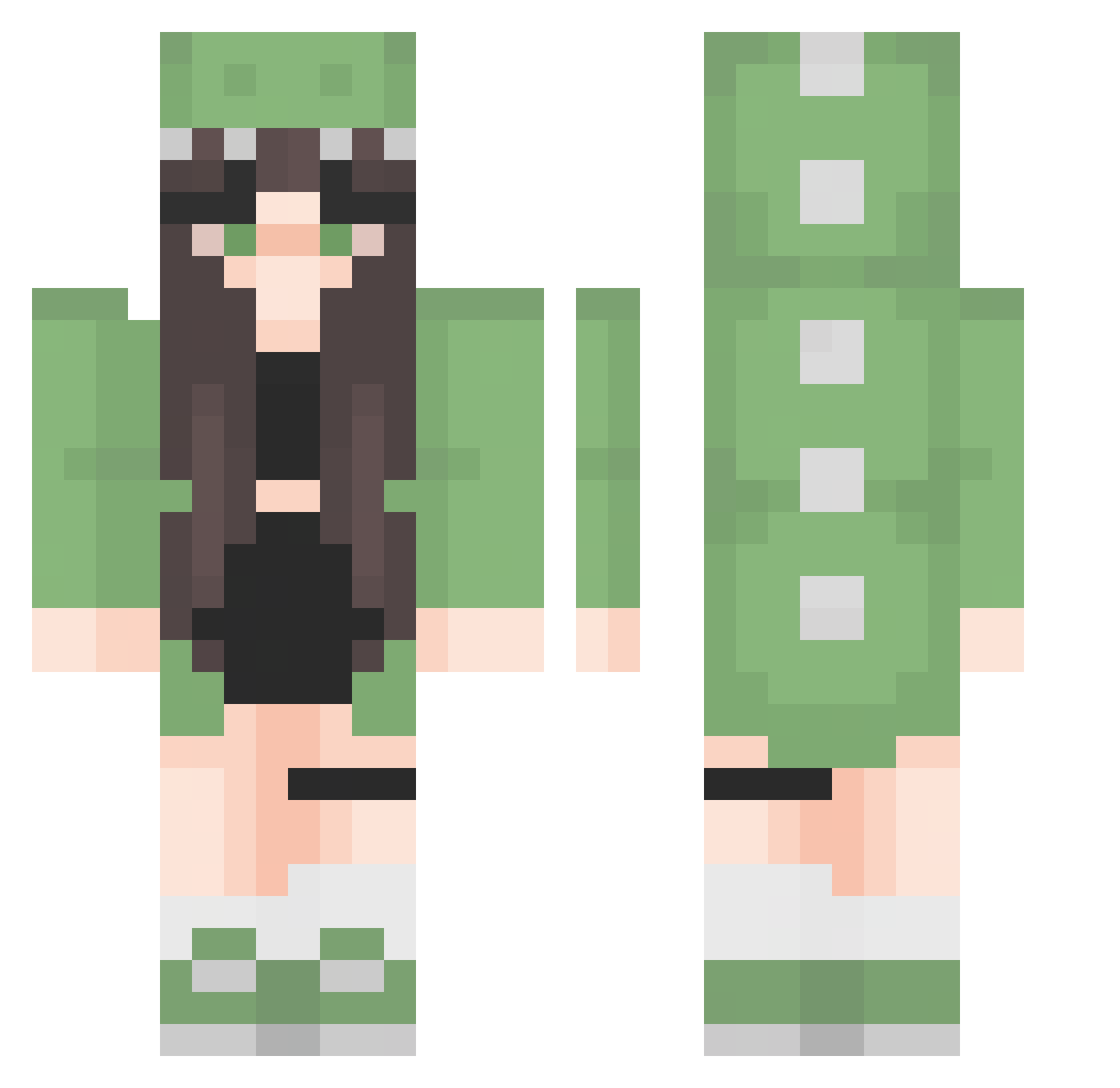
Current Minecraft skin of the player AkemiSakamaki, loaded from the official Mojang API. Rotate the 3D model with your mouse or finger, then download the skin as a PNG file and use it in Minecraft: Bedrock Edition or Java Edition for free. When AkemiSakamaki changes their skin, this page updates automatically and the old skin stays in the history below.
Other players with this skin (276)
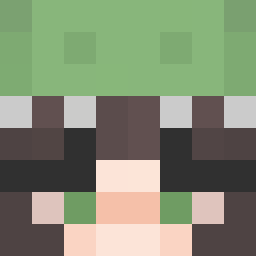
AkemiSakamaki was the 53rd player we have seen with this skin, first spotted on 16.08.2026. The same skin was seen on these players. Open a nickname to see their current skin and skin history.
 ChiKitaUwU Sofy_09 ChixrxCio Helysauruss YooAisLife mxtikk Pietra26 imlhscott fairy_frog07 ashbuggg J1JiG mappaxhe Mikki2209 mxinlyjj Niniiq Whatsurname7 hbchun Gabistef jiangfuren Ju1i3tt3 TheBezaa Aries_Aoki monarchmozart GiraMinou Moesmaki crongking Emmalia95 Zbuntii_ Edward0079 Dino_Nuggets942 104maciej Awita1201 Leleecst michaelmeowerz Rottenbonez0 nuguseyo88 Jani_11 SneepySheep CuzDino Moownika Zairioss mishmishh1 follow_heart Lulixa Mj1528 ZeNo19 sxren_nox LINAAAAAAAAAAAAA xMega9 Academic_Muffin Delhs GreenPanda1996 Kabanosik_ richyronja DOLL1110 SEVEN7LIN flamzgo Elexis02 xOlciakkxx RHYRIX
More Dinosaur Onesie Minecraft skins
See all 602 Dinosaur Onesie skins
How to install the AkemiSakamaki skin
- Press the Download button above to save the skin as a PNG file.
- Minecraft: Bedrock Edition (PE): open the Dressing Room from the main menu (or tap your character → Edit Character), go to Classic Skins → Owned, press the + (new skin) button, choose the downloaded PNG and pick the Classic (Steve) model. Works on PC and mobile; consoles cannot import custom skins.
- Minecraft: Java Edition: open the Minecraft Launcher, go to the Skins tab, click New Skin, load the PNG, pick the Classic (Steve) model and press Save & Use. You can also upload it at minecraft.net → Profile → Change Skin.
The skin does not show up after import - what should I do?
Restart Minecraft and open the Dressing Room again - imported skins sometimes appear only after a restart. Also make sure you selected the imported skin and picked the Classic (Steve) model.
Which model should I choose, Classic or Slim?
This skin is designed for the Classic (Steve) model. If you pick the wrong model, the arms of the skin will look stretched or squeezed.
Is the skin of AkemiSakamaki free to download?
Yes. Press Download, save the PNG file and use it in Minecraft: Bedrock Edition or Java Edition - no payment or registration needed. The skin also works on multiplayer servers and Realms.
More skins
Looking for more? Go back to all Minecraft skins and check the top skins of the week, month and all time, or find any player's skin by nickname.