
AiratR_ - Minecraft Skins & Skin History
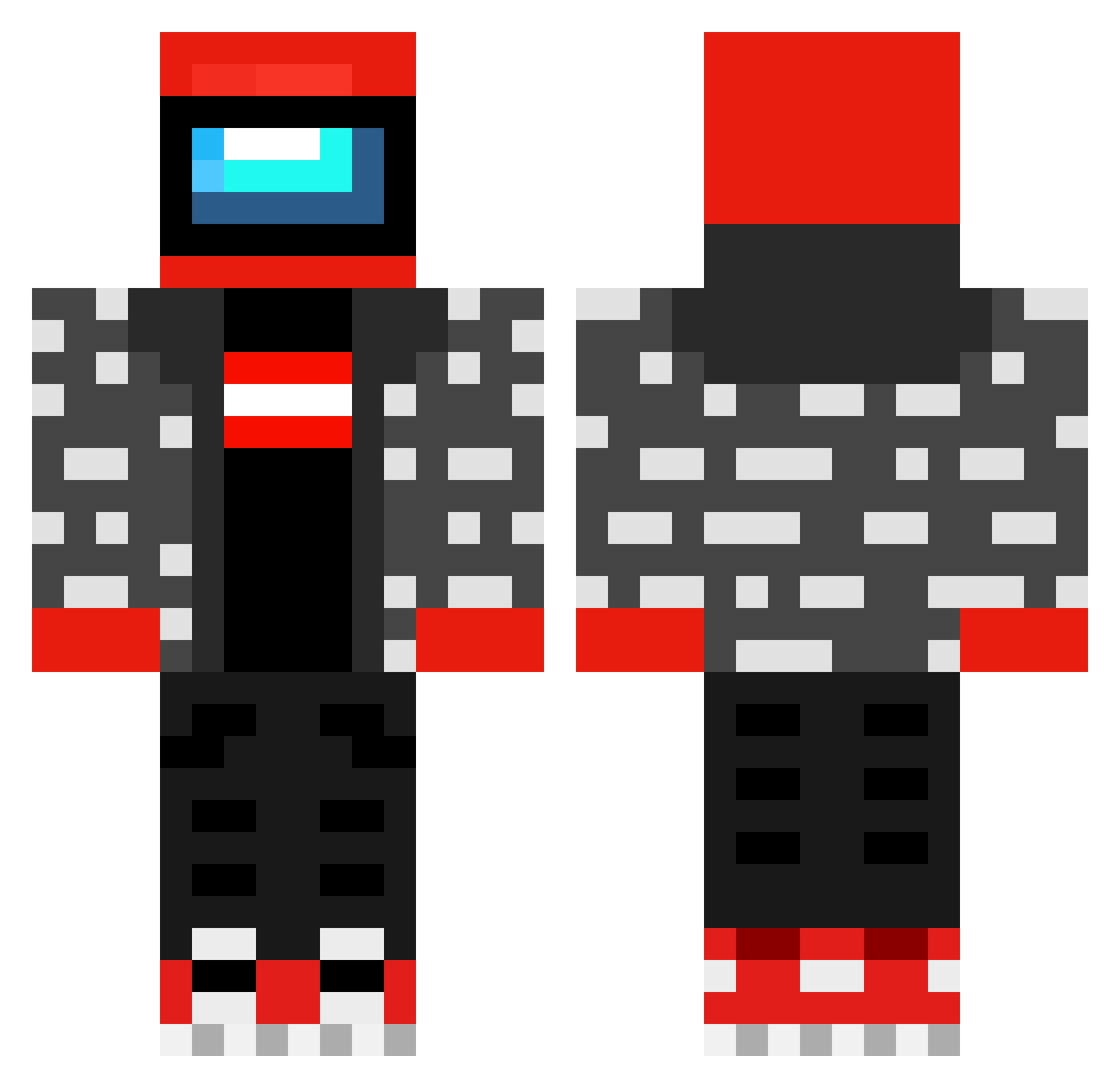
Current Minecraft skin of the player AiratR_, loaded from the official Mojang API. Rotate the 3D model with your mouse or finger, then download the skin as a PNG file and use it in Minecraft: Bedrock Edition or Java Edition for free. When AiratR_ changes their skin, this page updates automatically and the old skin stays in the history below.
Other players with this skin (482)
AiratR_ was the 301st player we have seen with this skin, first spotted on 02.10.2026. The same skin was seen on these players. Open a nickname to see their current skin and skin history.
 nonchette MATT__Mp4 Wazowski1102 _597 SlenderEnder987 RobyRoberto575 Johanneskepannes Blyns __y0sh1 UnivalveSign23 NotTsundere27 MI55ED Grenkplenk aidedfurball KowaliQu Cpwwwww_ epicface_2011 KazukiOtomo DiamondTester lulus1424 Freeway487 Ginobuonvino898 ChungusFartPoop MrThreeve Titanic7086 BumBomYoda the_grubster obytogod Victor900 Jackskyrru Kot1k6413 skyzyo Marino_YT HornyLogamer GameTimeN eieric GiornoGiovanna01 HelloKenn LivelyHering Badguy410 DylanHoward2010 LEWINSCKO LUISCV15 pimpeczek4213 CloneT_5555 JannyFam TerryZhong NEVER2626 Toy_Soldier Vioever SomenteLuis GKenn yyur M45T3R_P YoshiXOXD Sarcastic_Boi mkaruk Gatuor Swaggerthon Rushplease
More Drip Minecraft skins
How to install the AiratR_ skin
- Press the Download button above to save the skin as a PNG file.
- Minecraft: Bedrock Edition (PE): open the Dressing Room from the main menu (or tap your character → Edit Character), go to Classic Skins → Owned, press the + (new skin) button, choose the downloaded PNG and pick the Classic (Steve) model. Works on PC and mobile; consoles cannot import custom skins.
- Minecraft: Java Edition: open the Minecraft Launcher, go to the Skins tab, click New Skin, load the PNG, pick the Classic (Steve) model and press Save & Use. You can also upload it at minecraft.net → Profile → Change Skin.
The skin does not show up after import - what should I do?
Restart Minecraft and open the Dressing Room again - imported skins sometimes appear only after a restart. Also make sure you selected the imported skin and picked the Classic (Steve) model.
Which model should I choose, Classic or Slim?
This skin is designed for the Classic (Steve) model. If you pick the wrong model, the arms of the skin will look stretched or squeezed.
Is the skin of AiratR_ free to download?
Yes. Press Download, save the PNG file and use it in Minecraft: Bedrock Edition or Java Edition - no payment or registration needed. The skin also works on multiplayer servers and Realms.
More skins
Looking for more? Go back to all Minecraft skins and check the top skins of the week, month and all time, or find any player's skin by nickname.