
AiChuan - Minecraft Skins & Skin History
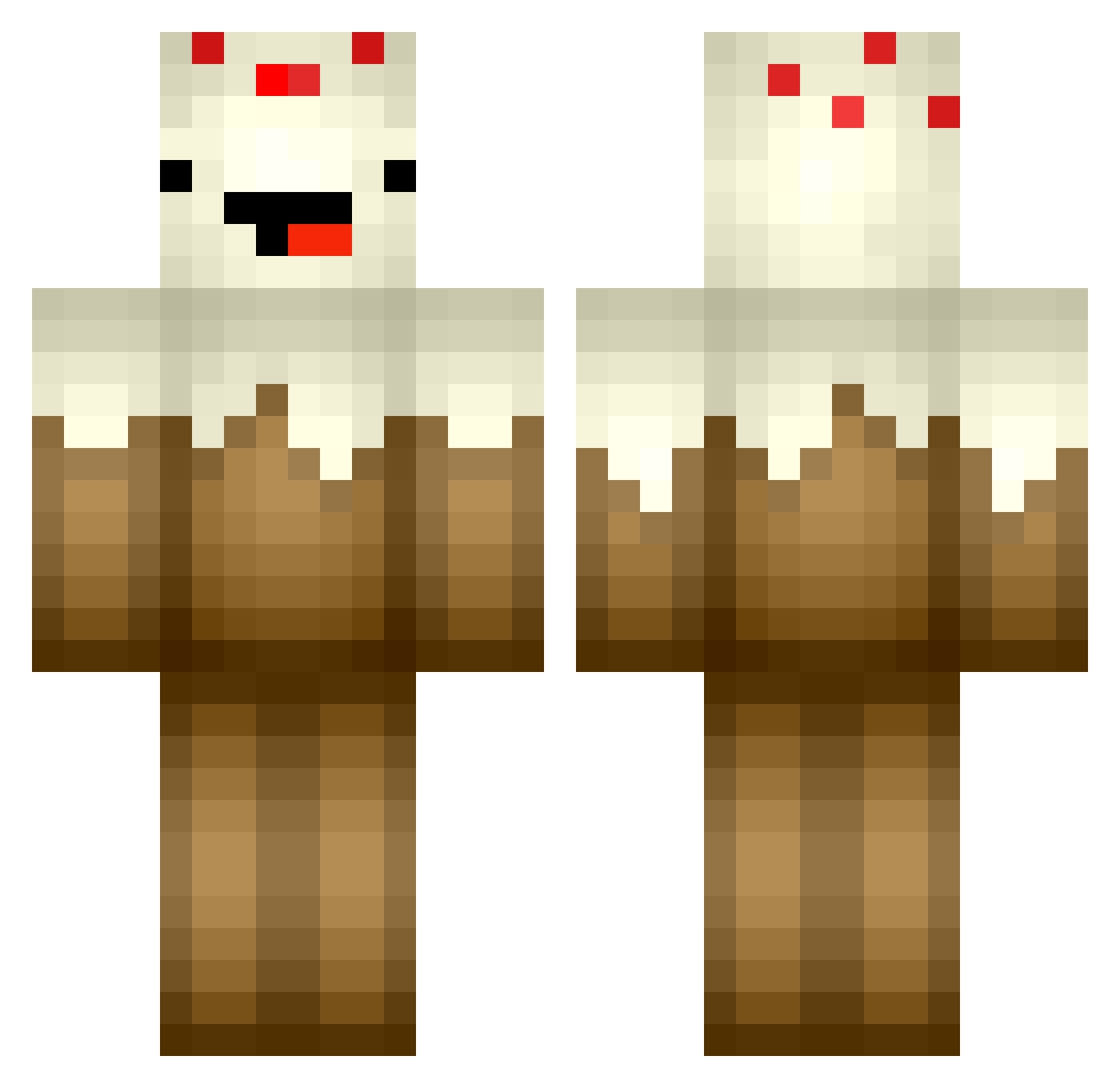
Current Minecraft skin of the player AiChuan, loaded from the official Mojang API. Rotate the 3D model with your mouse or finger, then download the skin as a PNG file and use it in Minecraft: Bedrock Edition or Java Edition for free. When AiChuan changes their skin, this page updates automatically and the old skin stays in the history below.
Other players with this skin (103)
AiChuan was the 24th player we have seen with this skin, first spotted on 25.08.2026. The same skin was seen on these players. Open a nickname to see their current skin and skin history.
 Legendary1569 xXTYPE1Xx Shark1ng_0 Steve_Cai Burning_unicorn1 Ou_Ou_Ou bbxxhh1 beefnoods Fantastic_Bc eviliondal Ciaraduckie NebuL0L WaffleTheCake Chebino Tanguu Dope2710 Doorcake011 tommer1 LordXifel thatweirdodani potatowedgess Gakusara Tappaja _LiTang_DingZhen dworf42 DeadFishw _Aomk_ mengshangshang Pre1udeC ThePandaMonkey jadeclipse COOLY_AFRAID WONTONSOUPS69 Hydra6978 Lrxx_Cake YangGwang7 LizCakes unshaonian kingofplayers YouziDwc fansi_1 GuyJordon VasoNumberOne Oliver_YC GFLTR Tempest121566 _pargo_ orangeqi123 Mojisile THEDOOF599 MAOmmao_O VictiniWaffle hollysimon Ermelius Kubix019 1cake Elias_Cake cakesongs139 Hofmad07 mikuqwq39
More Chocolate Cake Minecraft skins
See all 17 Chocolate Cake skins
How to install the AiChuan skin
- Press the Download button above to save the skin as a PNG file.
- Minecraft: Bedrock Edition (PE): open the Dressing Room from the main menu (or tap your character → Edit Character), go to Classic Skins → Owned, press the + (new skin) button, choose the downloaded PNG and pick the Classic (Steve) model. Works on PC and mobile; consoles cannot import custom skins.
- Minecraft: Java Edition: open the Minecraft Launcher, go to the Skins tab, click New Skin, load the PNG, pick the Classic (Steve) model and press Save & Use. You can also upload it at minecraft.net → Profile → Change Skin.
The skin does not show up after import - what should I do?
Restart Minecraft and open the Dressing Room again - imported skins sometimes appear only after a restart. Also make sure you selected the imported skin and picked the Classic (Steve) model.
Which model should I choose, Classic or Slim?
This skin is designed for the Classic (Steve) model. If you pick the wrong model, the arms of the skin will look stretched or squeezed.
Is the skin of AiChuan free to download?
Yes. Press Download, save the PNG file and use it in Minecraft: Bedrock Edition or Java Edition - no payment or registration needed. The skin also works on multiplayer servers and Realms.
More skins
Looking for more? Go back to all Minecraft skins and check the top skins of the week, month and all time, or find any player's skin by nickname.