
Aertica - Minecraft Skins & Skin History
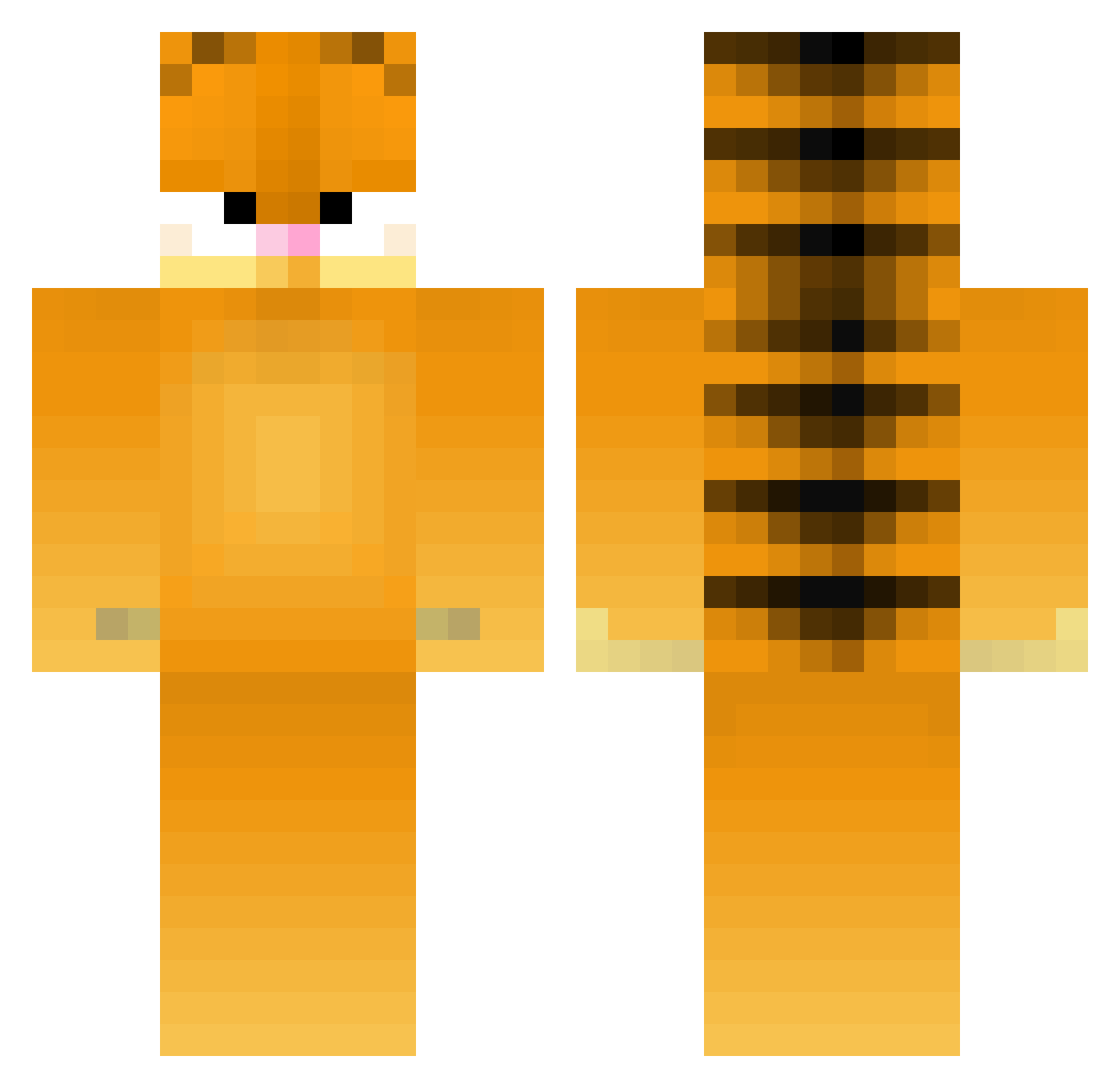
Current Minecraft skin of the player Aertica, loaded from the official Mojang API. Rotate the 3D model with your mouse or finger, then download the skin as a PNG file and use it in Minecraft: Bedrock Edition or Java Edition for free. When Aertica changes their skin, this page updates automatically and the old skin stays in the history below.
Other players with this skin (179)
Aertica was the 159th player we have seen with this skin, first spotted on 21.10.2026. The same skin was seen on these players. Open a nickname to see their current skin and skin history.
 Kurt_G Psytrex ArtJerm HEHASNOSTYLE Gabrieru_ Horseflow ayazoyunda Gr1g Skullface75 vvzzre mcm120555 306retro flockofdogs HrinK Not_CCP IDontKnowSterlin DonGatoo Papillonlut Sloffies Minercaft_Man77 Barkin68 dms91s KP_Cat rudlyR PumpkinPipi67 SuperIcaro The_Blue_Lady OhNave sloppydong dyxjtiy NONYMAX drcunners abuschair still3s Roro2b BooSoon2 0rben Kim000112 CigoMigo55 zaroaga nyantaroth Valentinaxo14 llw118 YYandhi DangerousMist ZamnDatTight Beckalaine LamarsKnuckles zocha55 Ding1234 Dj_kahled_09 TitusGrail GymRatBianca tacomayhem27 BorosLegionnaire derlenny420 hubahubahuba JDawg68 Abugush uknowluv
More Garfield Minecraft skins
How to install the Aertica skin
- Press the Download button above to save the skin as a PNG file.
- Minecraft: Bedrock Edition (PE): open the Dressing Room from the main menu (or tap your character → Edit Character), go to Classic Skins → Owned, press the + (new skin) button, choose the downloaded PNG and pick the Classic (Steve) model. Works on PC and mobile; consoles cannot import custom skins.
- Minecraft: Java Edition: open the Minecraft Launcher, go to the Skins tab, click New Skin, load the PNG, pick the Classic (Steve) model and press Save & Use. You can also upload it at minecraft.net → Profile → Change Skin.
The skin does not show up after import - what should I do?
Restart Minecraft and open the Dressing Room again - imported skins sometimes appear only after a restart. Also make sure you selected the imported skin and picked the Classic (Steve) model.
Which model should I choose, Classic or Slim?
This skin is designed for the Classic (Steve) model. If you pick the wrong model, the arms of the skin will look stretched or squeezed.
Is the skin of Aertica free to download?
Yes. Press Download, save the PNG file and use it in Minecraft: Bedrock Edition or Java Edition - no payment or registration needed. The skin also works on multiplayer servers and Realms.
More skins
Looking for more? Go back to all Minecraft skins and check the top skins of the week, month and all time, or find any player's skin by nickname.