
Ae218 - Minecraft Skins & Skin History
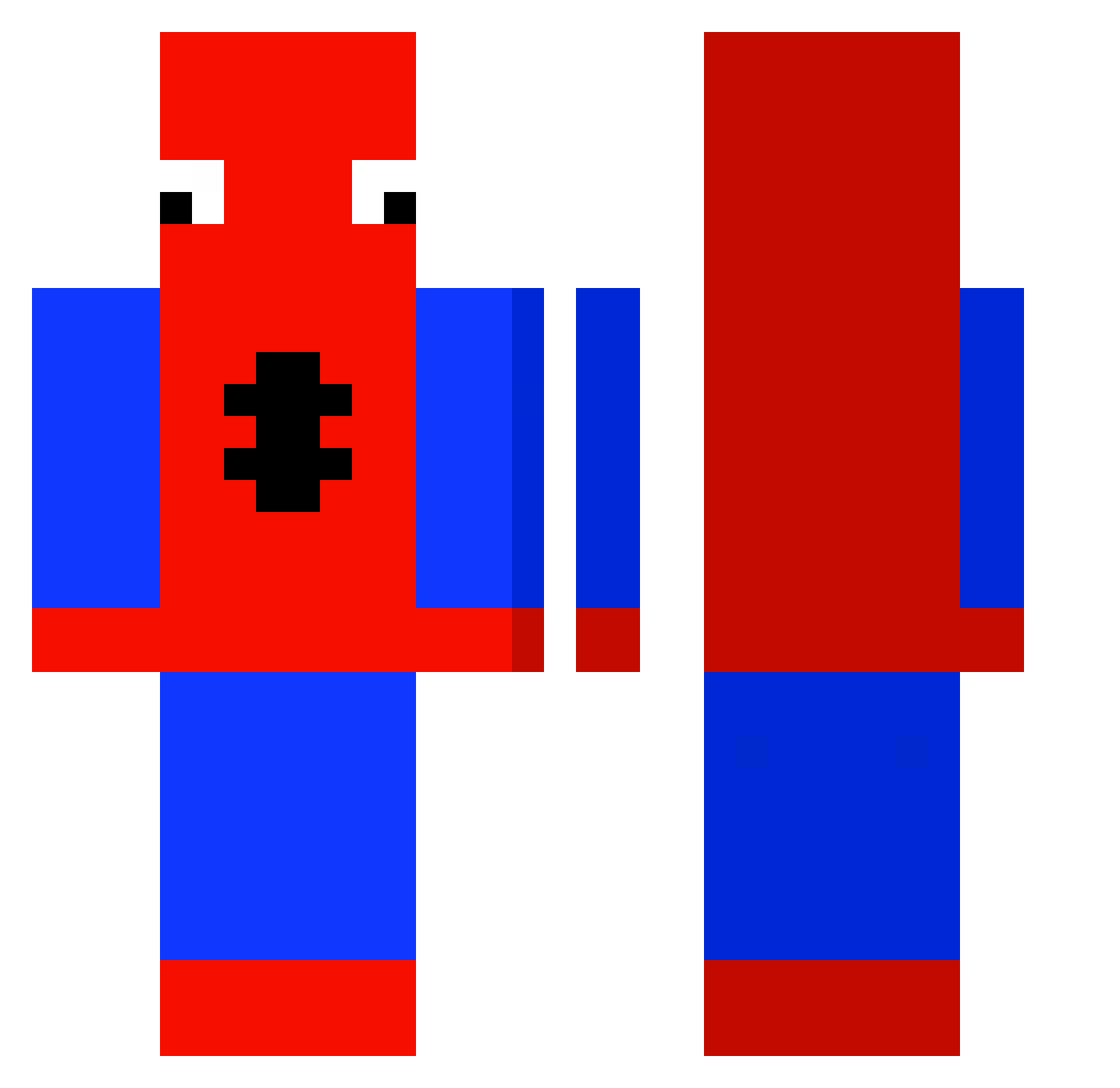
Current Minecraft skin of the player Ae218, loaded from the official Mojang API. Rotate the 3D model with your mouse or finger, then download the skin as a PNG file and use it in Minecraft: Bedrock Edition or Java Edition for free. When Ae218 changes their skin, this page updates automatically and the old skin stays in the history below.
Other players with this skin (429)
Ae218 was the 212th player we have seen with this skin, first spotted on 16.09.2026. The same skin was seen on these players. Open a nickname to see their current skin and skin history.
 Denoice_ boggangone hh2o0 hhh0202 VOLTONS CENTRALXCEE BakkaFlakka w6ldz masucarlo LUCAA44 Fl4pyy bagelsbuss Legiter_ we0p froib_ Byrus06 Kellokinkku Noahisvibin fufu0213 Jiimi_ Dega00 6P1TR19 TONYTONYNOOB c2theaven GREG13 Ellaithy KANG1106 Marcelinoj02 Sly_523 vzxitado TallAsianSmallPP lvcasz zizonjjang22 Snorrezin Blackboy2301 disconnectedidk Vulcan1928 Maxou4545 Klassix SpideyArgento KingOfTheJokers flannelsmoke greenapples1 CanadianAce56 thebanhmi Schmurgel73 ImLxtty jamie_ob3 jaxmcd08 boeyy5 SoulWurrior Ihave01Camaro ElMinecraftin231 ShadeBae H1aSy JUNseokhoon ruasofreman Sac0W hugou4 TheIdioticJosh
More Spider-Man Minecraft skins
How to install the Ae218 skin
- Press the Download button above to save the skin as a PNG file.
- Minecraft: Bedrock Edition (PE): open the Dressing Room from the main menu (or tap your character → Edit Character), go to Classic Skins → Owned, press the + (new skin) button, choose the downloaded PNG and pick the Classic (Steve) model. Works on PC and mobile; consoles cannot import custom skins.
- Minecraft: Java Edition: open the Minecraft Launcher, go to the Skins tab, click New Skin, load the PNG, pick the Classic (Steve) model and press Save & Use. You can also upload it at minecraft.net → Profile → Change Skin.
The skin does not show up after import - what should I do?
Restart Minecraft and open the Dressing Room again - imported skins sometimes appear only after a restart. Also make sure you selected the imported skin and picked the Classic (Steve) model.
Which model should I choose, Classic or Slim?
This skin is designed for the Classic (Steve) model. If you pick the wrong model, the arms of the skin will look stretched or squeezed.
Is the skin of Ae218 free to download?
Yes. Press Download, save the PNG file and use it in Minecraft: Bedrock Edition or Java Edition - no payment or registration needed. The skin also works on multiplayer servers and Realms.
More skins
Looking for more? Go back to all Minecraft skins and check the top skins of the week, month and all time, or find any player's skin by nickname.