
Adriexe880 - Minecraft Skins & Skin History
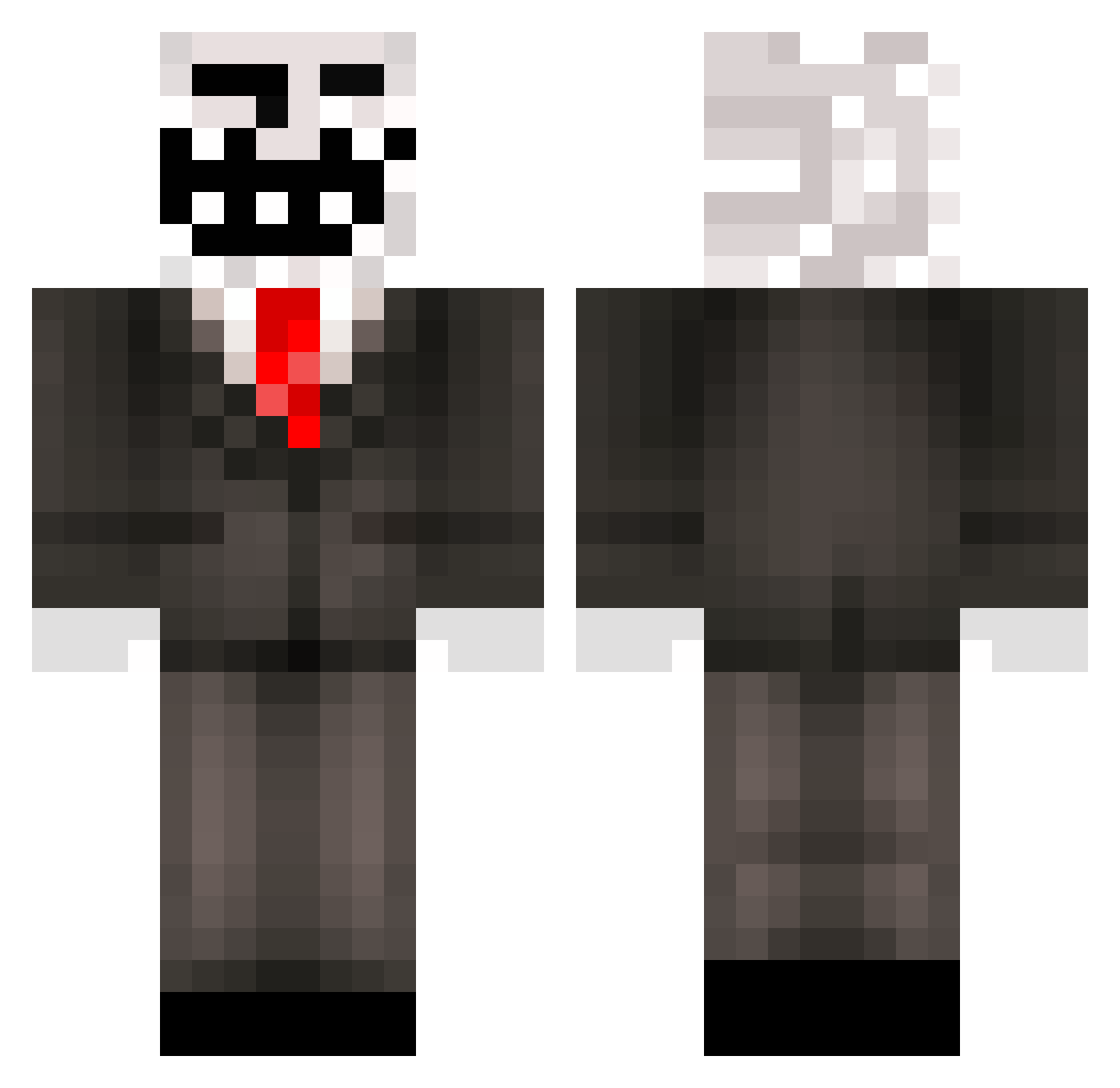
Current Minecraft skin of the player Adriexe880, loaded from the official Mojang API. Rotate the 3D model with your mouse or finger, then download the skin as a PNG file and use it in Minecraft: Bedrock Edition or Java Edition for free. When Adriexe880 changes their skin, this page updates automatically and the old skin stays in the history below.
Other players with this skin (445)
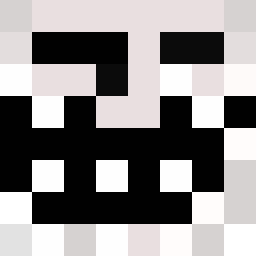
Adriexe880 was the 96th player we have seen with this skin, first spotted on 15.08.2026. The same skin was seen on these players. Open a nickname to see their current skin and skin history.
 Qassu Poopblaster69 Boyra_mai FatherChrist Tz_x JoaoSantoro iAZzzz WhatAChamp IsmelltheFuture irlmangoman WWtuke bito2u woochang0414 loltyp1O abdul_ilkebabaro TuckZedo14 doyakao 1013Sui Symbiose_N Vsnake26 LividN Flaxi974 Vtecalvin crazyboy_cezaevi pagliuca78 Luke_2412 MikelloS53 Kyog3r2006 LEGENDTROLL1003 MarkoMil tekno_rafaYT hjl_91 snikders539 TheSpekker slav0k kwae3teen PancakeNinja6 MightyBanna ewlammel MILI_FI TabernacleSmash fudz1n DarklinkRN Estrambolico katank octodad Paramedic_Peter nohhaha GFluffy lightingboy06 Guy_Bublil Ltrss0 Quehombre Quit107 777viv Marshel_Fox Davennci TheTrollege Sovuxin fun_ded
More Trollface Minecraft skins
How to install the Adriexe880 skin
- Press the Download button above to save the skin as a PNG file.
- Minecraft: Bedrock Edition (PE): open the Dressing Room from the main menu (or tap your character → Edit Character), go to Classic Skins → Owned, press the + (new skin) button, choose the downloaded PNG and pick the Classic (Steve) model. Works on PC and mobile; consoles cannot import custom skins.
- Minecraft: Java Edition: open the Minecraft Launcher, go to the Skins tab, click New Skin, load the PNG, pick the Classic (Steve) model and press Save & Use. You can also upload it at minecraft.net → Profile → Change Skin.
The skin does not show up after import - what should I do?
Restart Minecraft and open the Dressing Room again - imported skins sometimes appear only after a restart. Also make sure you selected the imported skin and picked the Classic (Steve) model.
Which model should I choose, Classic or Slim?
This skin is designed for the Classic (Steve) model. If you pick the wrong model, the arms of the skin will look stretched or squeezed.
Is the skin of Adriexe880 free to download?
Yes. Press Download, save the PNG file and use it in Minecraft: Bedrock Edition or Java Edition - no payment or registration needed. The skin also works on multiplayer servers and Realms.
More skins
Looking for more? Go back to all Minecraft skins and check the top skins of the week, month and all time, or find any player's skin by nickname.