
Abracadanny - Minecraft Skins & Skin History
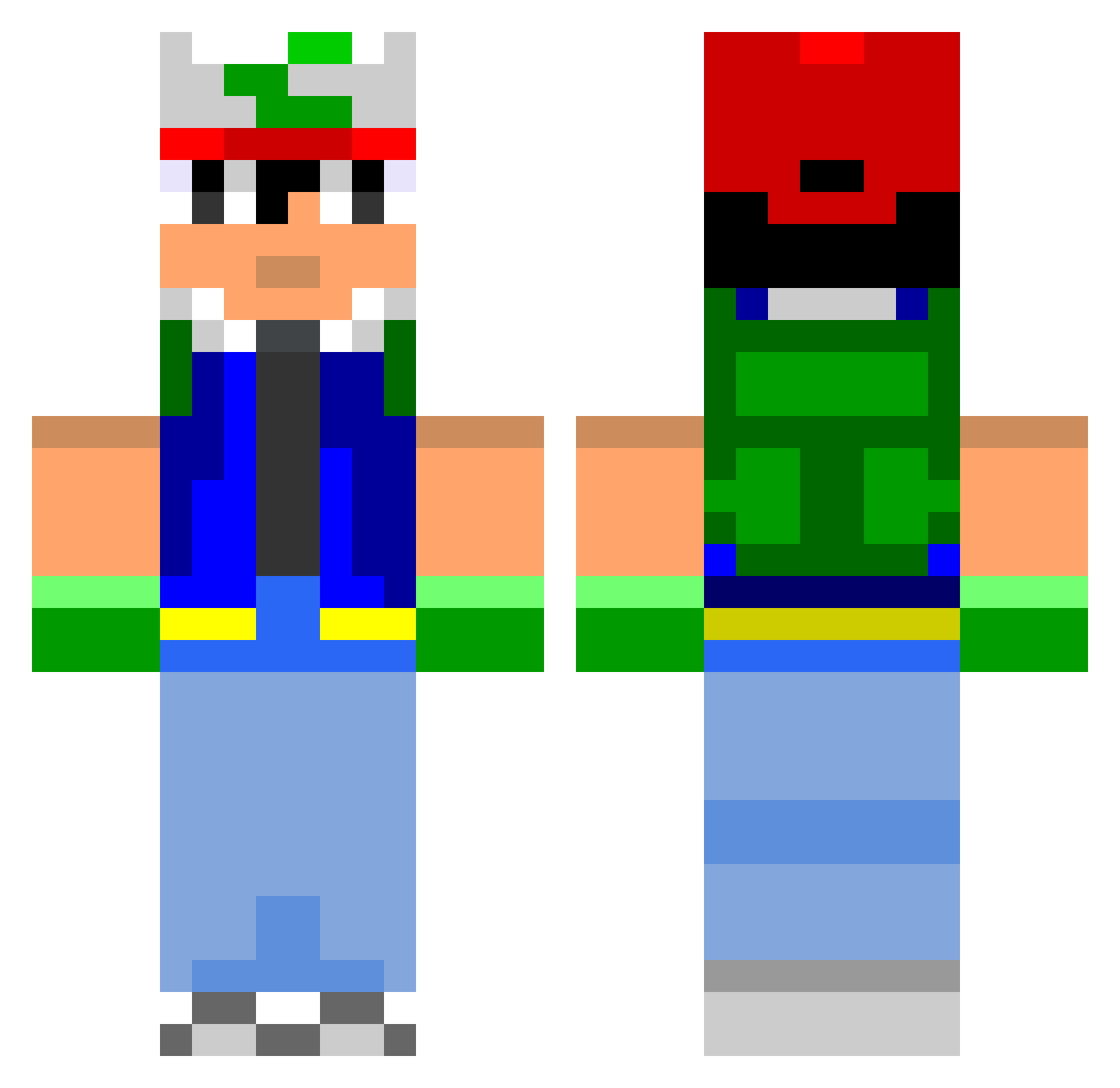
Current Minecraft skin of the player Abracadanny, loaded from the official Mojang API. Rotate the 3D model with your mouse or finger, then download the skin as a PNG file and use it in Minecraft: Bedrock Edition or Java Edition for free. When Abracadanny changes their skin, this page updates automatically and the old skin stays in the history below.
Other players with this skin (976)
Abracadanny was the 917th player we have seen with this skin, first spotted on 13.11.2026. The same skin was seen on these players. Open a nickname to see their current skin and skin history.
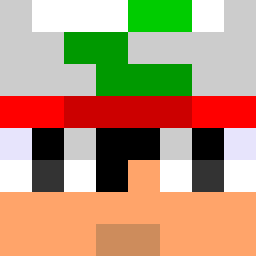 Sputtyyy 69potatoes Avadi MichaelRJR1 wingling steelwire91 brad_howell Hegemon4 digamma8 will20121 Killznoobs Nullar Empdee Jowpie21 GoGoGadgetJimbo westisbananas Gilps XxKingFuFFlesSxX alwaysw Helsek jiggy_b MinecraftToucher dunnion03 gemini62138 BreakerWOLF Stitch15 joschi547 Linktus xOzEdgarx DavidLeeMiller PuffMan420 Terripen Jacky_Legs123 chouboudou007 CurtleTurtle0911 sunburnt_hippo Capura Silversmasher1 mikilan123 xxkyuuxx CuChuRocket ObesePanda Weatherbear MangoSpectacular YangWillWin Godden5 Trissi136 BellaCopic smeg_head glob007 nathank11 Neverkraft galbi bluemtfreerider ravnshado Latcherino louisipod XingYie Vexus titalaboobala
More Ash Ketchum Minecraft skins
How to install the Abracadanny skin
- Press the Download button above to save the skin as a PNG file.
- Minecraft: Bedrock Edition (PE): open the Dressing Room from the main menu (or tap your character → Edit Character), go to Classic Skins → Owned, press the + (new skin) button, choose the downloaded PNG and pick the Classic (Steve) model. Works on PC and mobile; consoles cannot import custom skins.
- Minecraft: Java Edition: open the Minecraft Launcher, go to the Skins tab, click New Skin, load the PNG, pick the Classic (Steve) model and press Save & Use. You can also upload it at minecraft.net → Profile → Change Skin.
The skin does not show up after import - what should I do?
Restart Minecraft and open the Dressing Room again - imported skins sometimes appear only after a restart. Also make sure you selected the imported skin and picked the Classic (Steve) model.
Which model should I choose, Classic or Slim?
This skin is designed for the Classic (Steve) model. If you pick the wrong model, the arms of the skin will look stretched or squeezed.
Is the skin of Abracadanny free to download?
Yes. Press Download, save the PNG file and use it in Minecraft: Bedrock Edition or Java Edition - no payment or registration needed. The skin also works on multiplayer servers and Realms.
More skins
Looking for more? Go back to all Minecraft skins and check the top skins of the week, month and all time, or find any player's skin by nickname.