
Abood1414 - Minecraft Skins & Skin History
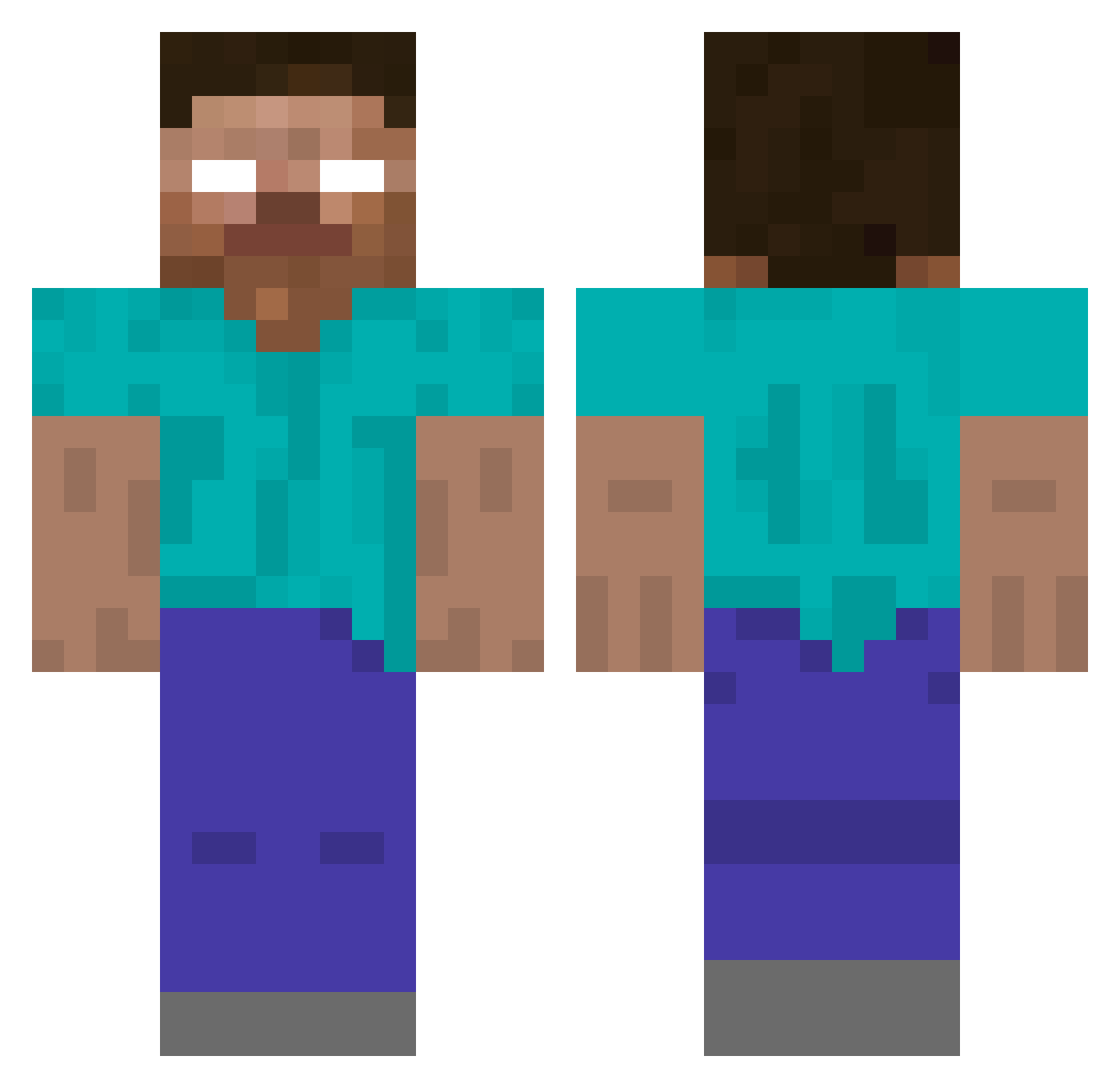
Current Minecraft skin of the player Abood1414, loaded from the official Mojang API. Rotate the 3D model with your mouse or finger, then download the skin as a PNG file and use it in Minecraft: Bedrock Edition or Java Edition for free. When Abood1414 changes their skin, this page updates automatically and the old skin stays in the history below.
Other players with this skin (77)
Abood1414 was the 25th player we have seen with this skin, first spotted on 27.08.2026. The same skin was seen on these players. Open a nickname to see their current skin and skin history.
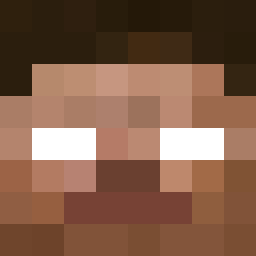 youngnudyfan Hyperti4382 piesek420 caidnen idodo_1 Substance06 ChiaroPipo rufuf redclapper Mr_Sandmanll HerobrineElSayed simplax83 Xalorix bj33 Tyygue 6968 Dieg0And glfhqls RockStarM8 CrownHerobrinee Herovrine WakaWaka_ newdrank Maher393 dontsawanyone Jamesy033 Hero_Brinee Naputure fullrekt just_tele2023 SSJDIOS S0YEON
 H3R08R1N33 WEEDLOWER999 ourdreamtobe imboin FollTrace Pitudo_avg Keiotaka UltraBored solaralts_gA2eLL Primebrine Kiotopci attymich poyek Dragondan68 AlaranRuins iNexr Pronghorn j303 Profi187 theJAKEMAN SoggyPotatoe895 SunKillMoon myxna OldClips Player8375821 Eysa_eq FellaInGen kyaren_
Previous skins of Abood1414
Skins that Abood1414 wore before, newest first. Click a skin to open its page and download it.
More Creepy Minecraft skins
How to install the Abood1414 skin
- Press the Download button above to save the skin as a PNG file.
- Minecraft: Bedrock Edition (PE): open the Dressing Room from the main menu (or tap your character → Edit Character), go to Classic Skins → Owned, press the + (new skin) button, choose the downloaded PNG and pick the Classic (Steve) model. Works on PC and mobile; consoles cannot import custom skins.
- Minecraft: Java Edition: open the Minecraft Launcher, go to the Skins tab, click New Skin, load the PNG, pick the Classic (Steve) model and press Save & Use. You can also upload it at minecraft.net → Profile → Change Skin.
The skin does not show up after import - what should I do?
Restart Minecraft and open the Dressing Room again - imported skins sometimes appear only after a restart. Also make sure you selected the imported skin and picked the Classic (Steve) model.
Which model should I choose, Classic or Slim?
This skin is designed for the Classic (Steve) model. If you pick the wrong model, the arms of the skin will look stretched or squeezed.
Is the skin of Abood1414 free to download?
Yes. Press Download, save the PNG file and use it in Minecraft: Bedrock Edition or Java Edition - no payment or registration needed. The skin also works on multiplayer servers and Realms.
More skins
Looking for more? Go back to all Minecraft skins and check the top skins of the week, month and all time, or find any player's skin by nickname.