
Abgelehntt - Minecraft Skins & Skin History
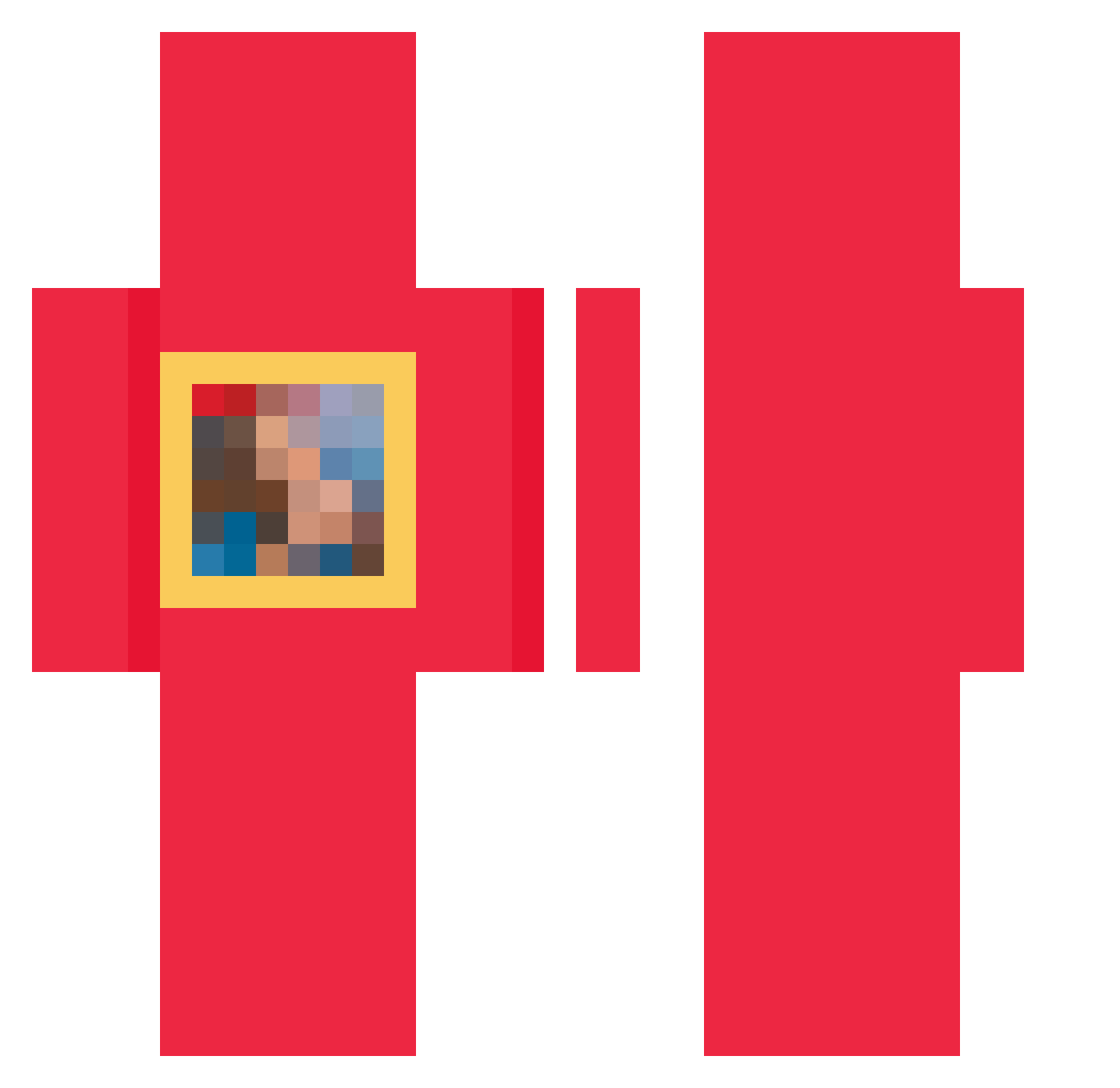
Current Minecraft skin of the player Abgelehntt, loaded from the official Mojang API. Rotate the 3D model with your mouse or finger, then download the skin as a PNG file and use it in Minecraft: Bedrock Edition or Java Edition for free. When Abgelehntt changes their skin, this page updates automatically and the old skin stays in the history below.
Other players with this skin (47)
Abgelehntt was the 23rd player we have seen with this skin, first spotted on 16.09.2026. The same skin was seen on these players. Open a nickname to see their current skin and skin history.
 Murmelflapp Speelty MandGob GebildeterMann eifisia zNotSimo Slepexx drilladaq _j3zza vvcxrk knayeweesst AliceS03 Pursen IGO2893 Tomasito_papunia Sxipter Or5sun1 yeezy_s LamLam5617 farrquad pillowzzzzz JET2242018 B6ld kaszuwara Shiatta_Man WEMBANYAMMAAAA NAUKYR deckjh 3l3mental Laddery theshepherdd SonOfAPlatypus zXbOuNcYbOi splattered zluppyy _Placek123 MassiveManWilly bedwarsismid Tomaniac10 Dumatry xzfir _GewoonTom chunky094 _griot MERTRACLO 22b7 RL_9513
How to install the Abgelehntt skin
- Press the Download button above to save the skin as a PNG file.
- Minecraft: Bedrock Edition (PE): open the Dressing Room from the main menu (or tap your character → Edit Character), go to Classic Skins → Owned, press the + (new skin) button, choose the downloaded PNG and pick the Classic (Steve) model. Works on PC and mobile; consoles cannot import custom skins.
- Minecraft: Java Edition: open the Minecraft Launcher, go to the Skins tab, click New Skin, load the PNG, pick the Classic (Steve) model and press Save & Use. You can also upload it at minecraft.net → Profile → Change Skin.
The skin does not show up after import - what should I do?
Restart Minecraft and open the Dressing Room again - imported skins sometimes appear only after a restart. Also make sure you selected the imported skin and picked the Classic (Steve) model.
Which model should I choose, Classic or Slim?
This skin is designed for the Classic (Steve) model. If you pick the wrong model, the arms of the skin will look stretched or squeezed.
Is the skin of Abgelehntt free to download?
Yes. Press Download, save the PNG file and use it in Minecraft: Bedrock Edition or Java Edition - no payment or registration needed. The skin also works on multiplayer servers and Realms.
More skins
Looking for more? Go back to all Minecraft skins and check the top skins of the week, month and all time, or find any player's skin by nickname.