
A_Coconut132 - Minecraft Skins & Skin History
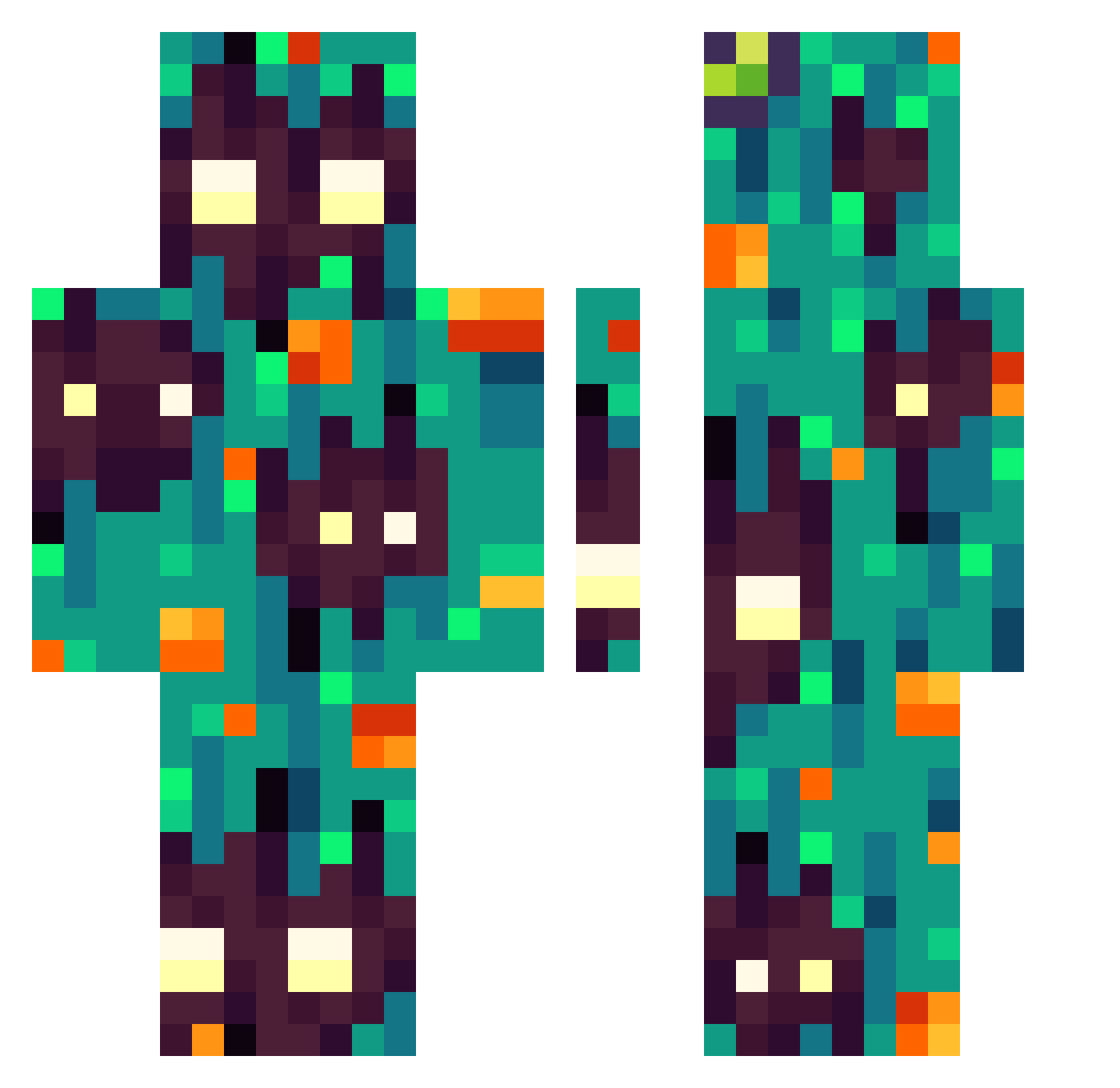
Current Minecraft skin of the player A_Coconut132, loaded from the official Mojang API. Rotate the 3D model with your mouse or finger, then download the skin as a PNG file and use it in Minecraft: Bedrock Edition or Java Edition for free. When A_Coconut132 changes their skin, this page updates automatically and the old skin stays in the history below.
Other players with this skin (365)
A_Coconut132 was the 310th player we have seen with this skin, first spotted on 02.11.2026. The same skin was seen on these players. Open a nickname to see their current skin and skin history.
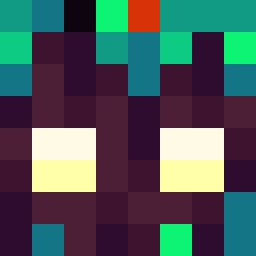 Ziemniaczki1221 Leidyy874 IceTwomeetYou TiburzioFoglia bozotheo MushroomReis Oazkaa Hking_1123123123 Danision CabezaBombilla KingSzarekh Chayok984 Low_Grade_Fuel EnEk23 ReddyWar Poirot7 Kai617 Quensai BlackLaurus P34Mo Tom_UK Kirsunne FUREURNOIR Omissss Papryk_26 iposzed Linchx3 eldoinger mattia827 kalarepka123 TaRu16 ElderSleepy FloNawak carredas4 tenebrarumv2 Crict Doliprane__500mg xiaolizi666 Patrykos360 9verrxckteew Mason2263 SANDFILM ANUGOD kog_maw2 GreenPlant4 Palspop SteliosTheSnake GamersTigon Cheater77 Raslaan SeraMan2013 olsonCO zhandoude wnsytneoajfl pyonguk Kou_RD Noshk Unixal Bad_Morels AkuraLegends
How to install the A_Coconut132 skin
- Press the Download button above to save the skin as a PNG file.
- Minecraft: Bedrock Edition (PE): open the Dressing Room from the main menu (or tap your character → Edit Character), go to Classic Skins → Owned, press the + (new skin) button, choose the downloaded PNG and pick the Classic (Steve) model. Works on PC and mobile; consoles cannot import custom skins.
- Minecraft: Java Edition: open the Minecraft Launcher, go to the Skins tab, click New Skin, load the PNG, pick the Classic (Steve) model and press Save & Use. You can also upload it at minecraft.net → Profile → Change Skin.
The skin does not show up after import - what should I do?
Restart Minecraft and open the Dressing Room again - imported skins sometimes appear only after a restart. Also make sure you selected the imported skin and picked the Classic (Steve) model.
Which model should I choose, Classic or Slim?
This skin is designed for the Classic (Steve) model. If you pick the wrong model, the arms of the skin will look stretched or squeezed.
Is the skin of A_Coconut132 free to download?
Yes. Press Download, save the PNG file and use it in Minecraft: Bedrock Edition or Java Edition - no payment or registration needed. The skin also works on multiplayer servers and Realms.
More skins
Looking for more? Go back to all Minecraft skins and check the top skins of the week, month and all time, or find any player's skin by nickname.