
AVeryScarySmile - Minecraft Skins & Skin History
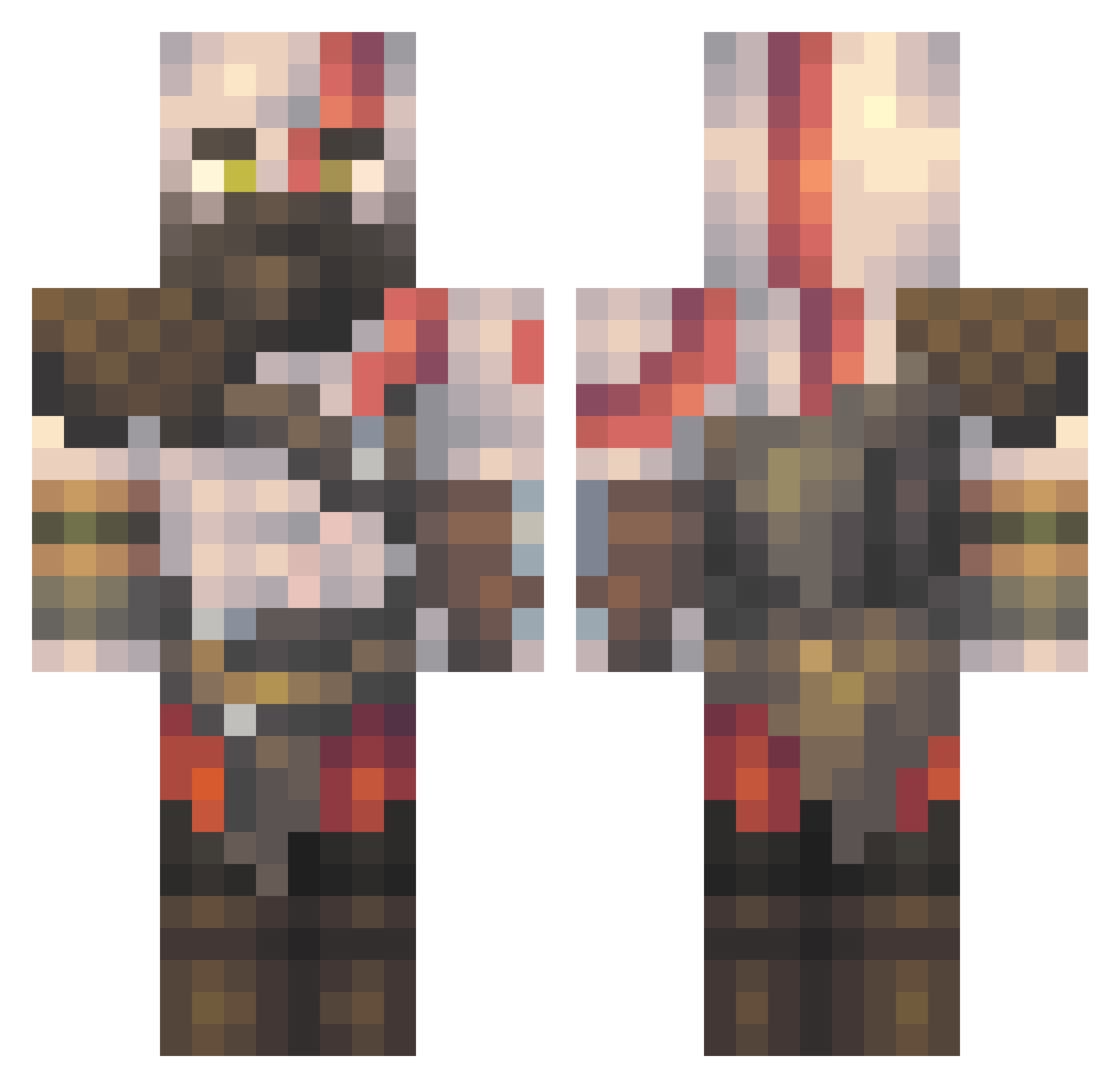
Current Minecraft skin of the player AVeryScarySmile, loaded from the official Mojang API. Rotate the 3D model with your mouse or finger, then download the skin as a PNG file and use it in Minecraft: Bedrock Edition or Java Edition for free. When AVeryScarySmile changes their skin, this page updates automatically and the old skin stays in the history below.
Other players with this skin (444)
AVeryScarySmile was the 193rd player we have seen with this skin, first spotted on 01.09.2026. The same skin was seen on these players. Open a nickname to see their current skin and skin history.
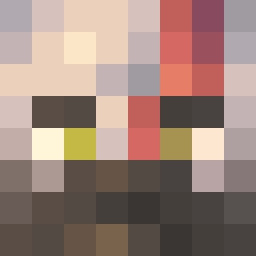 DefsNotQuack scudiere Jinnoni Caleor manqueando ASBA88 ZanBandit IamKratos_ ToXicGordeklon Mars_Da_Savage smeagolcutie Theperson3708 Owrelior Colonel0 NirM_1 JONDAV2211 doop313 Karaliakos cydi69 Kilroywashere79 SKAFIND Vic1611 RAGENARIUS Xazien GooseS7 Haffi210 GIOCubos OLP29 BePan1 Vuquenss grxz29 Mr_Chirick Odisea23 YDHULK ExperTheGreatest Rizzlybear07 AirforceMatt331 Devnextdoor PxnzerGlxs DragonTR92 frk061 RadioPlayStation CristhianDrake RueddleRobbe Hanokia Visboks TowarzyszMichael BadComboo ronnyb913 Silverwolf272 t0kac Luis7115 enokifries moakhq10 SFODOCDusty TanOnRush GinoPanino1 ViniSergio03 FranK0801 neldan9002
More Kratos Minecraft skins
How to install the AVeryScarySmile skin
- Press the Download button above to save the skin as a PNG file.
- Minecraft: Bedrock Edition (PE): open the Dressing Room from the main menu (or tap your character → Edit Character), go to Classic Skins → Owned, press the + (new skin) button, choose the downloaded PNG and pick the Classic (Steve) model. Works on PC and mobile; consoles cannot import custom skins.
- Minecraft: Java Edition: open the Minecraft Launcher, go to the Skins tab, click New Skin, load the PNG, pick the Classic (Steve) model and press Save & Use. You can also upload it at minecraft.net → Profile → Change Skin.
The skin does not show up after import - what should I do?
Restart Minecraft and open the Dressing Room again - imported skins sometimes appear only after a restart. Also make sure you selected the imported skin and picked the Classic (Steve) model.
Which model should I choose, Classic or Slim?
This skin is designed for the Classic (Steve) model. If you pick the wrong model, the arms of the skin will look stretched or squeezed.
Is the skin of AVeryScarySmile free to download?
Yes. Press Download, save the PNG file and use it in Minecraft: Bedrock Edition or Java Edition - no payment or registration needed. The skin also works on multiplayer servers and Realms.
More skins
Looking for more? Go back to all Minecraft skins and check the top skins of the week, month and all time, or find any player's skin by nickname.