
AV4R1CE - Minecraft Skins & Skin History
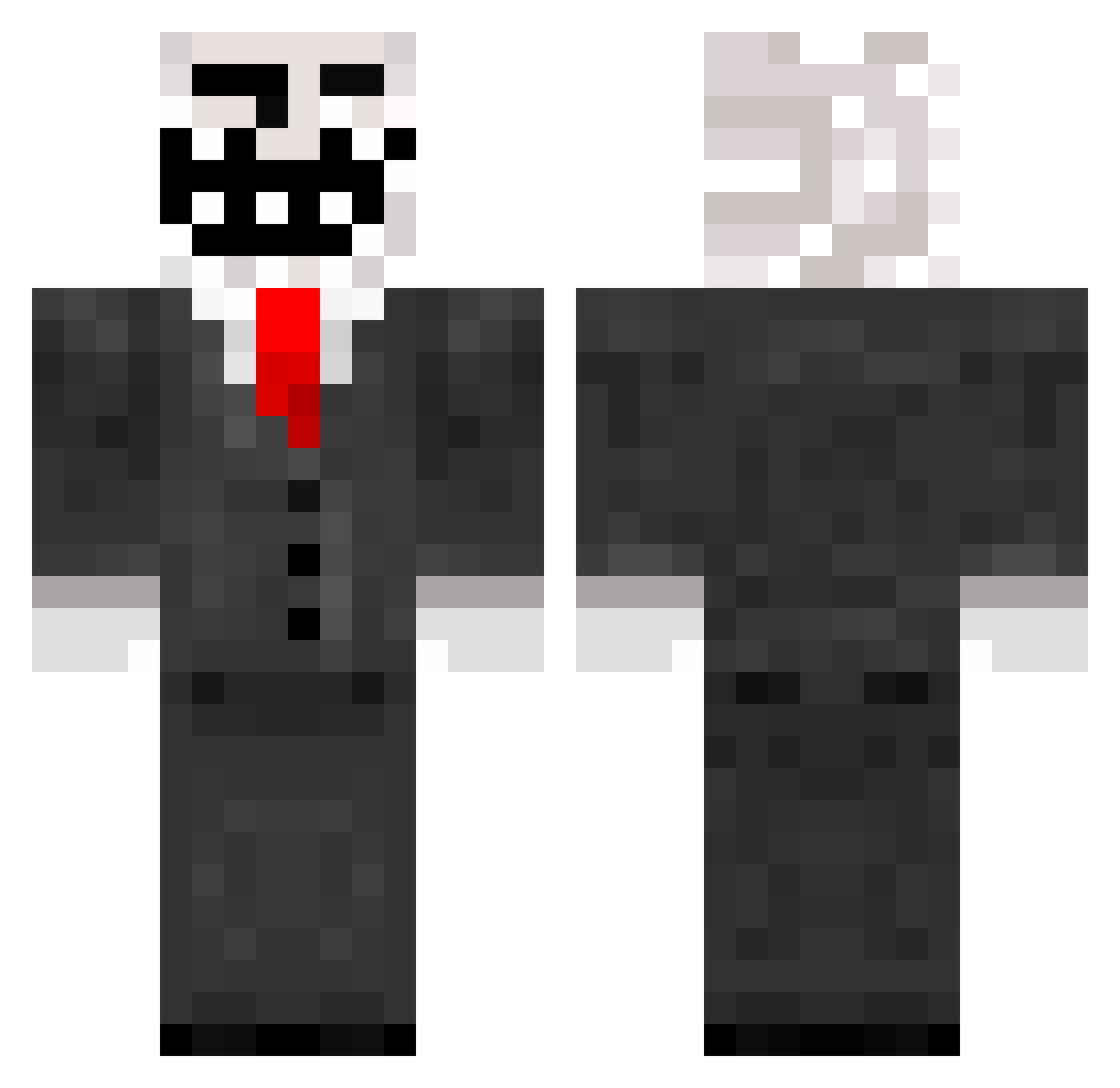
Current Minecraft skin of the player AV4R1CE, loaded from the official Mojang API. Rotate the 3D model with your mouse or finger, then download the skin as a PNG file and use it in Minecraft: Bedrock Edition or Java Edition for free. When AV4R1CE changes their skin, this page updates automatically and the old skin stays in the history below.
Other players with this skin (965)
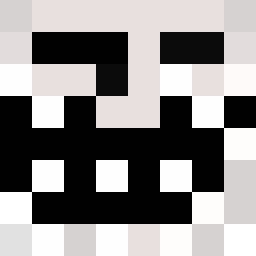
AV4R1CE was the 788th player we have seen with this skin, first spotted on 01.11.2026. The same skin was seen on these players. Open a nickname to see their current skin and skin history.
 Deadyyy jetleehunter Janob LuckyBastard57 corvite ElGon92 tommy914 mymomlikesmilk xXxMobSlayerxXx Sylvester_11 minecraft_emil lolAnimation cheapbighead army_600 StrandedTeens MTA905 DonDrum Zipp_ytb Chip1gg Narfwagon VividKiwi artemDem FFXIII HenryR3 VatOleg Gaurdi enderud bilder59 stickhockey krazykidkie02 Vegadon peekaboobananas NEMOHLER15 ThetrueIceTea hugodu974 ackeeh ThomasTheWinner nubkak3s jacksonwilson_ mistercreeper226 Moozla Philipmaccar ButterWB flomandu93 highfe getsome95 ikillhamsters123 DevilDouche yanis114 timbros59 ricc2001 marksewell Anguilliformes James_A_Murray Gamer_King1 Shlapen kevin27460 Schrottexperte mattnil DJMikeyG
More Trollface Minecraft skins
How to install the AV4R1CE skin
- Press the Download button above to save the skin as a PNG file.
- Minecraft: Bedrock Edition (PE): open the Dressing Room from the main menu (or tap your character → Edit Character), go to Classic Skins → Owned, press the + (new skin) button, choose the downloaded PNG and pick the Classic (Steve) model. Works on PC and mobile; consoles cannot import custom skins.
- Minecraft: Java Edition: open the Minecraft Launcher, go to the Skins tab, click New Skin, load the PNG, pick the Classic (Steve) model and press Save & Use. You can also upload it at minecraft.net → Profile → Change Skin.
The skin does not show up after import - what should I do?
Restart Minecraft and open the Dressing Room again - imported skins sometimes appear only after a restart. Also make sure you selected the imported skin and picked the Classic (Steve) model.
Which model should I choose, Classic or Slim?
This skin is designed for the Classic (Steve) model. If you pick the wrong model, the arms of the skin will look stretched or squeezed.
Is the skin of AV4R1CE free to download?
Yes. Press Download, save the PNG file and use it in Minecraft: Bedrock Edition or Java Edition - no payment or registration needed. The skin also works on multiplayer servers and Realms.
More skins
Looking for more? Go back to all Minecraft skins and check the top skins of the week, month and all time, or find any player's skin by nickname.