
ASMNeXUs - Minecraft Skins & Skin History
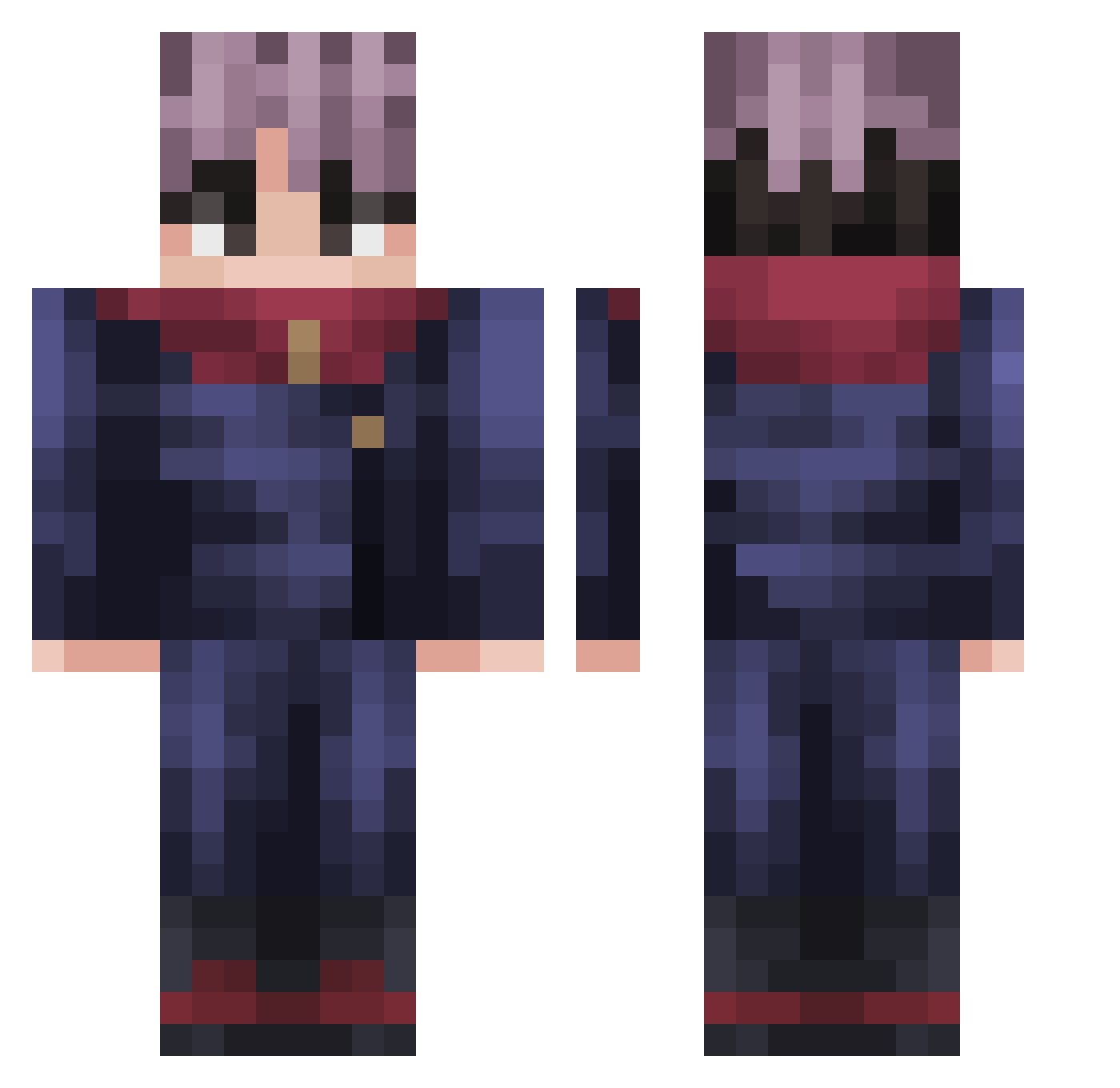
Current Minecraft skin of the player ASMNeXUs, loaded from the official Mojang API. Rotate the 3D model with your mouse or finger, then download the skin as a PNG file and use it in Minecraft: Bedrock Edition or Java Edition for free. When ASMNeXUs changes their skin, this page updates automatically and the old skin stays in the history below.
Other players with this skin (273)
ASMNeXUs was the 252nd player we have seen with this skin, first spotted on 12.11.2026. The same skin was seen on these players. Open a nickname to see their current skin and skin history.
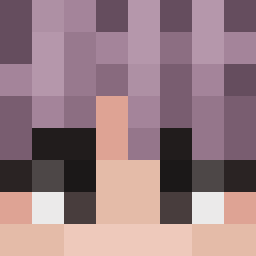 SukunaGamer1 Naisz JotaPR Asendakun Dexzss Akaz_a anson_13 MonkeExplanation cAlexg14 Dogoo420 minebombs99 hhhateee scahiar TheAdlumc XRPXRPXRP olivejordan sloMoYT Borkspi T41cky MonkeyPKM KaAoOsS_66 imDking1 patr_wan tripl120e239494q Kiiyo PeaceArcher Kyuma23 BokutoSenpai Sait0_ LucaTheGreatest1 andresLS Rexounnette ISWom SpaceSpiegel JPapen madz_8 camelcamelhi CurlyFries04 itzyah HERTIUS asce4427 bullmillieu SiropDerable911 iMar1 gratefulEthical Karkette YoUnnecessary RIVAL_ssb acbb2012 Angeljfx d0ky0k Ztoic ARRIVEKOREA riservato_ Rakitic_fan byxavi15 KotarouAmon TRIO13 burrito43 Wnsrn0116
More Yuji Itadori Minecraft skins
See all 242 Yuji Itadori skins
How to install the ASMNeXUs skin
- Press the Download button above to save the skin as a PNG file.
- Minecraft: Bedrock Edition (PE): open the Dressing Room from the main menu (or tap your character → Edit Character), go to Classic Skins → Owned, press the + (new skin) button, choose the downloaded PNG and pick the Classic (Steve) model. Works on PC and mobile; consoles cannot import custom skins.
- Minecraft: Java Edition: open the Minecraft Launcher, go to the Skins tab, click New Skin, load the PNG, pick the Classic (Steve) model and press Save & Use. You can also upload it at minecraft.net → Profile → Change Skin.
The skin does not show up after import - what should I do?
Restart Minecraft and open the Dressing Room again - imported skins sometimes appear only after a restart. Also make sure you selected the imported skin and picked the Classic (Steve) model.
Which model should I choose, Classic or Slim?
This skin is designed for the Classic (Steve) model. If you pick the wrong model, the arms of the skin will look stretched or squeezed.
Is the skin of ASMNeXUs free to download?
Yes. Press Download, save the PNG file and use it in Minecraft: Bedrock Edition or Java Edition - no payment or registration needed. The skin also works on multiplayer servers and Realms.
More skins
Looking for more? Go back to all Minecraft skins and check the top skins of the week, month and all time, or find any player's skin by nickname.