
ASAD1233MK - Minecraft Skins & Skin History
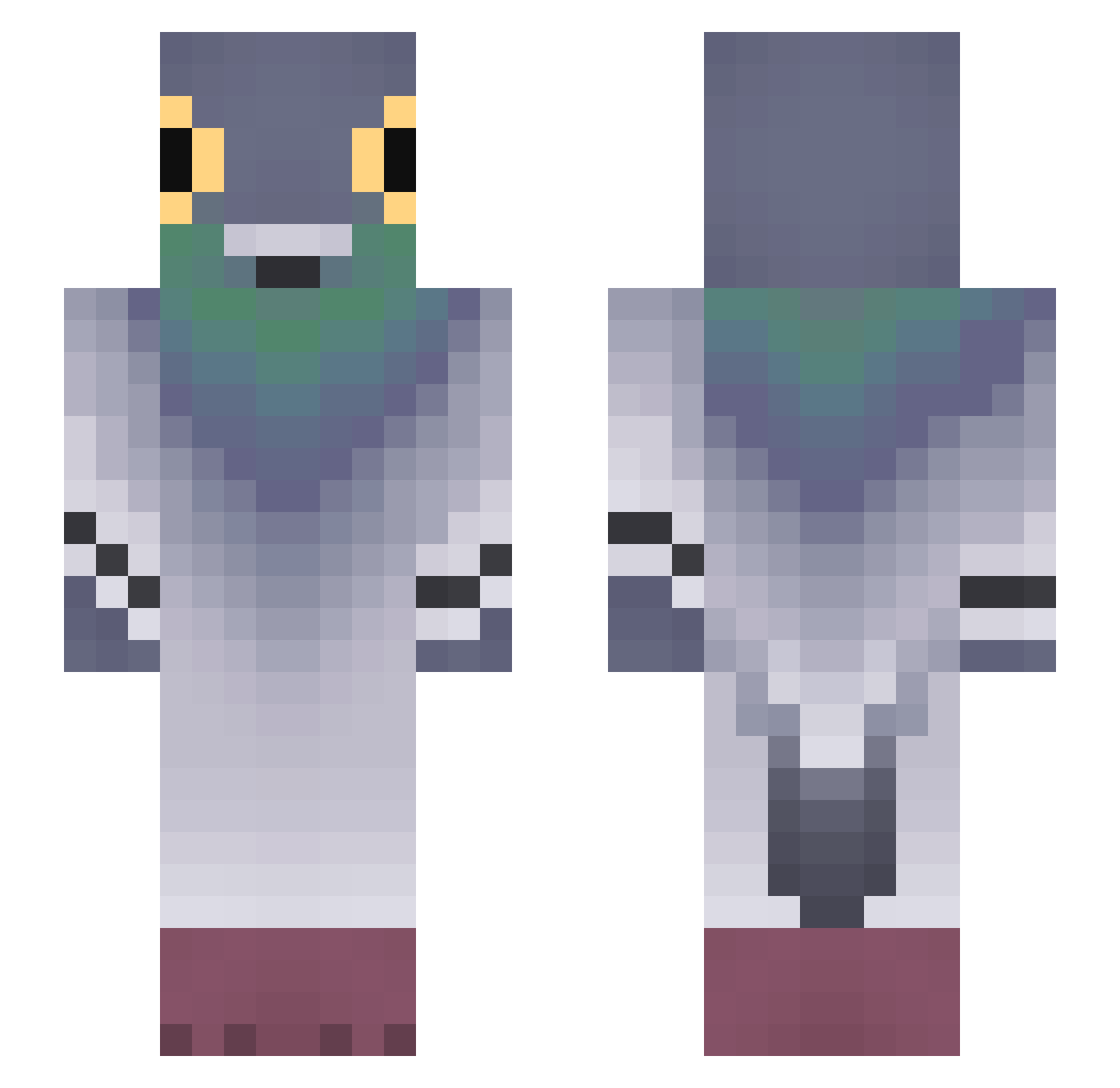
Current Minecraft skin of the player ASAD1233MK, loaded from the official Mojang API. Rotate the 3D model with your mouse or finger, then download the skin as a PNG file and use it in Minecraft: Bedrock Edition or Java Edition for free. When ASAD1233MK changes their skin, this page updates automatically and the old skin stays in the history below.
Other players with this skin (754)
ASAD1233MK was the 494th player we have seen with this skin, first spotted on 01.10.2026. The same skin was seen on these players. Open a nickname to see their current skin and skin history.
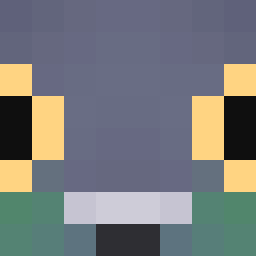 zamsera ladon123izi pigeon_404 kamienislaw Calo97 MiniO_O whoisastro Od00ng2 KiwixDD UmbralFiend _anshork _chaebin_ Everything10121 ravezyqJMF5P Art1Sun mazachi Rivershore Rootbeerman43 Randomatron B_du1gi ScoopyBoi Jaromiro H3ra_ arti1213 nealster NusiaGwiazda LIPYONEK HotCakeMan Cyganek61 pc121231 alakoala33 TripperSinger 37alex73 CatWashinMachin T4rtifl3tte _Cockie_ Maja6215 KAI_311 SICKOWNSALLOPPS tanjro100 EndyVH Black_AF1_exe Reflex1389 Jhairitotuterror Halcyon_Storm Hamzoulila oldziss hebkoa TheArtOfTrap MrPutin09 ZleNaes CSX5002 Davidalphasigma TQWERTY arpigeons jnivla riskosvk99 camiroaga iamverysloww Darwin6
More Pigeon Minecraft skins
How to install the ASAD1233MK skin
- Press the Download button above to save the skin as a PNG file.
- Minecraft: Bedrock Edition (PE): open the Dressing Room from the main menu (or tap your character → Edit Character), go to Classic Skins → Owned, press the + (new skin) button, choose the downloaded PNG and pick the Slim (Alex) model. Works on PC and mobile; consoles cannot import custom skins.
- Minecraft: Java Edition: open the Minecraft Launcher, go to the Skins tab, click New Skin, load the PNG, pick the Slim (Alex) model and press Save & Use. You can also upload it at minecraft.net → Profile → Change Skin.
The skin does not show up after import - what should I do?
Restart Minecraft and open the Dressing Room again - imported skins sometimes appear only after a restart. Also make sure you selected the imported skin and picked the Slim (Alex) model.
Which model should I choose, Classic or Slim?
This skin is designed for the Slim (Alex) model. If you pick the wrong model, the arms of the skin will look stretched or squeezed.
Is the skin of ASAD1233MK free to download?
Yes. Press Download, save the PNG file and use it in Minecraft: Bedrock Edition or Java Edition - no payment or registration needed. The skin also works on multiplayer servers and Realms.
More skins
Looking for more? Go back to all Minecraft skins and check the top skins of the week, month and all time, or find any player's skin by nickname.