
ALRST - Minecraft Skins & Skin History
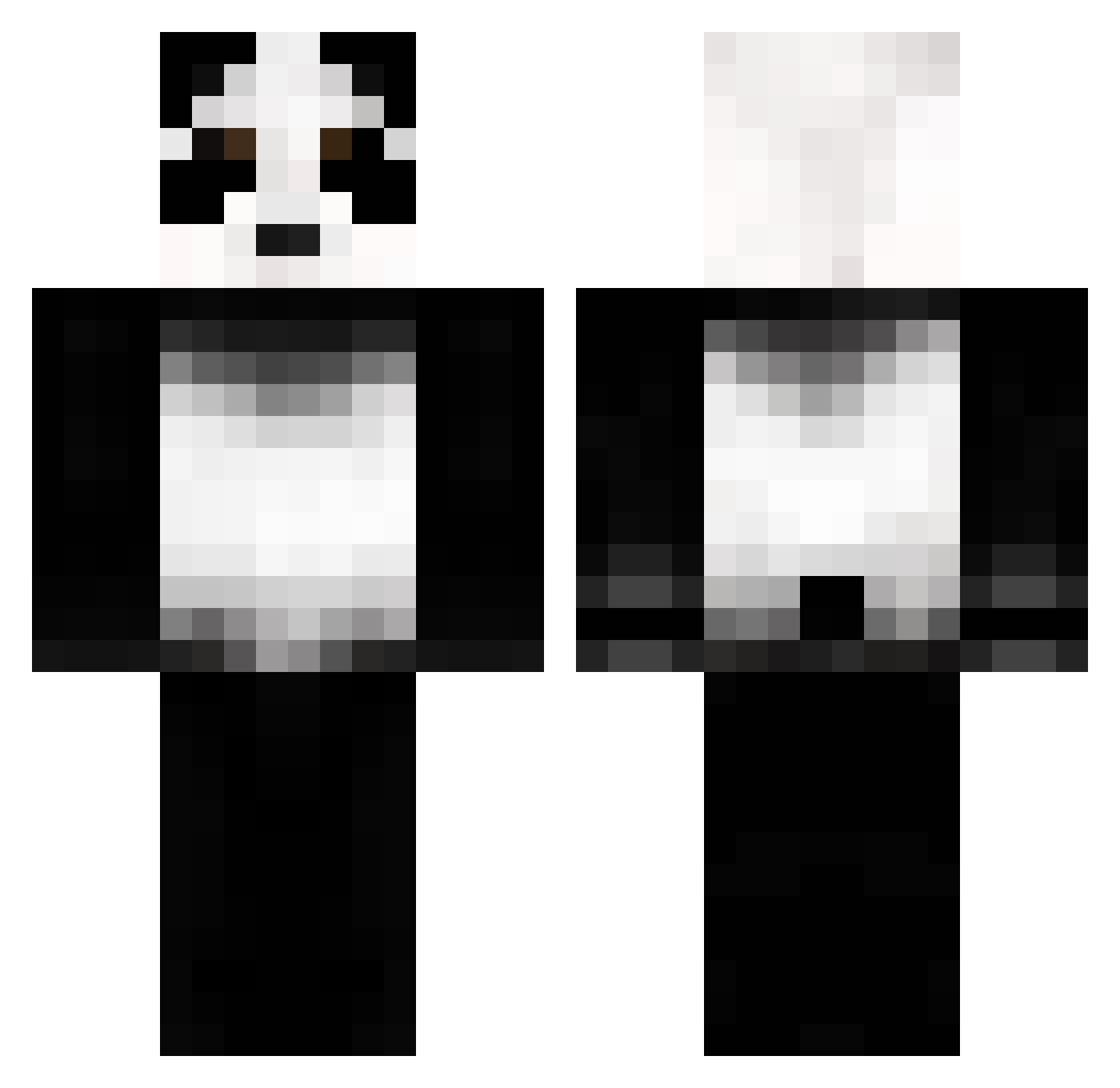
Current Minecraft skin of the player ALRST, loaded from the official Mojang API. Rotate the 3D model with your mouse or finger, then download the skin as a PNG file and use it in Minecraft: Bedrock Edition or Java Edition for free. When ALRST changes their skin, this page updates automatically and the old skin stays in the history below.
Other players with this skin (73)
ALRST was the 48th player we have seen with this skin, first spotted on 05.10.2026. The same skin was seen on these players. Open a nickname to see their current skin and skin history.
 whiffyONFIRE Zapieksa carrolld950 CCHhuut Keyi54 prestige_fan420x campsites PANDAxYOGANDA69 Cyrophobic Seba SKYCLOUD28910 despair000 Akhil3 TIGER0949 shanesky OfficialAsian Kacikos Karotek_123 jchan715 Tosia12 ImToastyy shiaru t1moztw UnknownCat1234 co1dz eehel nim_bus xiNovaa Fullmoon_ ws_dragon GooseJaw Aegir6 zSEVENTRIALSz Dxon00 Albolito that_real_panda Reqzy SharkDj xxxtentacion_hi andr600 ImTomy suddenlypandas Stephhh7 Coolguy0205 roc150 BotPlayer_ IanMax1218 cBrady1 CanCho_ Baels dlubb Nigtastical SoulSandBlock cherrybear3 Inttent kimmykar AresHazretleri lostmyblood caseweh ziaem
More Panda Minecraft skins
How to install the ALRST skin
- Press the Download button above to save the skin as a PNG file.
- Minecraft: Bedrock Edition (PE): open the Dressing Room from the main menu (or tap your character → Edit Character), go to Classic Skins → Owned, press the + (new skin) button, choose the downloaded PNG and pick the Classic (Steve) model. Works on PC and mobile; consoles cannot import custom skins.
- Minecraft: Java Edition: open the Minecraft Launcher, go to the Skins tab, click New Skin, load the PNG, pick the Classic (Steve) model and press Save & Use. You can also upload it at minecraft.net → Profile → Change Skin.
The skin does not show up after import - what should I do?
Restart Minecraft and open the Dressing Room again - imported skins sometimes appear only after a restart. Also make sure you selected the imported skin and picked the Classic (Steve) model.
Which model should I choose, Classic or Slim?
This skin is designed for the Classic (Steve) model. If you pick the wrong model, the arms of the skin will look stretched or squeezed.
Is the skin of ALRST free to download?
Yes. Press Download, save the PNG file and use it in Minecraft: Bedrock Edition or Java Edition - no payment or registration needed. The skin also works on multiplayer servers and Realms.
More skins
Looking for more? Go back to all Minecraft skins and check the top skins of the week, month and all time, or find any player's skin by nickname.