
9Ran - Minecraft Skins & Skin History
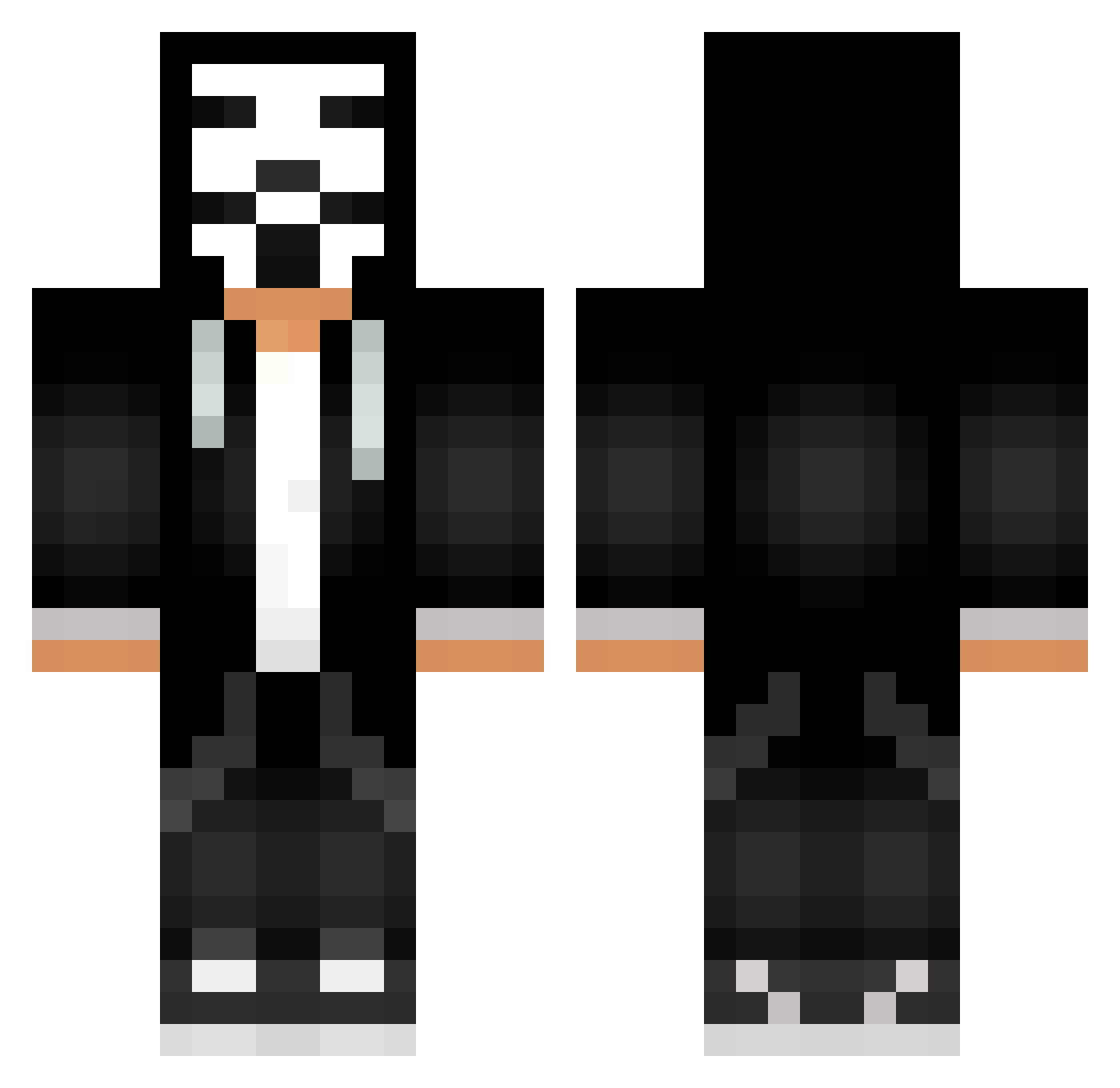
Current Minecraft skin of the player 9Ran, loaded from the official Mojang API. Rotate the 3D model with your mouse or finger, then download the skin as a PNG file and use it in Minecraft: Bedrock Edition or Java Edition for free. When 9Ran changes their skin, this page updates automatically and the old skin stays in the history below.
Other players with this skin (545)
9Ran was the 181st player we have seen with this skin, first spotted on 28.08.2026. The same skin was seen on these players. Open a nickname to see their current skin and skin history.
 ryan3755 Hck33 Poon_4414 a1peer JulianW8710 cprib128 orelsan24 ProjectRogueRP Oxygen09 DpQ366 Hacker4245 Pojafson Lichnost KaylaWayla_ HugoM7 Ksly1 Hacker_dMQ907 MyNameIsGrooot Classicgamer7777 PL0B4 W_Krow XXc00lgamerboiXX Hitachi0714 thetriums ZAMPOLLI_69 Uolber itamar6 MANKLOS CRACKERS6969 Junior3223 OnlyOneStrix rsnayks maxauss Gabel12317 PoWerXEmir tikalsk ZAPPOZ Pro_the_stuff Himbeere_004 cFR421 Eve_____ nolasco910 PlasticEclipse Froz3nPeanut Voices1nMyHead BifTekk Apollo_Rod Frango0o Hidde3D BroYouLikeChickn HacksIsGood1 eltonplima ProDimasik mafioznik__ emiimi MatthiasTheBest btc2007 TotoYTB4 dabertlll Brandoshua
More Anonymous Minecraft skins
How to install the 9Ran skin
- Press the Download button above to save the skin as a PNG file.
- Minecraft: Bedrock Edition (PE): open the Dressing Room from the main menu (or tap your character → Edit Character), go to Classic Skins → Owned, press the + (new skin) button, choose the downloaded PNG and pick the Classic (Steve) model. Works on PC and mobile; consoles cannot import custom skins.
- Minecraft: Java Edition: open the Minecraft Launcher, go to the Skins tab, click New Skin, load the PNG, pick the Classic (Steve) model and press Save & Use. You can also upload it at minecraft.net → Profile → Change Skin.
The skin does not show up after import - what should I do?
Restart Minecraft and open the Dressing Room again - imported skins sometimes appear only after a restart. Also make sure you selected the imported skin and picked the Classic (Steve) model.
Which model should I choose, Classic or Slim?
This skin is designed for the Classic (Steve) model. If you pick the wrong model, the arms of the skin will look stretched or squeezed.
Is the skin of 9Ran free to download?
Yes. Press Download, save the PNG file and use it in Minecraft: Bedrock Edition or Java Edition - no payment or registration needed. The skin also works on multiplayer servers and Realms.
More skins
Looking for more? Go back to all Minecraft skins and check the top skins of the week, month and all time, or find any player's skin by nickname.