
89ikz - Minecraft Skins & Skin History
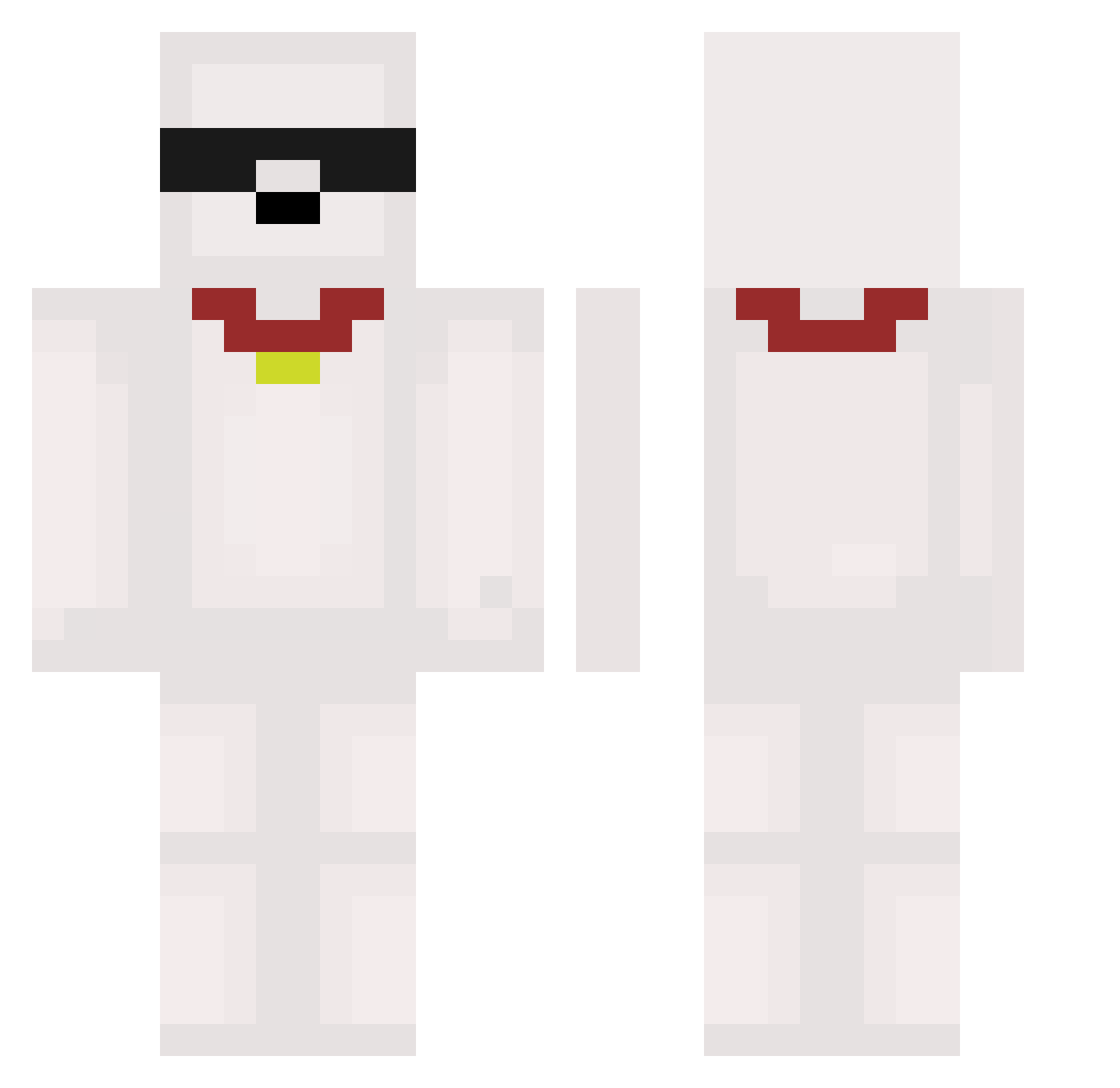
Current Minecraft skin of the player 89ikz, loaded from the official Mojang API. Rotate the 3D model with your mouse or finger, then download the skin as a PNG file and use it in Minecraft: Bedrock Edition or Java Edition for free. When 89ikz changes their skin, this page updates automatically and the old skin stays in the history below.
Other players with this skin (591)
89ikz was the 482nd player we have seen with this skin, first spotted on 23.10.2026. The same skin was seen on these players. Open a nickname to see their current skin and skin history.
 5lx201 Royal040 absurdbat Greenmilk0102 kimzicoco Piku789 riyu0224 bankai_zx VoidOrDie Giuu0 Marvear qkrdlswo SalineCube_ 64Carl TobiPaths TheNitraM7 IKEA_SHARK320 agablack4 zetabyte10 Diegominola27 Shimisuu Soekx eotre_123 flyingdoggie415 moiven_ snoopyMCJE LEE05200 minemanpvp ryu2k11 King_Funny11 theamazingemy AikeauMineral seobell jiwoo59 EduardGo Batu1905 stinkey106 aromanize Ori3213 Chae8ung Tugan6257 husky314 Petosz01 A_A_trol ruperthale zlen0111 r2bl adiell_ dltjqls _Sgaria kktrl potatoo1123 betocamisa10 kalebbbbbb Ranmi1022 vsopi worza16 khs415 lao9 Gian544
More Collar Minecraft skins
How to install the 89ikz skin
- Press the Download button above to save the skin as a PNG file.
- Minecraft: Bedrock Edition (PE): open the Dressing Room from the main menu (or tap your character → Edit Character), go to Classic Skins → Owned, press the + (new skin) button, choose the downloaded PNG and pick the Classic (Steve) model. Works on PC and mobile; consoles cannot import custom skins.
- Minecraft: Java Edition: open the Minecraft Launcher, go to the Skins tab, click New Skin, load the PNG, pick the Classic (Steve) model and press Save & Use. You can also upload it at minecraft.net → Profile → Change Skin.
The skin does not show up after import - what should I do?
Restart Minecraft and open the Dressing Room again - imported skins sometimes appear only after a restart. Also make sure you selected the imported skin and picked the Classic (Steve) model.
Which model should I choose, Classic or Slim?
This skin is designed for the Classic (Steve) model. If you pick the wrong model, the arms of the skin will look stretched or squeezed.
Is the skin of 89ikz free to download?
Yes. Press Download, save the PNG file and use it in Minecraft: Bedrock Edition or Java Edition - no payment or registration needed. The skin also works on multiplayer servers and Realms.
More skins
Looking for more? Go back to all Minecraft skins and check the top skins of the week, month and all time, or find any player's skin by nickname.