
82lb - Minecraft Skins & Skin History
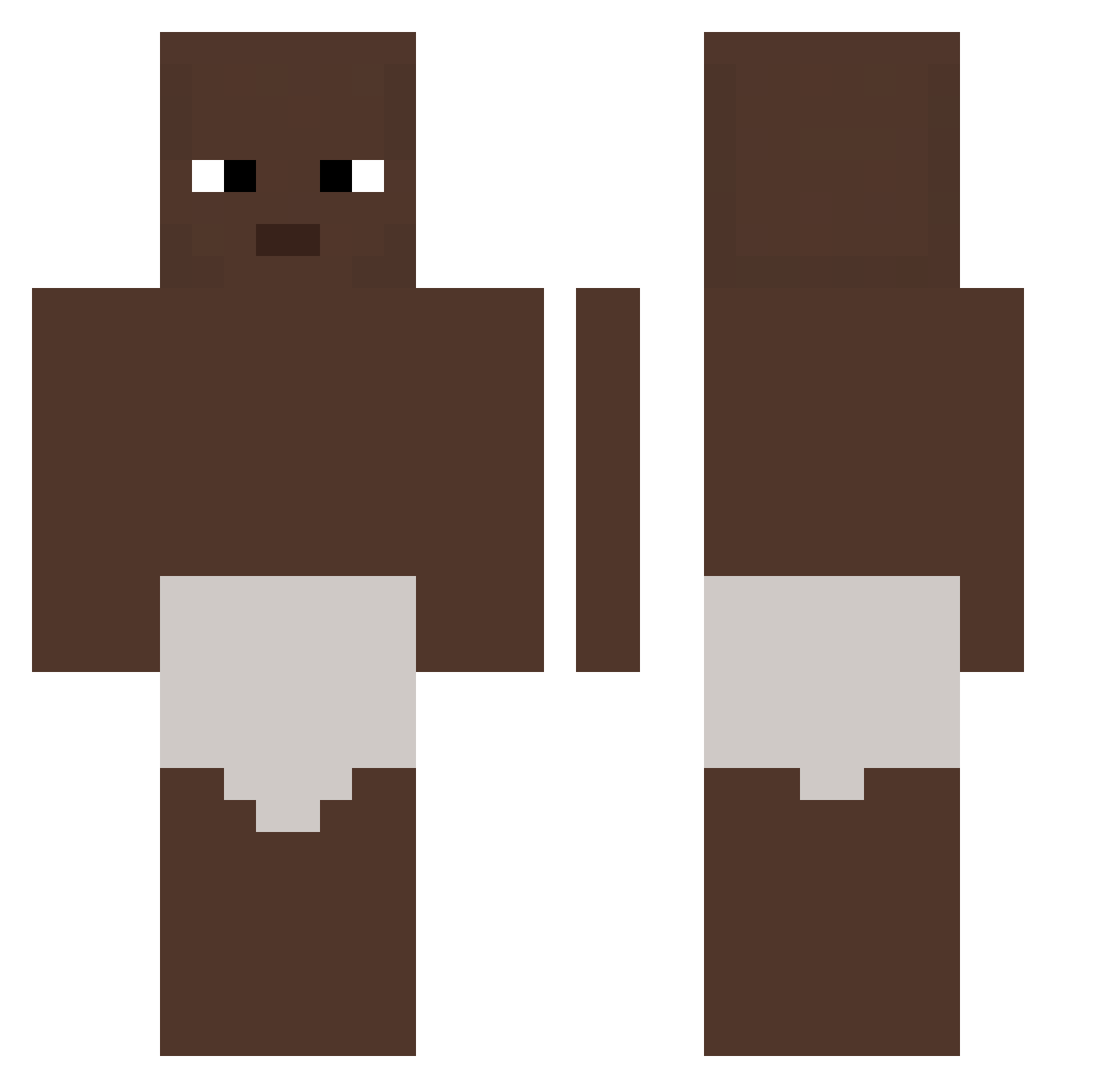
Current Minecraft skin of the player 82lb, loaded from the official Mojang API. Rotate the 3D model with your mouse or finger, then download the skin as a PNG file and use it in Minecraft: Bedrock Edition or Java Edition for free. When 82lb changes their skin, this page updates automatically and the old skin stays in the history below.
Other players with this skin (326)
82lb was the 248th player we have seen with this skin, first spotted on 13.10.2026. The same skin was seen on these players. Open a nickname to see their current skin and skin history.
 Andyy343 hkS999 TeoPio ki1yy Skippergata777 FOXORED Drownl KissShot598 CutyFish on9kai lolitsmike Richieadame7 JuanfranMP8 ImGassy Mqdlad 10time WhanJeab Dark_duck114 qaZario J2Trappy54 GM_ALEGATOR spot0815 ninjaxxu001 Aizen_S0suke Livingbruhmomen dex_dk Eren_Jaeger_ WONPOOPBIN eG5h8n Eviilmax bum279 HaZzox45 paxik19 Bedirhan011 _Nahor_ _Kuray chlennnnn CrashDragon69 HIHIHAHA_Gvyx blazaro9 PlusCraft Navrc_ piggaman1 Nonamed61 FFaattE Zoeeee_e asianchecks beomse8888 CausedChief ChildDestoryer Sudorixaxa dlbaby Akyenu YCX1224 maniek2111145 GuilaG Vzladeira raflaxx szipukagaming s3yh9
More Baby Minecraft skins
How to install the 82lb skin
- Press the Download button above to save the skin as a PNG file.
- Minecraft: Bedrock Edition (PE): open the Dressing Room from the main menu (or tap your character → Edit Character), go to Classic Skins → Owned, press the + (new skin) button, choose the downloaded PNG and pick the Classic (Steve) model. Works on PC and mobile; consoles cannot import custom skins.
- Minecraft: Java Edition: open the Minecraft Launcher, go to the Skins tab, click New Skin, load the PNG, pick the Classic (Steve) model and press Save & Use. You can also upload it at minecraft.net → Profile → Change Skin.
The skin does not show up after import - what should I do?
Restart Minecraft and open the Dressing Room again - imported skins sometimes appear only after a restart. Also make sure you selected the imported skin and picked the Classic (Steve) model.
Which model should I choose, Classic or Slim?
This skin is designed for the Classic (Steve) model. If you pick the wrong model, the arms of the skin will look stretched or squeezed.
Is the skin of 82lb free to download?
Yes. Press Download, save the PNG file and use it in Minecraft: Bedrock Edition or Java Edition - no payment or registration needed. The skin also works on multiplayer servers and Realms.
More skins
Looking for more? Go back to all Minecraft skins and check the top skins of the week, month and all time, or find any player's skin by nickname.