
7slime2 - Minecraft Skins & Skin History
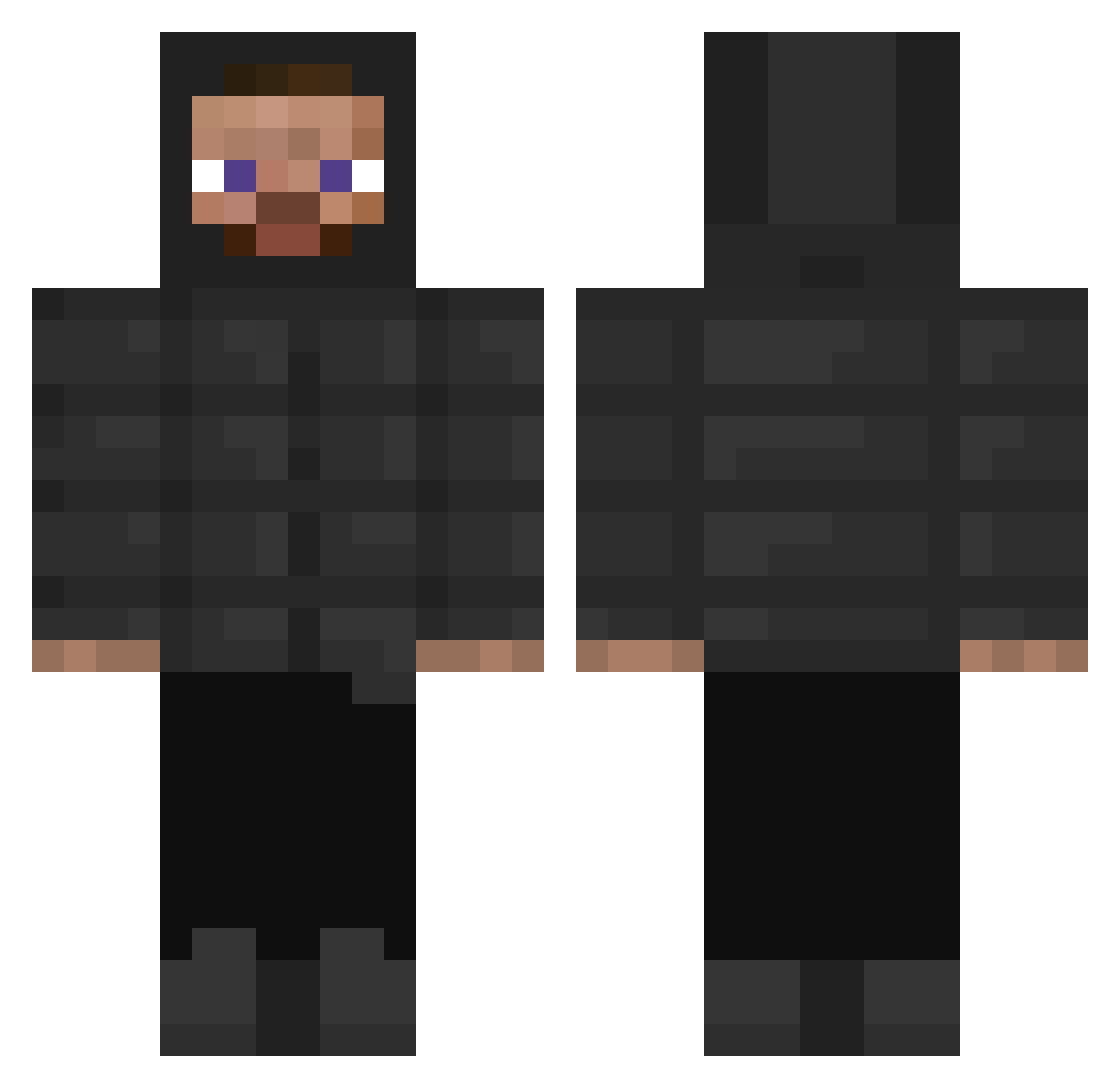
Current Minecraft skin of the player 7slime2, loaded from the official Mojang API. Rotate the 3D model with your mouse or finger, then download the skin as a PNG file and use it in Minecraft: Bedrock Edition or Java Edition for free. When 7slime2 changes their skin, this page updates automatically and the old skin stays in the history below.
Other players with this skin (303)
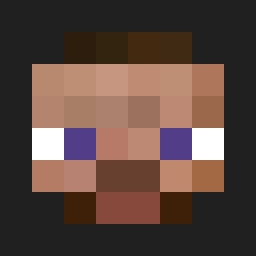
7slime2 was the 254th player we have seen with this skin, first spotted on 16.10.2026. The same skin was seen on these players. Open a nickname to see their current skin and skin history.
 ChimpiChumpi enzo0830 roadmun elsensualyo BladerFlame0 canned_bread kcblood LittleNoe Aligatorici ProfessoriKuula JuanCaldos Akula7774 Dpxz_ _Zakary CheesyRice56 Txnicv Vilhoeemeli wixy0y0 IVK001 ludley DJBillGates21 SneakySalt q8q8 charlienoww trible_hard2 lPatrox Hack_Client DooHee03 MCMillar LaasOne SoyPocket Pikasuar Lapoutine149 Pilius GYATTMASTER6969 ElFary33 Julianjyam9100 21AMED i_don_t_knovv DriveTrain MachoMeep Native_Andrew Ananda1007 NoobFarm W45P berkan04 IRapidI Dimreeper vebmzzz parkervvs ryo_kurishiro segsi_lupang7777 Tombo_1 Musaman Senshi_ ljwells0 Dusty_Barn_Cat Cr3amy4k Chinese_187 NiNeadk
How to install the 7slime2 skin
- Press the Download button above to save the skin as a PNG file.
- Minecraft: Bedrock Edition (PE): open the Dressing Room from the main menu (or tap your character → Edit Character), go to Classic Skins → Owned, press the + (new skin) button, choose the downloaded PNG and pick the Classic (Steve) model. Works on PC and mobile; consoles cannot import custom skins.
- Minecraft: Java Edition: open the Minecraft Launcher, go to the Skins tab, click New Skin, load the PNG, pick the Classic (Steve) model and press Save & Use. You can also upload it at minecraft.net → Profile → Change Skin.
The skin does not show up after import - what should I do?
Restart Minecraft and open the Dressing Room again - imported skins sometimes appear only after a restart. Also make sure you selected the imported skin and picked the Classic (Steve) model.
Which model should I choose, Classic or Slim?
This skin is designed for the Classic (Steve) model. If you pick the wrong model, the arms of the skin will look stretched or squeezed.
Is the skin of 7slime2 free to download?
Yes. Press Download, save the PNG file and use it in Minecraft: Bedrock Edition or Java Edition - no payment or registration needed. The skin also works on multiplayer servers and Realms.
More skins
Looking for more? Go back to all Minecraft skins and check the top skins of the week, month and all time, or find any player's skin by nickname.