
77ns - Minecraft Skins & Skin History
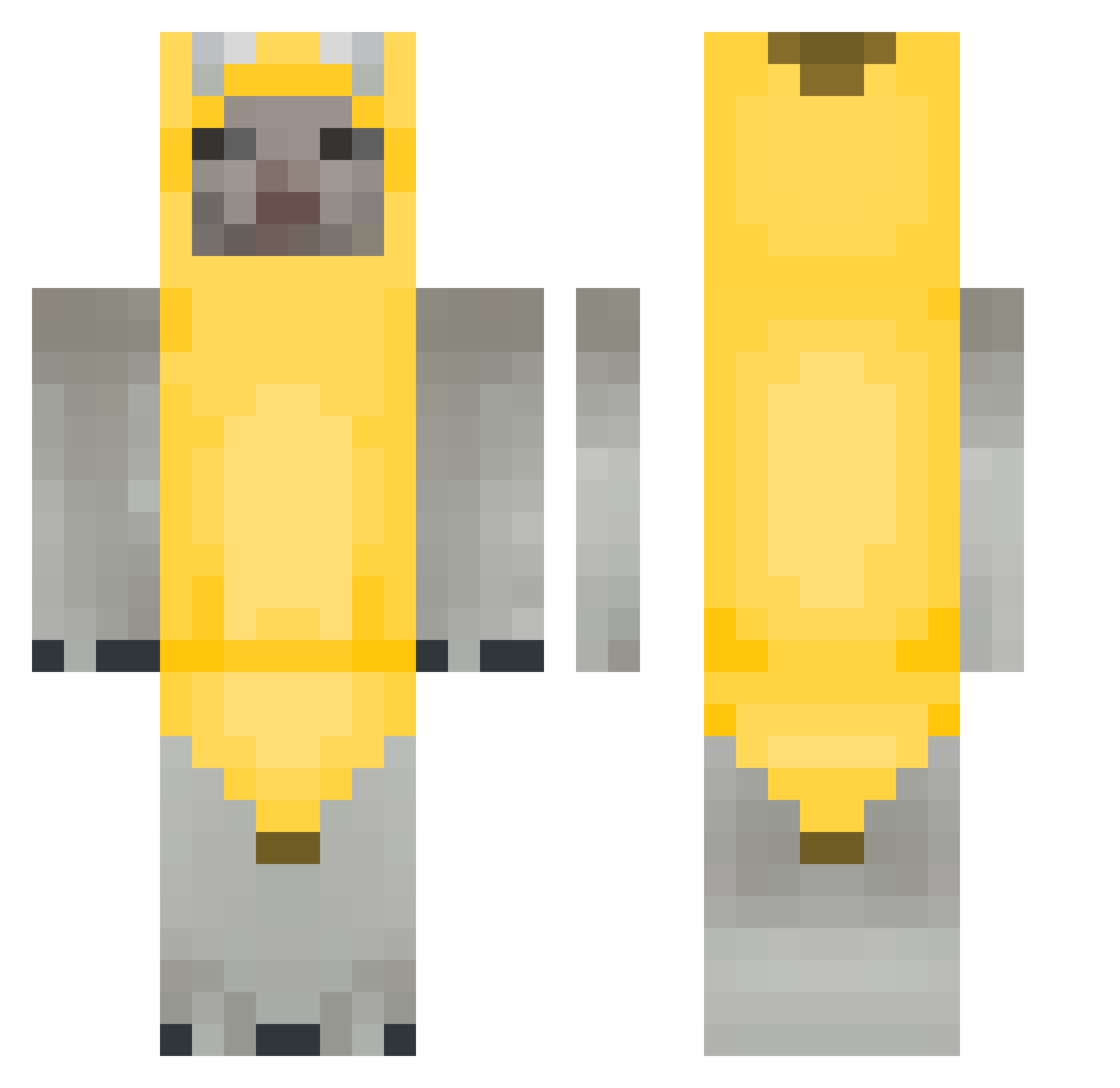
Current Minecraft skin of the player 77ns, loaded from the official Mojang API. Rotate the 3D model with your mouse or finger, then download the skin as a PNG file and use it in Minecraft: Bedrock Edition or Java Edition for free. When 77ns changes their skin, this page updates automatically and the old skin stays in the history below.
Other players with this skin (264)
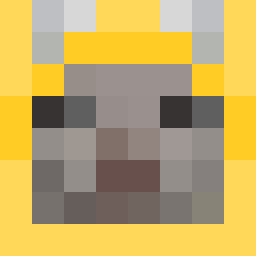
77ns was the 192nd player we have seen with this skin, first spotted on 08.10.2026. The same skin was seen on these players. Open a nickname to see their current skin and skin history.
 dorumon_ ErRor_7070 siuuuuuuuuuui Spotcicle PANDEQUESO777 kelizells Shrck_ Mister_Shoes RxyRxy0603 gatoFeo2000 RINAQUACK spedwird GiorxiIsHere szixi sqnnn sybrenabe anditronco Juliao0 Alexismrtz Timelfie xsnicerx Meurshlawg MrTimeFox Wawa_sr IamAlphaAwoo Rainyday22 nogabogaa _aml a_lien _forever_alone__ ArchibaldSnickle frankiepuddle whdlsdghks12 Ariannklkxd elijahehe foodvillain0 rmsiddlfma ILYRaptor Aloe_Punch jeraold WRLDRAIN HeangZzang meowmeowmaow HnHn_ Nicolo_Vai_69 3armot prec0m_master Waratta Zong_0623 Mamtating VE2D holdmydihh NakuRXI mizuki1084 nballe EthanSomSom TheUnderrated DaBananaa frootloopsboi ehdgns76099
More Banana Costume Minecraft skins
See all 52 Banana Costume skins
How to install the 77ns skin
- Press the Download button above to save the skin as a PNG file.
- Minecraft: Bedrock Edition (PE): open the Dressing Room from the main menu (or tap your character → Edit Character), go to Classic Skins → Owned, press the + (new skin) button, choose the downloaded PNG and pick the Classic (Steve) model. Works on PC and mobile; consoles cannot import custom skins.
- Minecraft: Java Edition: open the Minecraft Launcher, go to the Skins tab, click New Skin, load the PNG, pick the Classic (Steve) model and press Save & Use. You can also upload it at minecraft.net → Profile → Change Skin.
The skin does not show up after import - what should I do?
Restart Minecraft and open the Dressing Room again - imported skins sometimes appear only after a restart. Also make sure you selected the imported skin and picked the Classic (Steve) model.
Which model should I choose, Classic or Slim?
This skin is designed for the Classic (Steve) model. If you pick the wrong model, the arms of the skin will look stretched or squeezed.
Is the skin of 77ns free to download?
Yes. Press Download, save the PNG file and use it in Minecraft: Bedrock Edition or Java Edition - no payment or registration needed. The skin also works on multiplayer servers and Realms.
More skins
Looking for more? Go back to all Minecraft skins and check the top skins of the week, month and all time, or find any player's skin by nickname.