
69girl - Minecraft Skins & Skin History
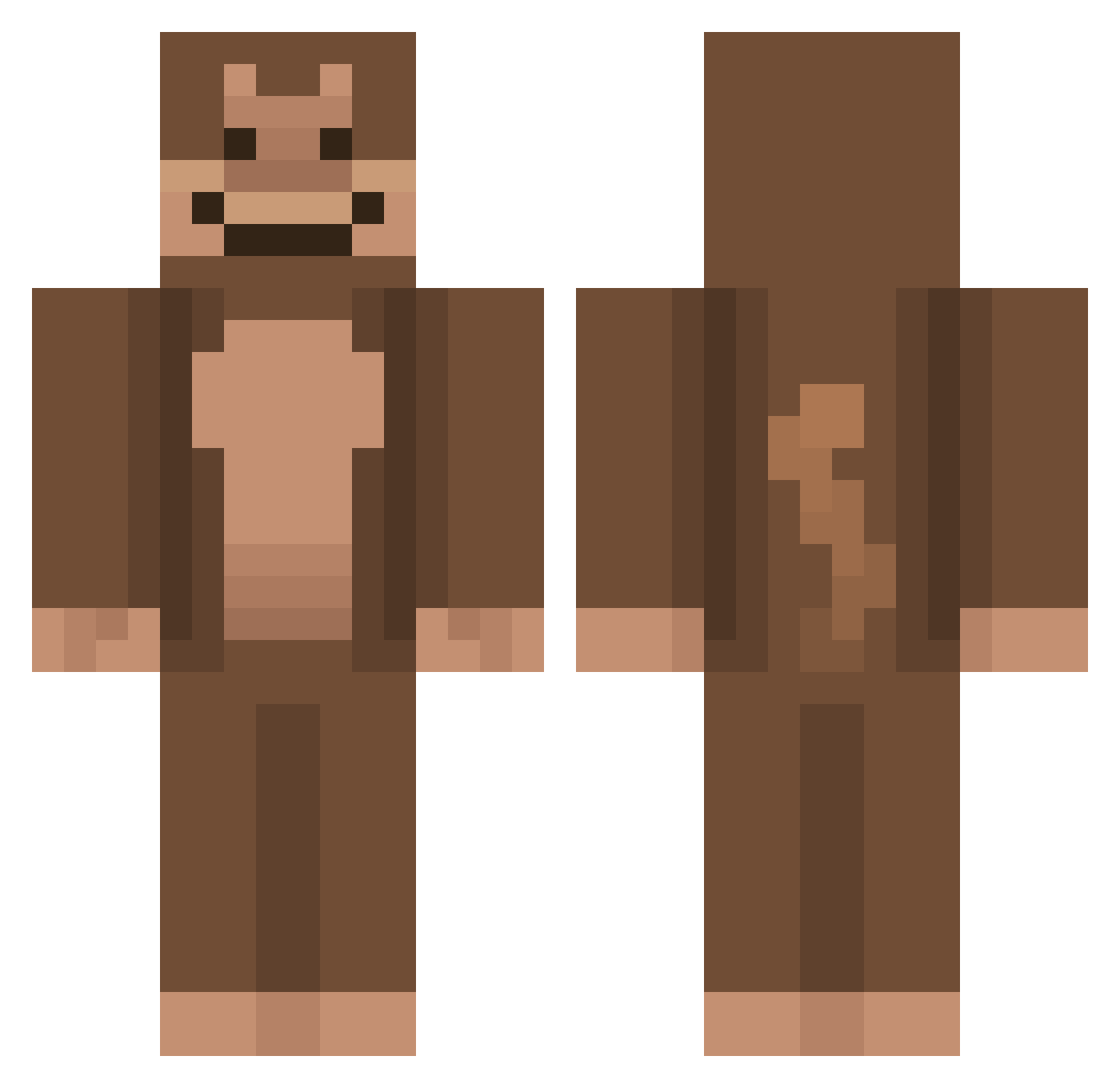
Current Minecraft skin of the player 69girl, loaded from the official Mojang API. Rotate the 3D model with your mouse or finger, then download the skin as a PNG file and use it in Minecraft: Bedrock Edition or Java Edition for free. When 69girl changes their skin, this page updates automatically and the old skin stays in the history below.
Other players with this skin (736)
69girl was the 439th player we have seen with this skin, first spotted on 28.09.2026. The same skin was seen on these players. Open a nickname to see their current skin and skin history.
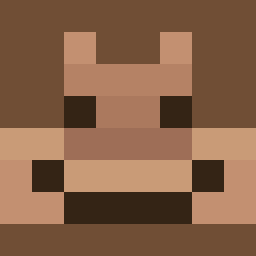 marlun_ randomplayer374 majmun00 brandontran2011 Doober2Hype chimpanana Mcelemg KanapkaZserem69 anonymous2083mc PotatoMaster18 zachxox jkw4a AI_Jxms BigBoiRosh Sigmafrog5353 skyesplays12 fr0qs11 SethTheCoolBean Mamas_Candy Thiccy0da veganshrooms TokioLofi Smalls51 OI7f Gabby12_ JRM07 Fathairymonkey1 Fleyre xydoodle NoxTemps776 mrbnational IdioticTea9 k4thykii Sam4565 Blue_Arrow56 BJ360 rorybru7 BraakBraak noahappyy hanniii12 KU_Bruno SKYclear22 goobgobbler11 FIXZY_XD lca6916 Isaiahruler DeputySins IsaAz22 GavGavM WaifuDeystroyer P333M hungrybaboon Monkeyboy78 MsMonopolyBoy epicstic Ankebank tirzofjoy momfky Skyrmm MissingCosmos
More Ape Minecraft skins
How to install the 69girl skin
- Press the Download button above to save the skin as a PNG file.
- Minecraft: Bedrock Edition (PE): open the Dressing Room from the main menu (or tap your character → Edit Character), go to Classic Skins → Owned, press the + (new skin) button, choose the downloaded PNG and pick the Classic (Steve) model. Works on PC and mobile; consoles cannot import custom skins.
- Minecraft: Java Edition: open the Minecraft Launcher, go to the Skins tab, click New Skin, load the PNG, pick the Classic (Steve) model and press Save & Use. You can also upload it at minecraft.net → Profile → Change Skin.
The skin does not show up after import - what should I do?
Restart Minecraft and open the Dressing Room again - imported skins sometimes appear only after a restart. Also make sure you selected the imported skin and picked the Classic (Steve) model.
Which model should I choose, Classic or Slim?
This skin is designed for the Classic (Steve) model. If you pick the wrong model, the arms of the skin will look stretched or squeezed.
Is the skin of 69girl free to download?
Yes. Press Download, save the PNG file and use it in Minecraft: Bedrock Edition or Java Edition - no payment or registration needed. The skin also works on multiplayer servers and Realms.
More skins
Looking for more? Go back to all Minecraft skins and check the top skins of the week, month and all time, or find any player's skin by nickname.