
6066 - Minecraft Skins & Skin History
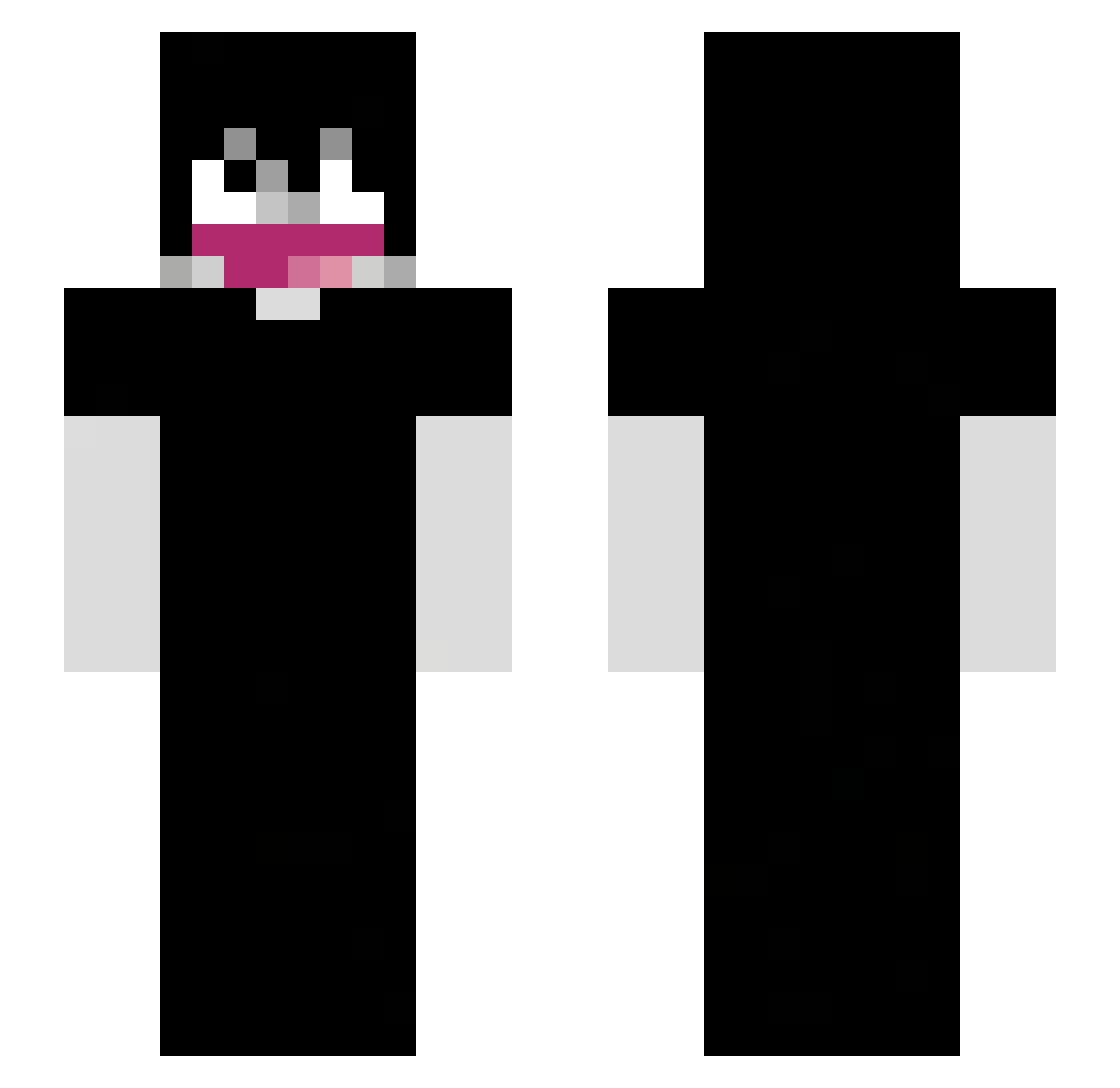
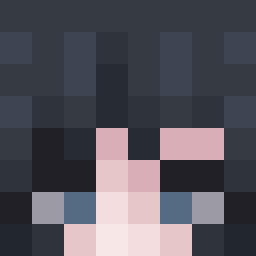
Current Minecraft skin of the player 6066, loaded from the official Mojang API. Rotate the 3D model with your mouse or finger, then download the skin as a PNG file and use it in Minecraft: Bedrock Edition or Java Edition for free. When 6066 changes their skin, this page updates automatically and the old skin stays in the history below.
Other players with this skin (62)
6066 was the 35th player we have seen with this skin, first spotted on 10.09.2026. The same skin was seen on these players. Open a nickname to see their current skin and skin history.
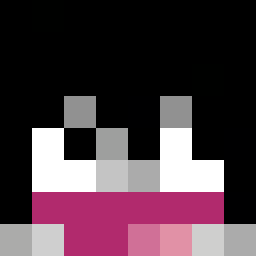 ciocaina Szefuncioo_ tristan_wav QPunish ultralincraft Aguy7255 Zoligra nellskiee apokaaa maji123 Twishort DBM1 adesolatepsychos reSEC yanjingxia wwj8276 unknownslayerxd ExDav fentmaxxer37 Crysnix _bratz_ costakk buriedaway WYERXZ FranzinBW Niko_Bread concatron AdultSwiM_ Stebliz wnaq waizy12 z4au
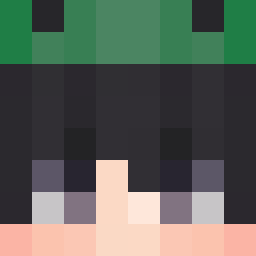 ItIsQuacka 8id3nn ARANHAVERSO Benjacu0 manager567 SandroEP7777 p3wm Kusamakura
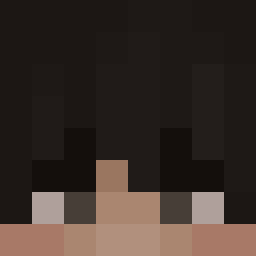 Fraisedouce Yeesk_xxx Neptunezs dreamwashere1313 Krevetka777 sogoj
 xXpablooXX _qeout_ g1rstt DuskMora RGSM
 iiAmFilippin_ k_ramirez01 Da_wenstein
 Naib_07 vsecca Bixodeus
 BrendnXD
 uYodda smerfik123
More Emo Minecraft skins
How to install the 6066 skin
- Press the Download button above to save the skin as a PNG file.
- Minecraft: Bedrock Edition (PE): open the Dressing Room from the main menu (or tap your character → Edit Character), go to Classic Skins → Owned, press the + (new skin) button, choose the downloaded PNG and pick the Slim (Alex) model. Works on PC and mobile; consoles cannot import custom skins.
- Minecraft: Java Edition: open the Minecraft Launcher, go to the Skins tab, click New Skin, load the PNG, pick the Slim (Alex) model and press Save & Use. You can also upload it at minecraft.net → Profile → Change Skin.
The skin does not show up after import - what should I do?
Restart Minecraft and open the Dressing Room again - imported skins sometimes appear only after a restart. Also make sure you selected the imported skin and picked the Slim (Alex) model.
Which model should I choose, Classic or Slim?
This skin is designed for the Slim (Alex) model. If you pick the wrong model, the arms of the skin will look stretched or squeezed.
Is the skin of 6066 free to download?
Yes. Press Download, save the PNG file and use it in Minecraft: Bedrock Edition or Java Edition - no payment or registration needed. The skin also works on multiplayer servers and Realms.
More skins
Looking for more? Go back to all Minecraft skins and check the top skins of the week, month and all time, or find any player's skin by nickname.