
56mrt - Minecraft Skins & Skin History
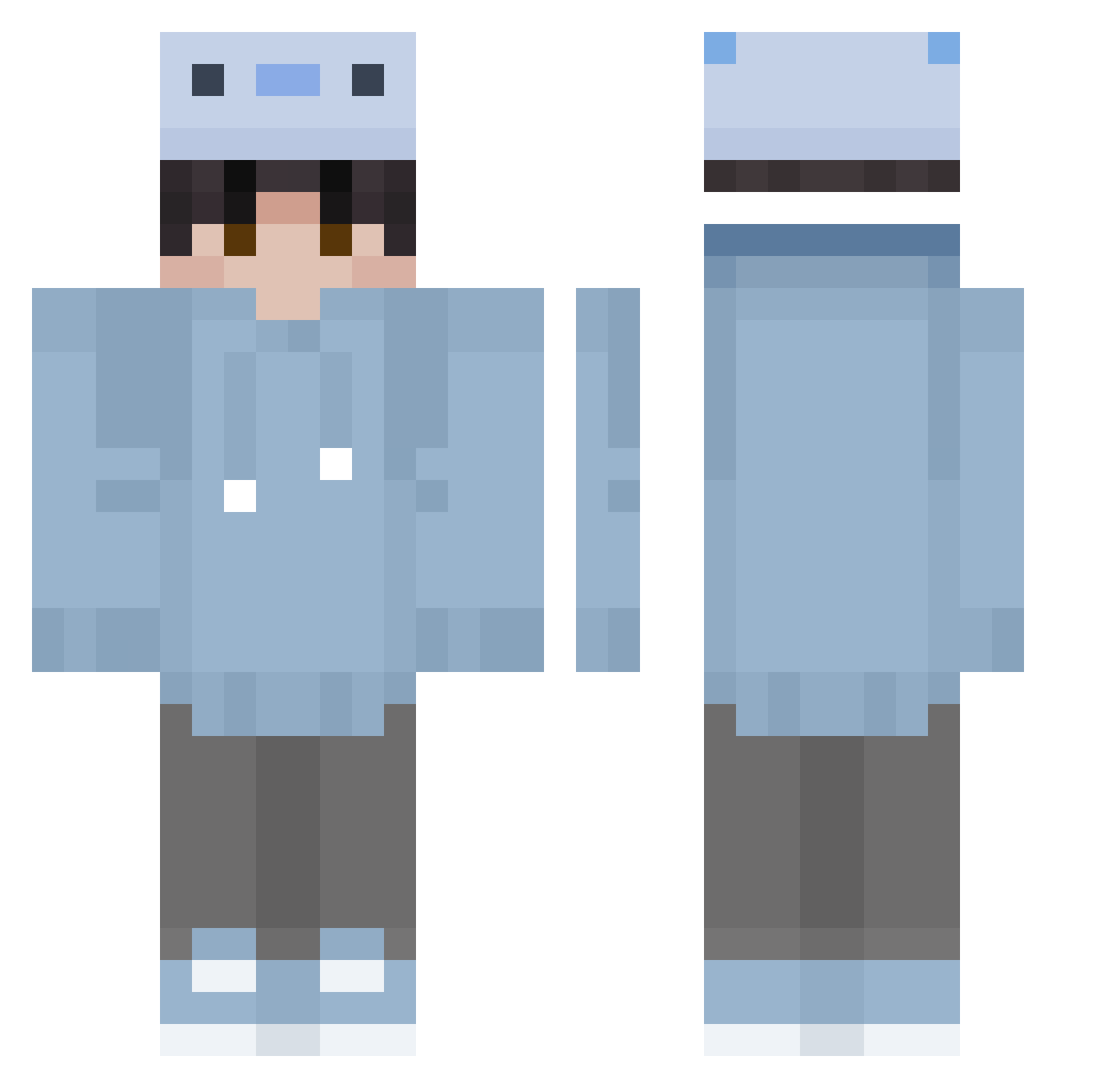
Current Minecraft skin of the player 56mrt, loaded from the official Mojang API. Rotate the 3D model with your mouse or finger, then download the skin as a PNG file and use it in Minecraft: Bedrock Edition or Java Edition for free. When 56mrt changes their skin, this page updates automatically and the old skin stays in the history below.
Other players with this skin (354)
56mrt was the 340th player we have seen with this skin, first spotted on 28.10.2026. The same skin was seen on these players. Open a nickname to see their current skin and skin history.
 m76rfnt King________ FROZEN_HIDE sn_ak dntriuy GuiGui111111 n34c3a UtaokiM Libritos axolotl712 ArmionL soolyn Nizzara27 MCPlace Starley123L2 Cyndaquil423 AonoS yuchen_qwq Leon_Diego_546 ryoupichi cacifar slamazara1 Enerlo ShadowP1 SouthernQiQi MinuteTekh kody_kelman einfachlucien Mginz1 Rubi9901 CRuzterr fntytoi Krycha4658 gfhua GABRIEL_1117 Aaxlry Gildregan111 IsaIsGray Sembo2 GhostFatih BabbleClef Ramsesitoplayer Ex6o Sapsies Jacek5903 oBlue_ Hyeonggok Will22031 Animation2020_ 7kph m54v45 TrippySide Rmat39 669Quixxy sprFKK junxi553 MrOrangeFace Anthony_050513 Volt3d AerialGci
How to install the 56mrt skin
- Press the Download button above to save the skin as a PNG file.
- Minecraft: Bedrock Edition (PE): open the Dressing Room from the main menu (or tap your character → Edit Character), go to Classic Skins → Owned, press the + (new skin) button, choose the downloaded PNG and pick the Classic (Steve) model. Works on PC and mobile; consoles cannot import custom skins.
- Minecraft: Java Edition: open the Minecraft Launcher, go to the Skins tab, click New Skin, load the PNG, pick the Classic (Steve) model and press Save & Use. You can also upload it at minecraft.net → Profile → Change Skin.
The skin does not show up after import - what should I do?
Restart Minecraft and open the Dressing Room again - imported skins sometimes appear only after a restart. Also make sure you selected the imported skin and picked the Classic (Steve) model.
Which model should I choose, Classic or Slim?
This skin is designed for the Classic (Steve) model. If you pick the wrong model, the arms of the skin will look stretched or squeezed.
Is the skin of 56mrt free to download?
Yes. Press Download, save the PNG file and use it in Minecraft: Bedrock Edition or Java Edition - no payment or registration needed. The skin also works on multiplayer servers and Realms.
More skins
Looking for more? Go back to all Minecraft skins and check the top skins of the week, month and all time, or find any player's skin by nickname.