
4rvin - Minecraft Skins & Skin History
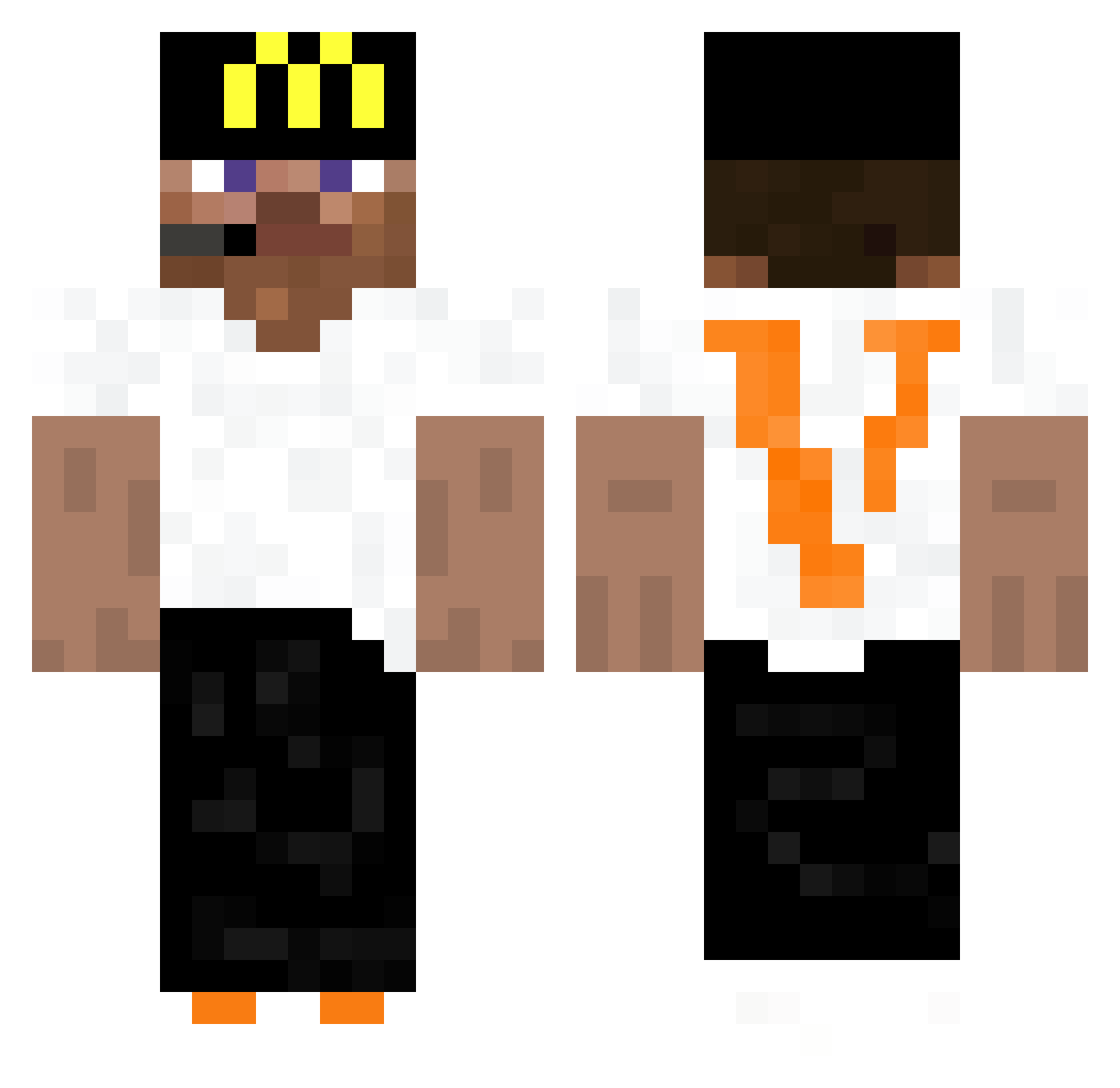
Current Minecraft skin of the player 4rvin, loaded from the official Mojang API. Rotate the 3D model with your mouse or finger, then download the skin as a PNG file and use it in Minecraft: Bedrock Edition or Java Edition for free. When 4rvin changes their skin, this page updates automatically and the old skin stays in the history below.
Other players with this skin (441)
4rvin was the 331st player we have seen with this skin, first spotted on 15.10.2026. The same skin was seen on these players. Open a nickname to see their current skin and skin history.
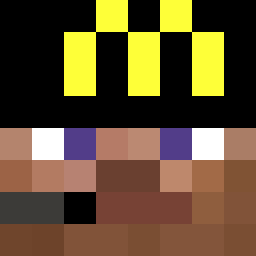 Dr4g0N15 HungryShark1 n931 moneygamer330 JohanAguaFrita zouhair02 gamertag277 Sangqui0 LooneyWade Bumduhhskiii sliving Naxyoo realthin dominxx1230 dungdungdurudung Bob3r__ FaridBang67 Fqtcher ProLegendAlex BTF_Tae Cubeboi_ Alpaca_exe dustychairs LockMaus DiabloBebe diamant_fendi Narikau ItsZeyko_ CynicalDooood duckybadge Ayrite_ly Utterrnn Won_ton_ EfeOlcay JAMESxREUBEN iReza ArneProGaming Zartigan SEPPSONN foxigamer554 CiganskaOsada xklmr SkiBumTyler stevengang ckiu_ Letmebridge Nazarchh RoboticAi NFTGAMER666 7K7k_ nothuzuni raqieta_ farouq_ Cheese20987 ryal7 Powerful1221 fanatecc HuntClient Noel030 Qiw1
More Headset Minecraft skins
How to install the 4rvin skin
- Press the Download button above to save the skin as a PNG file.
- Minecraft: Bedrock Edition (PE): open the Dressing Room from the main menu (or tap your character → Edit Character), go to Classic Skins → Owned, press the + (new skin) button, choose the downloaded PNG and pick the Classic (Steve) model. Works on PC and mobile; consoles cannot import custom skins.
- Minecraft: Java Edition: open the Minecraft Launcher, go to the Skins tab, click New Skin, load the PNG, pick the Classic (Steve) model and press Save & Use. You can also upload it at minecraft.net → Profile → Change Skin.
The skin does not show up after import - what should I do?
Restart Minecraft and open the Dressing Room again - imported skins sometimes appear only after a restart. Also make sure you selected the imported skin and picked the Classic (Steve) model.
Which model should I choose, Classic or Slim?
This skin is designed for the Classic (Steve) model. If you pick the wrong model, the arms of the skin will look stretched or squeezed.
Is the skin of 4rvin free to download?
Yes. Press Download, save the PNG file and use it in Minecraft: Bedrock Edition or Java Edition - no payment or registration needed. The skin also works on multiplayer servers and Realms.
More skins
Looking for more? Go back to all Minecraft skins and check the top skins of the week, month and all time, or find any player's skin by nickname.