
4nej - Minecraft Skins & Skin History
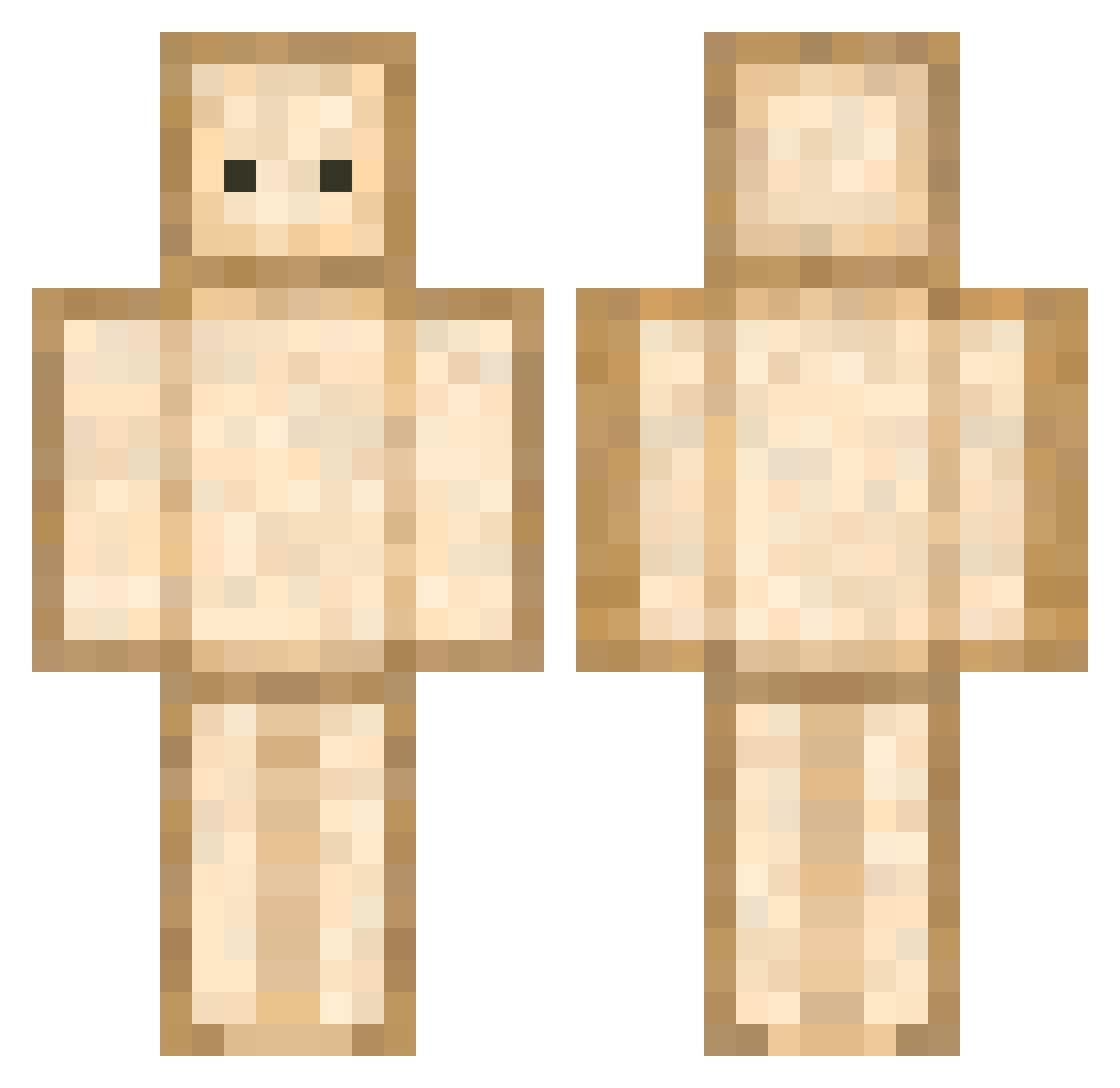
Current Minecraft skin of the player 4nej, loaded from the official Mojang API. Rotate the 3D model with your mouse or finger, then download the skin as a PNG file and use it in Minecraft: Bedrock Edition or Java Edition for free. When 4nej changes their skin, this page updates automatically and the old skin stays in the history below.
Other players with this skin (592)
4nej was the 524th player we have seen with this skin, first spotted on 12.10.2026. The same skin was seen on these players. Open a nickname to see their current skin and skin history.
 ImAHamSandwich Jlito TheVengance AlmightyCupcakes apricot2 kimgana0202 pankoeal seungaking RochaMine Lensons ColorfulEGG tikigod33 Zacnder toooooooodi HhulL Xirex90 rio0910 Chopped__Lettuce laauh Buffer1ng PingwinekEXTRA dadoll2 ChurrosMoutarde Vincour shucream1122 IVeritus TGWatermelon MTin0 Schwaxzpulver iKaremAlts jsyzzang Foshoe_ Maaxie01 aaleex14 OW_FurnitureLand danithedumb4ss Ymirus Grosseboufffe KMH_lol Dumb_Kiwi lmyzzyl Fatherthooth DaWippy NickTheBread TRoOoOoOoO Archsqma lee2ad gulfnarof RakunIsmail Hoogbouwer chamiq moong111 SabaRK Noah556 bonoda The___Sandwich Kyrasaur Tai2407 vigothas Gulycioso
More Toast Minecraft skins
How to install the 4nej skin
- Press the Download button above to save the skin as a PNG file.
- Minecraft: Bedrock Edition (PE): open the Dressing Room from the main menu (or tap your character → Edit Character), go to Classic Skins → Owned, press the + (new skin) button, choose the downloaded PNG and pick the Classic (Steve) model. Works on PC and mobile; consoles cannot import custom skins.
- Minecraft: Java Edition: open the Minecraft Launcher, go to the Skins tab, click New Skin, load the PNG, pick the Classic (Steve) model and press Save & Use. You can also upload it at minecraft.net → Profile → Change Skin.
The skin does not show up after import - what should I do?
Restart Minecraft and open the Dressing Room again - imported skins sometimes appear only after a restart. Also make sure you selected the imported skin and picked the Classic (Steve) model.
Which model should I choose, Classic or Slim?
This skin is designed for the Classic (Steve) model. If you pick the wrong model, the arms of the skin will look stretched or squeezed.
Is the skin of 4nej free to download?
Yes. Press Download, save the PNG file and use it in Minecraft: Bedrock Edition or Java Edition - no payment or registration needed. The skin also works on multiplayer servers and Realms.
More skins
Looking for more? Go back to all Minecraft skins and check the top skins of the week, month and all time, or find any player's skin by nickname.