
485724c7 - Minecraft Skins & Skin History
Current Minecraft skin of the player 485724c7, loaded from the official Mojang API. Rotate the 3D model with your mouse or finger, then download the skin as a PNG file and use it in Minecraft: Bedrock Edition or Java Edition for free. When 485724c7 changes their skin, this page updates automatically and the old skin stays in the history below.
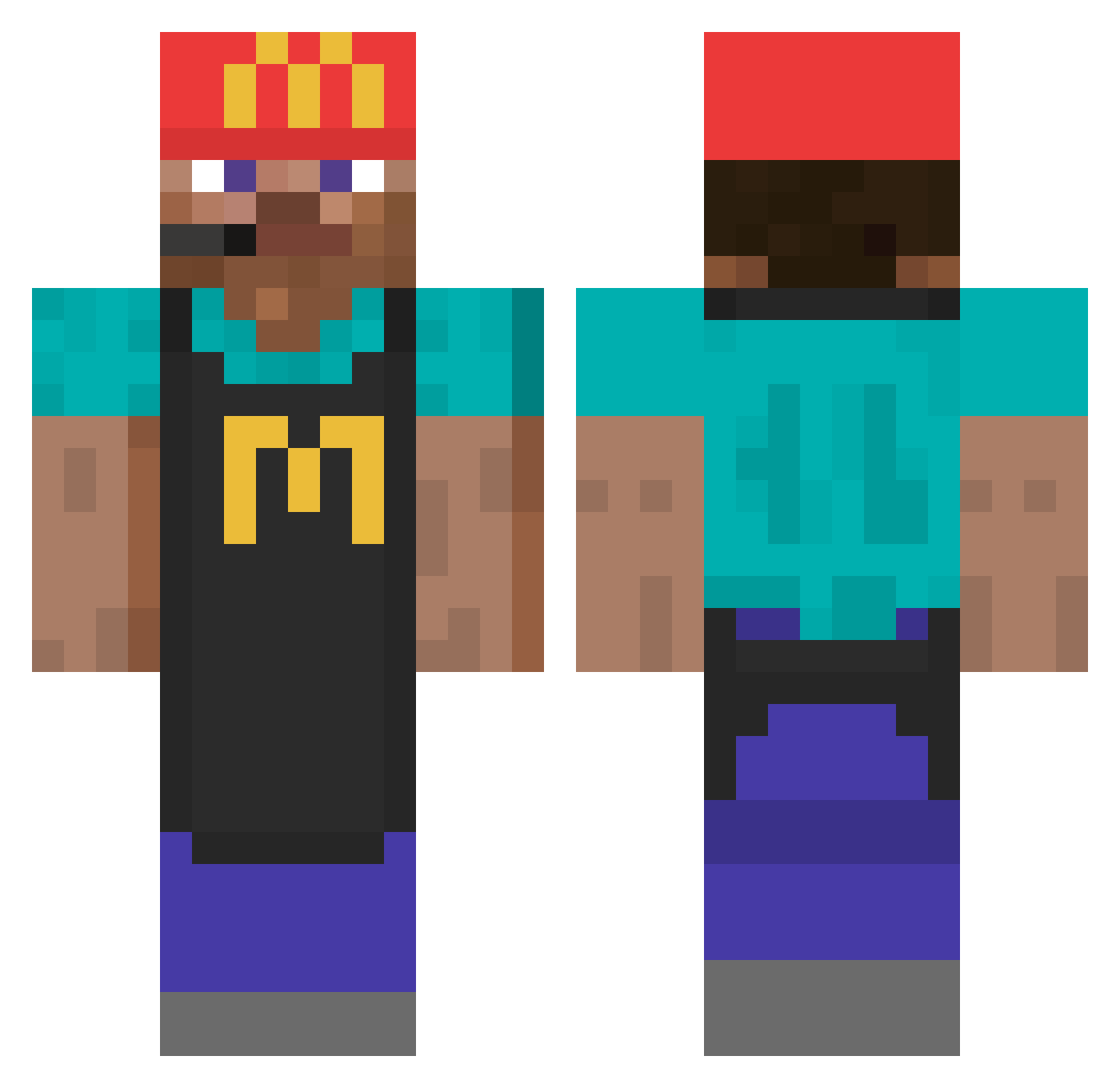
Other players with this skin (777)
485724c7 was the 751st player we have seen with this skin, first spotted on 22.10.2026. The same skin was seen on these players. Open a nickname to see their current skin and skin history.
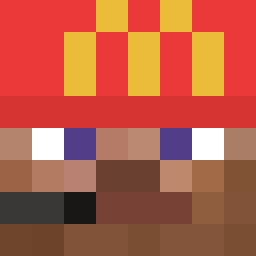 chmyz Bob_Sauce112 dzdni Lukester121 a_grape Mildbobbysauce12 The_henry_ SenorArte Maev14 lucasfcbm Benito7635 akaJosiah WannabeFizzy ThunderH2189 Nibiru_STZ K013NreTro RoFoll_ barschfisch jeppetv arian162099 Kenny0814 z00tz joetotuff Pikachu3422 chenglim Relinkin Emilhuzi12 Mr_JohJoh NukeeYT B_Germano spook711 KaeptenKompetenz phoneminseo Crueeli Sebody zzimomega ase_exe BongLordM4G ALG08 AEHAEM nzrlolo Swiloy nzink wttr Sylpharion Sonschal Bobbvlr oazi Wasdalos458 ZeitOnTop robo_chud EchoCS Osnffer V3lyx MoistNuggies Barbh56 EAHQ Schmanu04 dzemiorr_ Darwin2008
More Cashier Minecraft skins
How to install the 485724c7 skin
- Press the Download button above to save the skin as a PNG file.
- Minecraft: Bedrock Edition (PE): open the Dressing Room from the main menu (or tap your character → Edit Character), go to Classic Skins → Owned, press the + (new skin) button, choose the downloaded PNG and pick the Classic (Steve) model. Works on PC and mobile; consoles cannot import custom skins.
- Minecraft: Java Edition: open the Minecraft Launcher, go to the Skins tab, click New Skin, load the PNG, pick the Classic (Steve) model and press Save & Use. You can also upload it at minecraft.net → Profile → Change Skin.
The skin does not show up after import - what should I do?
Restart Minecraft and open the Dressing Room again - imported skins sometimes appear only after a restart. Also make sure you selected the imported skin and picked the Classic (Steve) model.
Which model should I choose, Classic or Slim?
This skin is designed for the Classic (Steve) model. If you pick the wrong model, the arms of the skin will look stretched or squeezed.
Is the skin of 485724c7 free to download?
Yes. Press Download, save the PNG file and use it in Minecraft: Bedrock Edition or Java Edition - no payment or registration needed. The skin also works on multiplayer servers and Realms.
More skins
Looking for more? Go back to all Minecraft skins and check the top skins of the week, month and all time, or find any player's skin by nickname.