
435646 - Minecraft Skins & Skin History
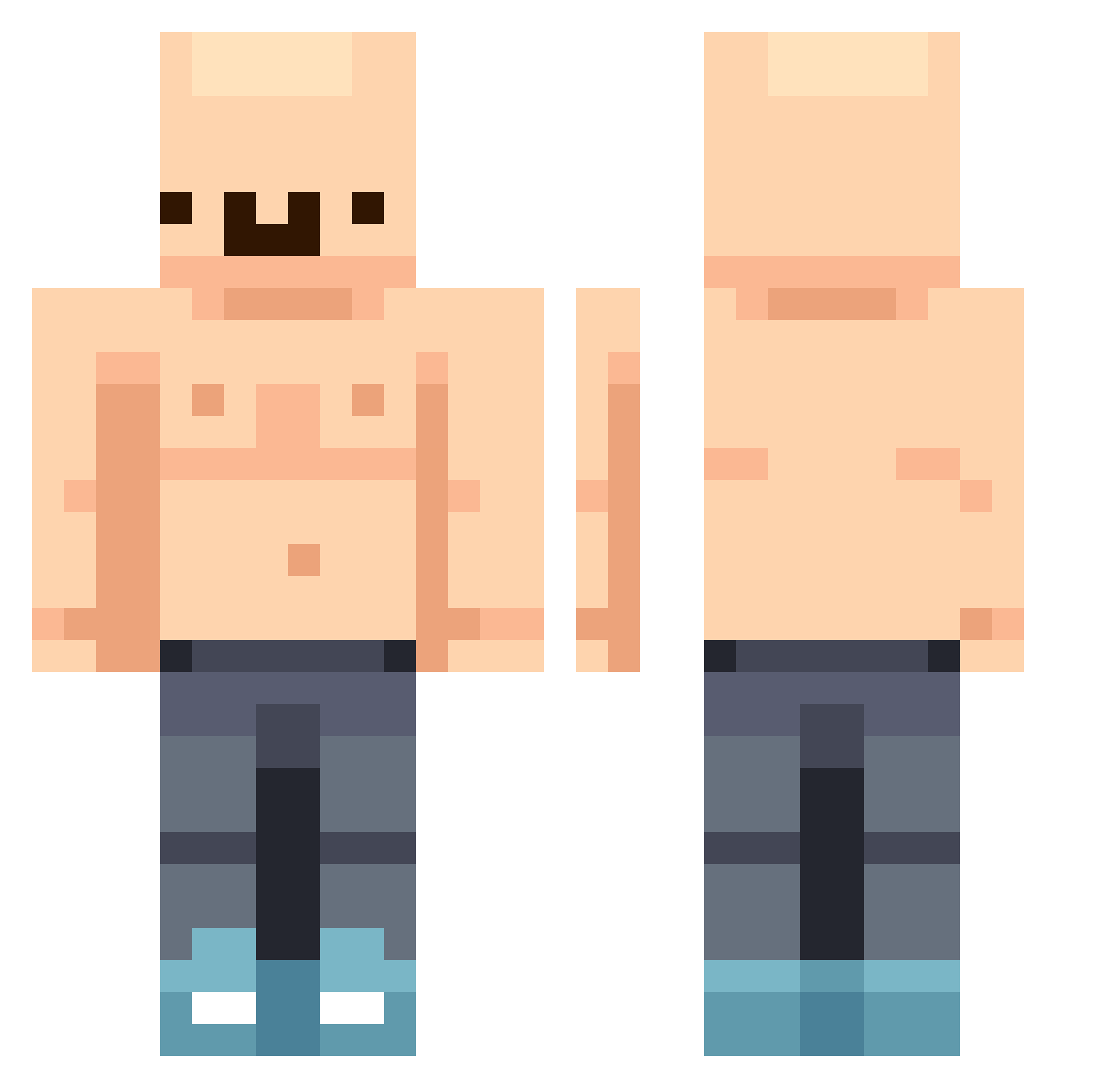
Current Minecraft skin of the player 435646, loaded from the official Mojang API. Rotate the 3D model with your mouse or finger, then download the skin as a PNG file and use it in Minecraft: Bedrock Edition or Java Edition for free. When 435646 changes their skin, this page updates automatically and the old skin stays in the history below.
Other players with this skin (541)
435646 was the 461st player we have seen with this skin, first spotted on 03.11.2026. The same skin was seen on these players. Open a nickname to see their current skin and skin history.
 IwilltakeAnyone KissMyAxe546 Emoneyyy__ okay5151 xXDragon_FireXx 7bartuuus7 Vaaniiixx FatRedHead ZenithZ21 justinjkh8 Henessii Ne4rRiver _shatteredd too_sxlid PanJesiotr Geoffinator O_thepro XiongTX ChrisIsSmelly Fattino SquidWard0122 AndrewRusianTank Rainy_Boots78 maconsito woxiangchongshen rdga egiza123 Vyntra nwnugget PUFIMAF kisel8912 holyholy6 JimJimmyJimJim ulssa CertifiedChig RealDead69 VollmilchZiege emirhaning SigfredoLinkFan Chaserbro Dashlolzz samstaz GlacticMan SheepOnMinecraft bedi_20 whollyy Jxmiin wurmgott LULULULUCY Pollle Biswn Silentghosty1247 JordanthonyZ MC0716 123Leckmeinei Not_Kele JFKdefector kyledunit the_kelsterrr Judmon
More Bald Minecraft skins
How to install the 435646 skin
- Press the Download button above to save the skin as a PNG file.
- Minecraft: Bedrock Edition (PE): open the Dressing Room from the main menu (or tap your character → Edit Character), go to Classic Skins → Owned, press the + (new skin) button, choose the downloaded PNG and pick the Classic (Steve) model. Works on PC and mobile; consoles cannot import custom skins.
- Minecraft: Java Edition: open the Minecraft Launcher, go to the Skins tab, click New Skin, load the PNG, pick the Classic (Steve) model and press Save & Use. You can also upload it at minecraft.net → Profile → Change Skin.
The skin does not show up after import - what should I do?
Restart Minecraft and open the Dressing Room again - imported skins sometimes appear only after a restart. Also make sure you selected the imported skin and picked the Classic (Steve) model.
Which model should I choose, Classic or Slim?
This skin is designed for the Classic (Steve) model. If you pick the wrong model, the arms of the skin will look stretched or squeezed.
Is the skin of 435646 free to download?
Yes. Press Download, save the PNG file and use it in Minecraft: Bedrock Edition or Java Edition - no payment or registration needed. The skin also works on multiplayer servers and Realms.
More skins
Looking for more? Go back to all Minecraft skins and check the top skins of the week, month and all time, or find any player's skin by nickname.