
3hsj - Minecraft Skins & Skin History
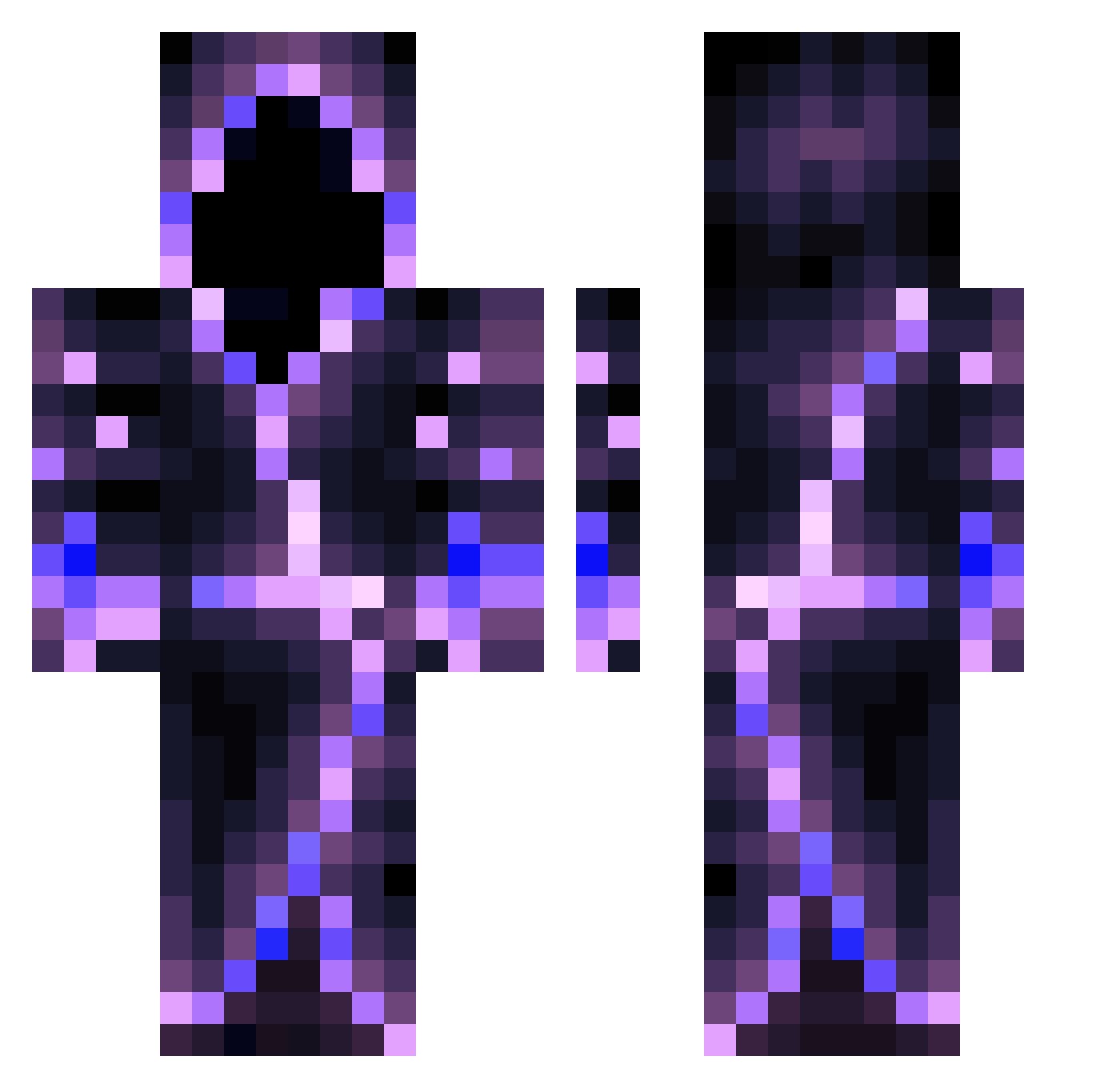
Current Minecraft skin of the player 3hsj, loaded from the official Mojang API. Rotate the 3D model with your mouse or finger, then download the skin as a PNG file and use it in Minecraft: Bedrock Edition or Java Edition for free. When 3hsj changes their skin, this page updates automatically and the old skin stays in the history below.
Other players with this skin (682)
3hsj was the 645th player we have seen with this skin, first spotted on 12.11.2026. The same skin was seen on these players. Open a nickname to see their current skin and skin history.
 DarkNight80 ExxoticNAE AracanWolf Megamursu 2TheMelonGod8 Kyroxn XGamexRaiderX NanoDragon23 NiCeLock UK_MAN1 GothiccQT ImperiorThe2nd Rellp dlegobuilder DecayingWater Cobicoban TROUBLE_EXE Sir_Larga lCantonl Serin1078 KnockOutNinja11 Nikigamer5278 kreat09 OfficialEC3 P3chv0gel Shotaromaru Sc4r3_cr0w AKUWALEGITESH Niklas666 TheXbaner angelkitty95 GUESSIMTRASHXD daniexplosive Moist_Phil TheDarkeWizard PhantomBeast0 Tumbler00t QuietKidGG cookyz_ Fernandino7 MiniSharks khairo1 efroing Sprint00 ElionSunrise Sowen03 EdgierThread Creature1018 FadedLightXx Deranged_Peanut REKT_CB ChuckyNL GrippedCarrot Infurnub LunariPlay awatar12 Cortezkdz AgilePig ExSLGame Kingokings4
More Hooded Figure Minecraft skins
See all 1438 Hooded Figure skins
How to install the 3hsj skin
- Press the Download button above to save the skin as a PNG file.
- Minecraft: Bedrock Edition (PE): open the Dressing Room from the main menu (or tap your character → Edit Character), go to Classic Skins → Owned, press the + (new skin) button, choose the downloaded PNG and pick the Classic (Steve) model. Works on PC and mobile; consoles cannot import custom skins.
- Minecraft: Java Edition: open the Minecraft Launcher, go to the Skins tab, click New Skin, load the PNG, pick the Classic (Steve) model and press Save & Use. You can also upload it at minecraft.net → Profile → Change Skin.
The skin does not show up after import - what should I do?
Restart Minecraft and open the Dressing Room again - imported skins sometimes appear only after a restart. Also make sure you selected the imported skin and picked the Classic (Steve) model.
Which model should I choose, Classic or Slim?
This skin is designed for the Classic (Steve) model. If you pick the wrong model, the arms of the skin will look stretched or squeezed.
Is the skin of 3hsj free to download?
Yes. Press Download, save the PNG file and use it in Minecraft: Bedrock Edition or Java Edition - no payment or registration needed. The skin also works on multiplayer servers and Realms.
More skins
Looking for more? Go back to all Minecraft skins and check the top skins of the week, month and all time, or find any player's skin by nickname.