
3bujak - Minecraft Skins & Skin History
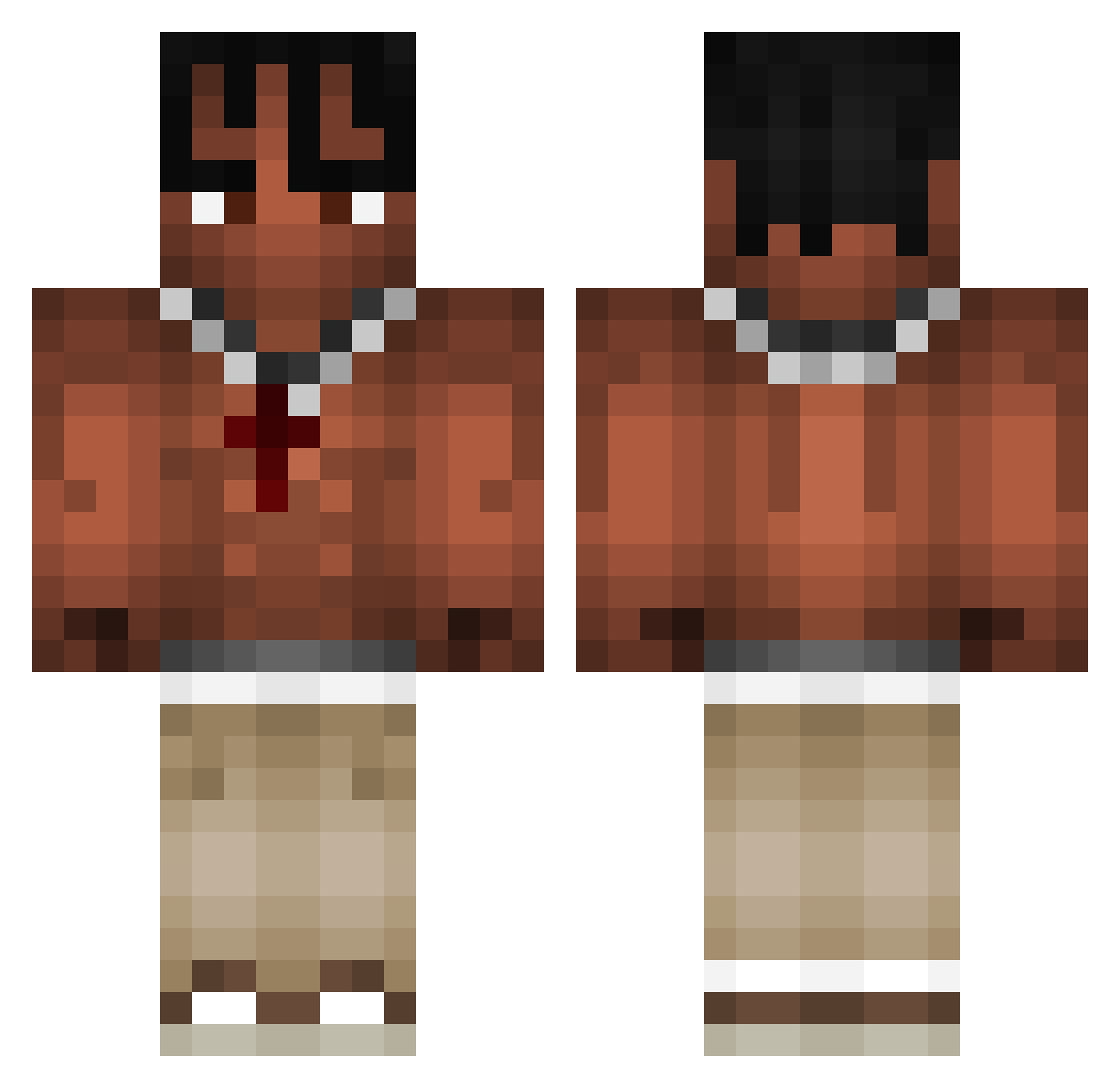
Current Minecraft skin of the player 3bujak, loaded from the official Mojang API. Rotate the 3D model with your mouse or finger, then download the skin as a PNG file and use it in Minecraft: Bedrock Edition or Java Edition for free. When 3bujak changes their skin, this page updates automatically and the old skin stays in the history below.
Other players with this skin (970)
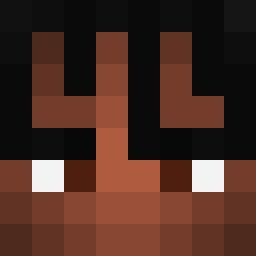
3bujak was the 865th player we have seen with this skin, first spotted on 22.10.2026. The same skin was seen on these players. Open a nickname to see their current skin and skin history.
 FloatJumper Boomer_911 Totohass IanicTheDevil Beanz3766 chixenslayerr HIFEELINGS DasRave waveknife TheGaToWRLD RIZERYTR maximciki14 Vishoti exoo2k SenpaiKings Top1blazingpack Diegodg07 MysticalZaZa lordsergio_23 Proxy75 Truly_crimson yourboitanee evost lewisek33 Uliises iGambinoJr bigotin 888Samu coolshirtbra123 zginalem12 Rusio2137pl benJJv cuppahh Spidersow MrTweex Baparasuni _JiJ_ Mattrek jrpereira miniiminii skrzyniaparuwa Hyxdrae fritz1030 llnm_peligro EuphoriaXpxx xKandix notjose508 CapLuffy Daftiz SimoneFelix17 eppu pxgemerson MRANCM kundel_bury Jst__n Sarkaaaaaaaa Urwirt1 oczt Therealjesus493 maciusss08
More Xxxtentacion Minecraft skins
See all 407 Xxxtentacion skins
How to install the 3bujak skin
- Press the Download button above to save the skin as a PNG file.
- Minecraft: Bedrock Edition (PE): open the Dressing Room from the main menu (or tap your character → Edit Character), go to Classic Skins → Owned, press the + (new skin) button, choose the downloaded PNG and pick the Classic (Steve) model. Works on PC and mobile; consoles cannot import custom skins.
- Minecraft: Java Edition: open the Minecraft Launcher, go to the Skins tab, click New Skin, load the PNG, pick the Classic (Steve) model and press Save & Use. You can also upload it at minecraft.net → Profile → Change Skin.
The skin does not show up after import - what should I do?
Restart Minecraft and open the Dressing Room again - imported skins sometimes appear only after a restart. Also make sure you selected the imported skin and picked the Classic (Steve) model.
Which model should I choose, Classic or Slim?
This skin is designed for the Classic (Steve) model. If you pick the wrong model, the arms of the skin will look stretched or squeezed.
Is the skin of 3bujak free to download?
Yes. Press Download, save the PNG file and use it in Minecraft: Bedrock Edition or Java Edition - no payment or registration needed. The skin also works on multiplayer servers and Realms.
More skins
Looking for more? Go back to all Minecraft skins and check the top skins of the week, month and all time, or find any player's skin by nickname.