
3MKF16 - Minecraft Skins & Skin History
Current Minecraft skin of the player 3MKF16, loaded from the official Mojang API. Rotate the 3D model with your mouse or finger, then download the skin as a PNG file and use it in Minecraft: Bedrock Edition or Java Edition for free. When 3MKF16 changes their skin, this page updates automatically and the old skin stays in the history below.
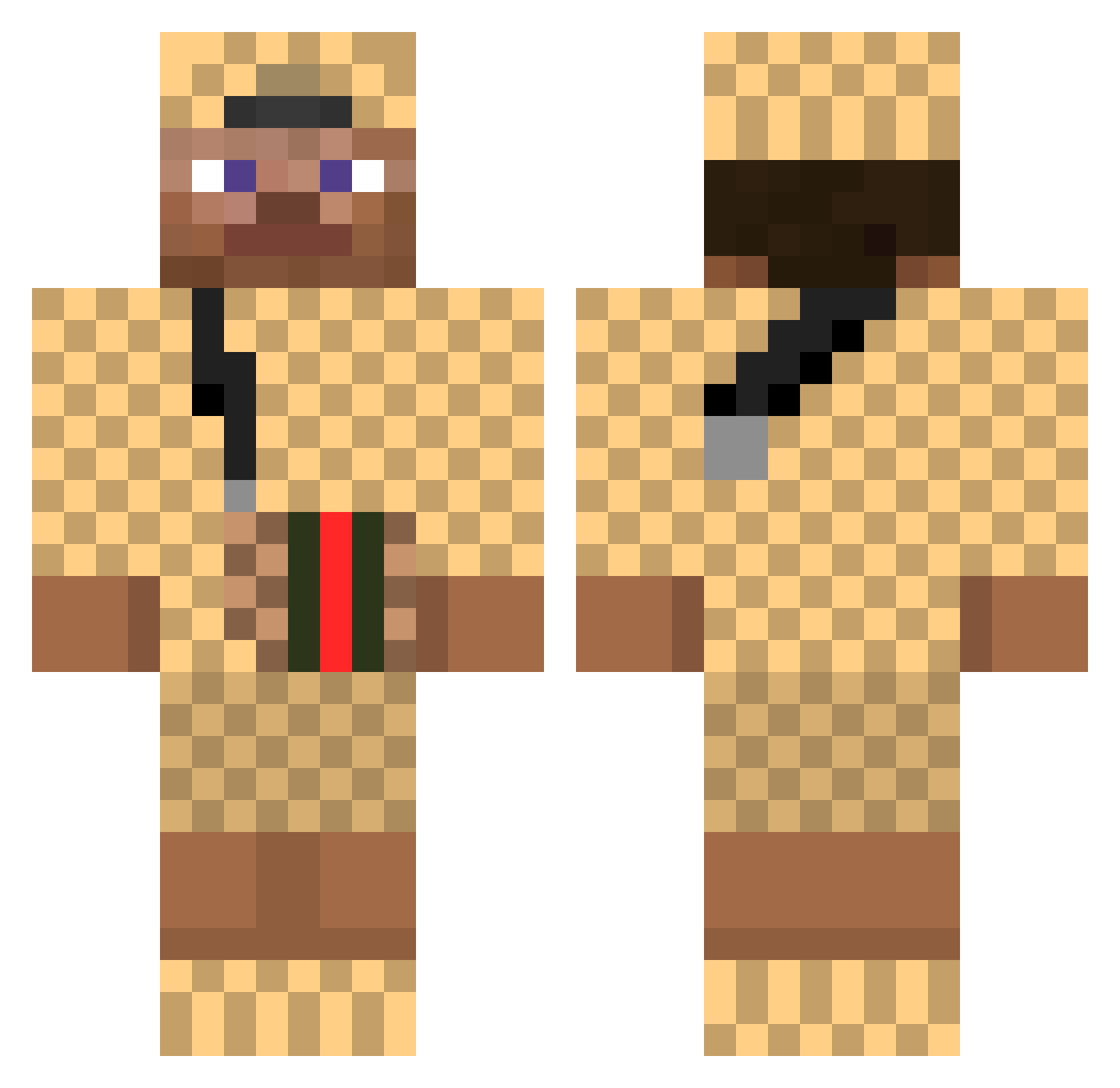
Other players with this skin (521)
3MKF16 was the 400th player we have seen with this skin, first spotted on 26.10.2026. The same skin was seen on these players. Open a nickname to see their current skin and skin history.
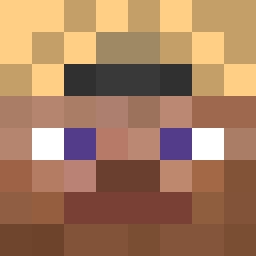 Benc2004 jxn4n simoneromani LilDryer TucoMZ Marre780 tangiru xPraXxx jakubmaster21 kirikou4621 nagalebg igreee1 IceDAngeL ByPatrik VNTOINE Hjelmenn NastyHxder SuerteLuciano Neazh TurkAshi Seti523 lucasmarshall123 iNTENZE00 HaiNoz_ NekZher Ravenhagen Deuxfrancisous Monsento Zamat35 eelaqz daanbanaan03 BIGB0I xxcherrybudxx StoneMountain57 Economymobil_exe 12Spooky Zanotti74 Brezel101 Drolkwab frikndel _DetlefStepsis wisox29 Zlatalex AdriLeCreateur roberto1409 Neskred lion007 warp_rabbit ulsan_king Tata1610 Risad74 Johnny_Lightning Spaghetti707 chicotokounmpo MootjeGucciPet RaidenVTT drippystevie Parkmulti Itzjav Ilikemullets
More Gucci Minecraft skins
How to install the 3MKF16 skin
- Press the Download button above to save the skin as a PNG file.
- Minecraft: Bedrock Edition (PE): open the Dressing Room from the main menu (or tap your character → Edit Character), go to Classic Skins → Owned, press the + (new skin) button, choose the downloaded PNG and pick the Classic (Steve) model. Works on PC and mobile; consoles cannot import custom skins.
- Minecraft: Java Edition: open the Minecraft Launcher, go to the Skins tab, click New Skin, load the PNG, pick the Classic (Steve) model and press Save & Use. You can also upload it at minecraft.net → Profile → Change Skin.
The skin does not show up after import - what should I do?
Restart Minecraft and open the Dressing Room again - imported skins sometimes appear only after a restart. Also make sure you selected the imported skin and picked the Classic (Steve) model.
Which model should I choose, Classic or Slim?
This skin is designed for the Classic (Steve) model. If you pick the wrong model, the arms of the skin will look stretched or squeezed.
Is the skin of 3MKF16 free to download?
Yes. Press Download, save the PNG file and use it in Minecraft: Bedrock Edition or Java Edition - no payment or registration needed. The skin also works on multiplayer servers and Realms.
More skins
Looking for more? Go back to all Minecraft skins and check the top skins of the week, month and all time, or find any player's skin by nickname.