
2jihu - Minecraft Skins & Skin History
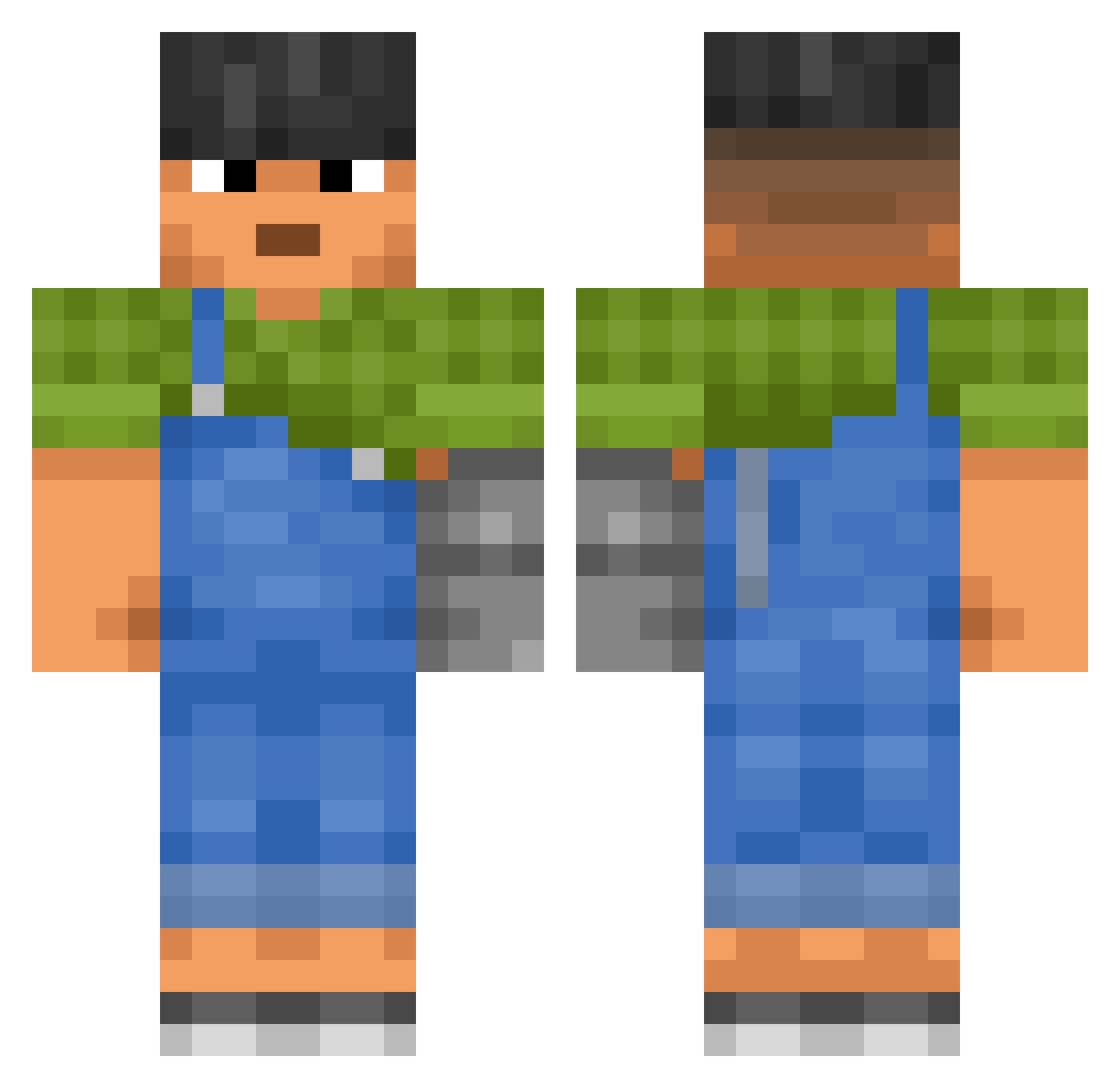
Current Minecraft skin of the player 2jihu, loaded from the official Mojang API. Rotate the 3D model with your mouse or finger, then download the skin as a PNG file and use it in Minecraft: Bedrock Edition or Java Edition for free. When 2jihu changes their skin, this page updates automatically and the old skin stays in the history below.
Other players with this skin (3605)
2jihu was the 2571st player we have seen with this skin, first spotted on 21.10.2026. The same skin was seen on these players. Open a nickname to see their current skin and skin history.
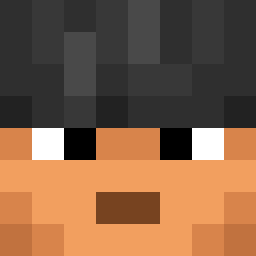 lautx axel_crafter verhavertmeldert Lustring OhhSoCool ambouttukam Mmm_Spice rainbowrockdove hihi1900 revulse BeachBoys Jibson1 naoeogreg Implacably denom Desantas Sporco5555566555 hepatised DaJun2 Firetunes zazababa Aeoyx zion0430 Helioscopic Garotter Watty3232 SPACEMEATo zGoggly thatpred Np0zY SHUBHAM_GAMER Moujang Dakerboy Etoothh LilVodkaX bedwars_bot Mahri HeavyHyde ChihayaJAL Pelayo2996 xwxwxwxwxwxw PingBoy1337 GumBByue Anonymatess 070722 WavierHalo19542 xdB3A5T KozzyKozmore Maddoc testep417 MackyWacky69 Hiryache enrikdoug kanamono kJava yNaii Peegrand Tottigamer51 Dieselpit88 elexito
More Prosthetic Arm Minecraft skins
See all 84 Prosthetic Arm skins
How to install the 2jihu skin
- Press the Download button above to save the skin as a PNG file.
- Minecraft: Bedrock Edition (PE): open the Dressing Room from the main menu (or tap your character → Edit Character), go to Classic Skins → Owned, press the + (new skin) button, choose the downloaded PNG and pick the Classic (Steve) model. Works on PC and mobile; consoles cannot import custom skins.
- Minecraft: Java Edition: open the Minecraft Launcher, go to the Skins tab, click New Skin, load the PNG, pick the Classic (Steve) model and press Save & Use. You can also upload it at minecraft.net → Profile → Change Skin.
The skin does not show up after import - what should I do?
Restart Minecraft and open the Dressing Room again - imported skins sometimes appear only after a restart. Also make sure you selected the imported skin and picked the Classic (Steve) model.
Which model should I choose, Classic or Slim?
This skin is designed for the Classic (Steve) model. If you pick the wrong model, the arms of the skin will look stretched or squeezed.
Is the skin of 2jihu free to download?
Yes. Press Download, save the PNG file and use it in Minecraft: Bedrock Edition or Java Edition - no payment or registration needed. The skin also works on multiplayer servers and Realms.
More skins
Looking for more? Go back to all Minecraft skins and check the top skins of the week, month and all time, or find any player's skin by nickname.