
2Secre - Minecraft Skins & Skin History
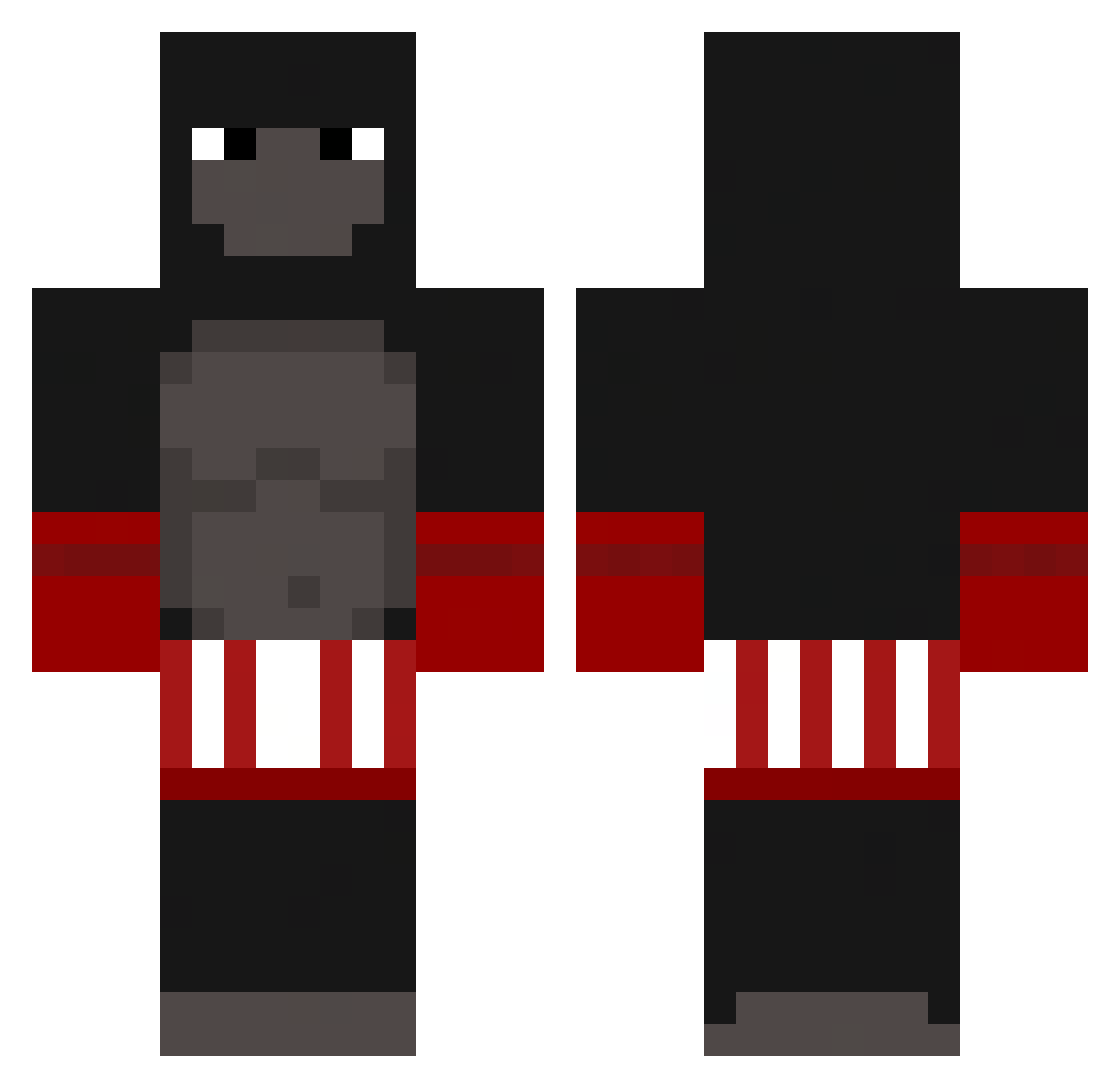
Current Minecraft skin of the player 2Secre, loaded from the official Mojang API. Rotate the 3D model with your mouse or finger, then download the skin as a PNG file and use it in Minecraft: Bedrock Edition or Java Edition for free. When 2Secre changes their skin, this page updates automatically and the old skin stays in the history below.
Other players with this skin (263)
2Secre was the 238th player we have seen with this skin, first spotted on 01.11.2026. The same skin was seen on these players. Open a nickname to see their current skin and skin history.
 HyperSOLARUSSO FiyahFiDat gnpad LineSinker MonkeyIsDaddy Scarecrow5969 ImBlowing Billybobobobo _Minex P4M0NH4 pastorychan iBuddox fatherzumo Pronigma MakZiu Arsisync ShifuW Sqimm MANKEY1 smqxt jjdied Thanodi j4ydaa__ magicado_ mastrmel JoeyKage32 KamdynIngram Monkey_beater256 x_Lunar RosiOG ToxicKenny masnywariat Novennus BadButSweaty JamesonWinston zqlity Frankiukooo Boty1010 kuro164 MuscularMonkey AleLe_ TTVmaddux LoveMILLFS Lilxiac0CowA MordyD1ck OrsettinoGommoso TheMonkeMaster Lendmin iTzCOBRAx Alexander4310 zapkkjk NaIcKuS SUT_EN_STOR_PIK banbouo MantaroNEOV2 goatfanta FourSpider DontDealWithEvil lolster1210 C9_NASA
More Boxer Minecraft skins
How to install the 2Secre skin
- Press the Download button above to save the skin as a PNG file.
- Minecraft: Bedrock Edition (PE): open the Dressing Room from the main menu (or tap your character → Edit Character), go to Classic Skins → Owned, press the + (new skin) button, choose the downloaded PNG and pick the Classic (Steve) model. Works on PC and mobile; consoles cannot import custom skins.
- Minecraft: Java Edition: open the Minecraft Launcher, go to the Skins tab, click New Skin, load the PNG, pick the Classic (Steve) model and press Save & Use. You can also upload it at minecraft.net → Profile → Change Skin.
The skin does not show up after import - what should I do?
Restart Minecraft and open the Dressing Room again - imported skins sometimes appear only after a restart. Also make sure you selected the imported skin and picked the Classic (Steve) model.
Which model should I choose, Classic or Slim?
This skin is designed for the Classic (Steve) model. If you pick the wrong model, the arms of the skin will look stretched or squeezed.
Is the skin of 2Secre free to download?
Yes. Press Download, save the PNG file and use it in Minecraft: Bedrock Edition or Java Edition - no payment or registration needed. The skin also works on multiplayer servers and Realms.
More skins
Looking for more? Go back to all Minecraft skins and check the top skins of the week, month and all time, or find any player's skin by nickname.