
268Z - Minecraft Skins & Skin History
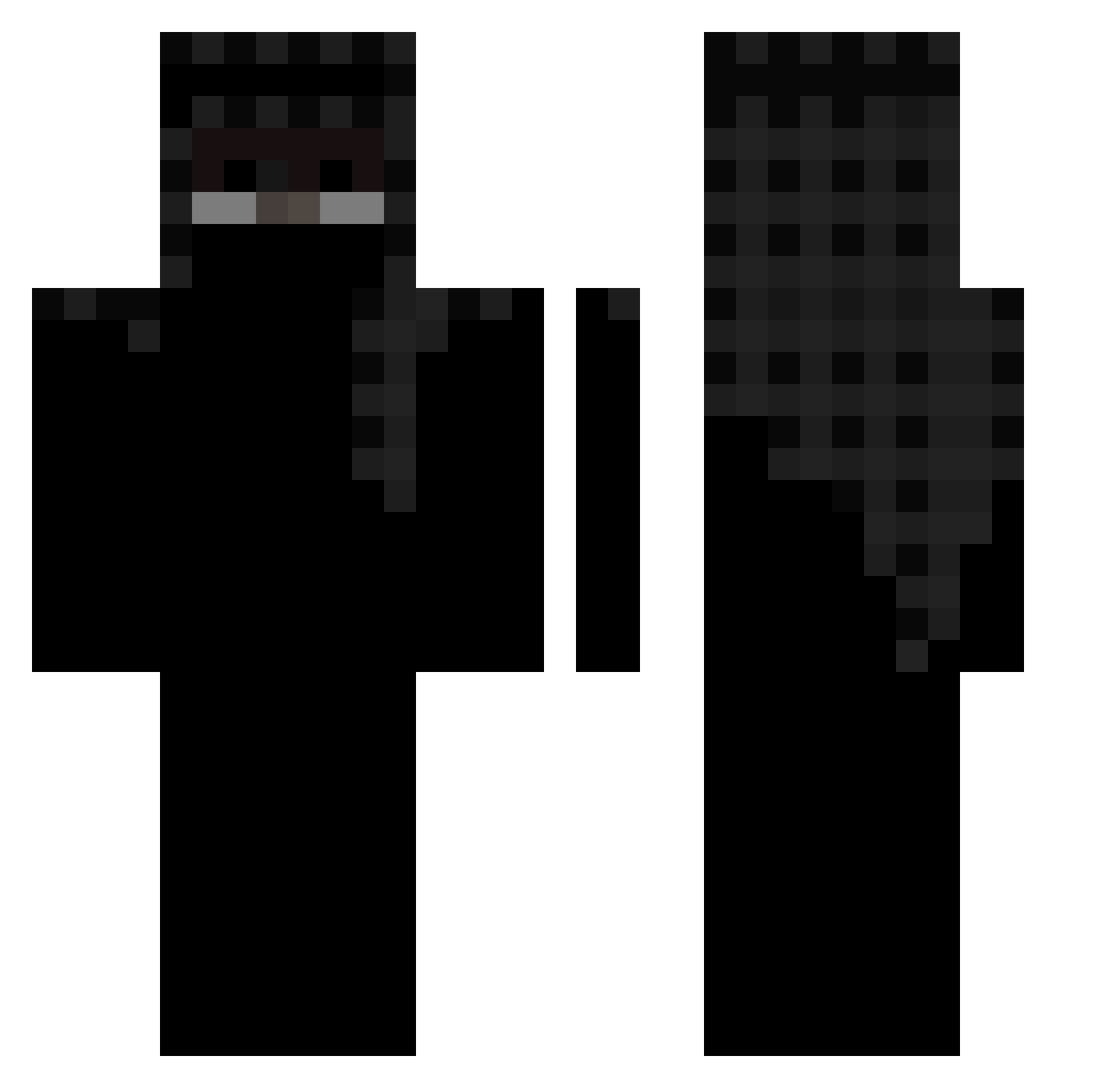
Current Minecraft skin of the player 268Z, loaded from the official Mojang API. Rotate the 3D model with your mouse or finger, then download the skin as a PNG file and use it in Minecraft: Bedrock Edition or Java Edition for free. When 268Z changes their skin, this page updates automatically and the old skin stays in the history below.
Other players with this skin (456)
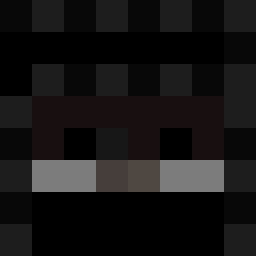
268Z was the 319th player we have seen with this skin, first spotted on 05.10.2026. The same skin was seen on these players. Open a nickname to see their current skin and skin history.
 xQuann Adwares zSuperNew joqv limkj12 theflash260 McDonDon_Fries CloudCIutch medal996125 _Sn3k_ Hitarrth The_Falcon_749 4090x2160 pla1ntv Kwiksif NormalNearly Itz_Qbi ukdrilla1234 impactone fbabaa Justczaroo_ borrred SycroLite LOSSY_YT zRUIZ77 Regedit_Rar ExBlankFN hackeltonzigzag5 UnrealStrafe syn_xyam Ditman18 Its_slowpoky ItzSp0oky Z3_R0K Cyclopode nxazsun xFlawZ MediumLolipop Goku_en_TN 4rm_bones darealbutterdawg Zorkanoid_77 Jolb_ mascaratogeekd marco62324 Shotzz98 zoz1 Wolskim rStraight ppAbdiel LaneMC3 Janovic1337 izyode JJooDD ryzenradeon00 Fwito Friendlygamer14 5aria PapaJohn004 Dexentity
More Headscarf Minecraft skins
How to install the 268Z skin
- Press the Download button above to save the skin as a PNG file.
- Minecraft: Bedrock Edition (PE): open the Dressing Room from the main menu (or tap your character → Edit Character), go to Classic Skins → Owned, press the + (new skin) button, choose the downloaded PNG and pick the Classic (Steve) model. Works on PC and mobile; consoles cannot import custom skins.
- Minecraft: Java Edition: open the Minecraft Launcher, go to the Skins tab, click New Skin, load the PNG, pick the Classic (Steve) model and press Save & Use. You can also upload it at minecraft.net → Profile → Change Skin.
The skin does not show up after import - what should I do?
Restart Minecraft and open the Dressing Room again - imported skins sometimes appear only after a restart. Also make sure you selected the imported skin and picked the Classic (Steve) model.
Which model should I choose, Classic or Slim?
This skin is designed for the Classic (Steve) model. If you pick the wrong model, the arms of the skin will look stretched or squeezed.
Is the skin of 268Z free to download?
Yes. Press Download, save the PNG file and use it in Minecraft: Bedrock Edition or Java Edition - no payment or registration needed. The skin also works on multiplayer servers and Realms.
More skins
Looking for more? Go back to all Minecraft skins and check the top skins of the week, month and all time, or find any player's skin by nickname.