
1zorua - Minecraft Skins & Skin History
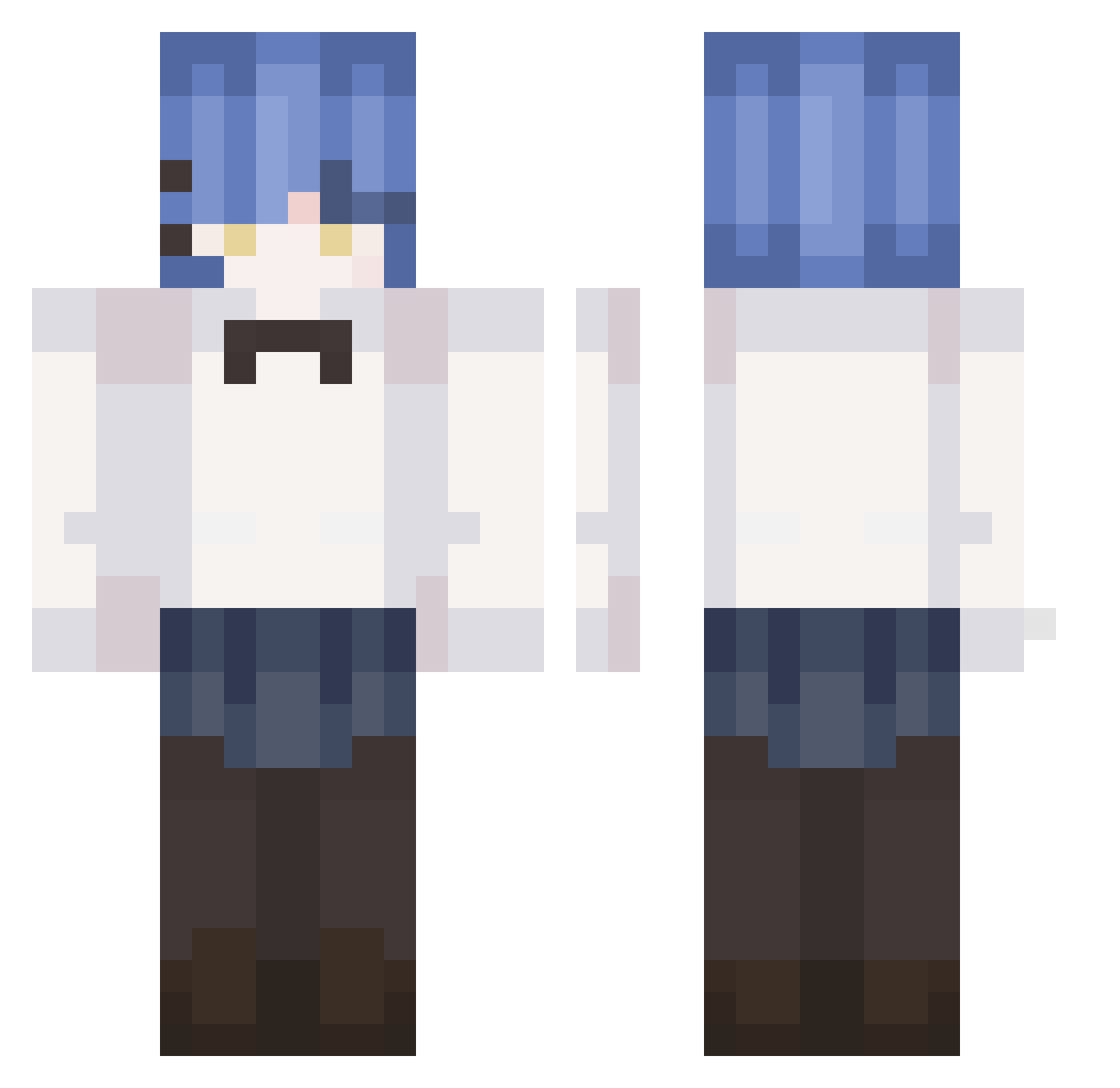
Current Minecraft skin of the player 1zorua, loaded from the official Mojang API. Rotate the 3D model with your mouse or finger, then download the skin as a PNG file and use it in Minecraft: Bedrock Edition or Java Edition for free. When 1zorua changes their skin, this page updates automatically and the old skin stays in the history below.
Other players with this skin (239)
1zorua was the 181st player we have seen with this skin, first spotted on 03.10.2026. The same skin was seen on these players. Open a nickname to see their current skin and skin history.
 NeptunesOrbit SteveBeast45 Sum1re2 hakimihi Adyyazz GoldenApple1224 Yuri_Lover_69 Kuyjao Danzin_10 B46y UwU171 rinapatty wskdfs a2b5b8 Spirit_star Asui_ yellowbikachu ultraRyo yundo84 asdfghjkmnb HoYang_E tank900523 bingus_the_3rd MYMZ_mitsuha mustard0310 Yaamadaryo RyoLakV Ryou_Ch The_will_flloyd alex23saki vuugi Creeyaaaa FreeChurro55 mrW45 DurandalZ x_Ryo notmichiii ShuoYanMC Orfeuson SkullMasta59 breinblartAutumn MANUEL159 HasterGER Siuchoi 3mMmZzz Xiao_b1ack yxh_ haku0831 Moran_ovo iypal MusicalAnvil YamadaRyou Discomforts SakaNaHONE111 taitaiqp proflorder Hoshino_Arisu Bochiichan Kon_suki Pinwilk
More Rem Minecraft skins
How to install the 1zorua skin
- Press the Download button above to save the skin as a PNG file.
- Minecraft: Bedrock Edition (PE): open the Dressing Room from the main menu (or tap your character → Edit Character), go to Classic Skins → Owned, press the + (new skin) button, choose the downloaded PNG and pick the Classic (Steve) model. Works on PC and mobile; consoles cannot import custom skins.
- Minecraft: Java Edition: open the Minecraft Launcher, go to the Skins tab, click New Skin, load the PNG, pick the Classic (Steve) model and press Save & Use. You can also upload it at minecraft.net → Profile → Change Skin.
The skin does not show up after import - what should I do?
Restart Minecraft and open the Dressing Room again - imported skins sometimes appear only after a restart. Also make sure you selected the imported skin and picked the Classic (Steve) model.
Which model should I choose, Classic or Slim?
This skin is designed for the Classic (Steve) model. If you pick the wrong model, the arms of the skin will look stretched or squeezed.
Is the skin of 1zorua free to download?
Yes. Press Download, save the PNG file and use it in Minecraft: Bedrock Edition or Java Edition - no payment or registration needed. The skin also works on multiplayer servers and Realms.
More skins
Looking for more? Go back to all Minecraft skins and check the top skins of the week, month and all time, or find any player's skin by nickname.