
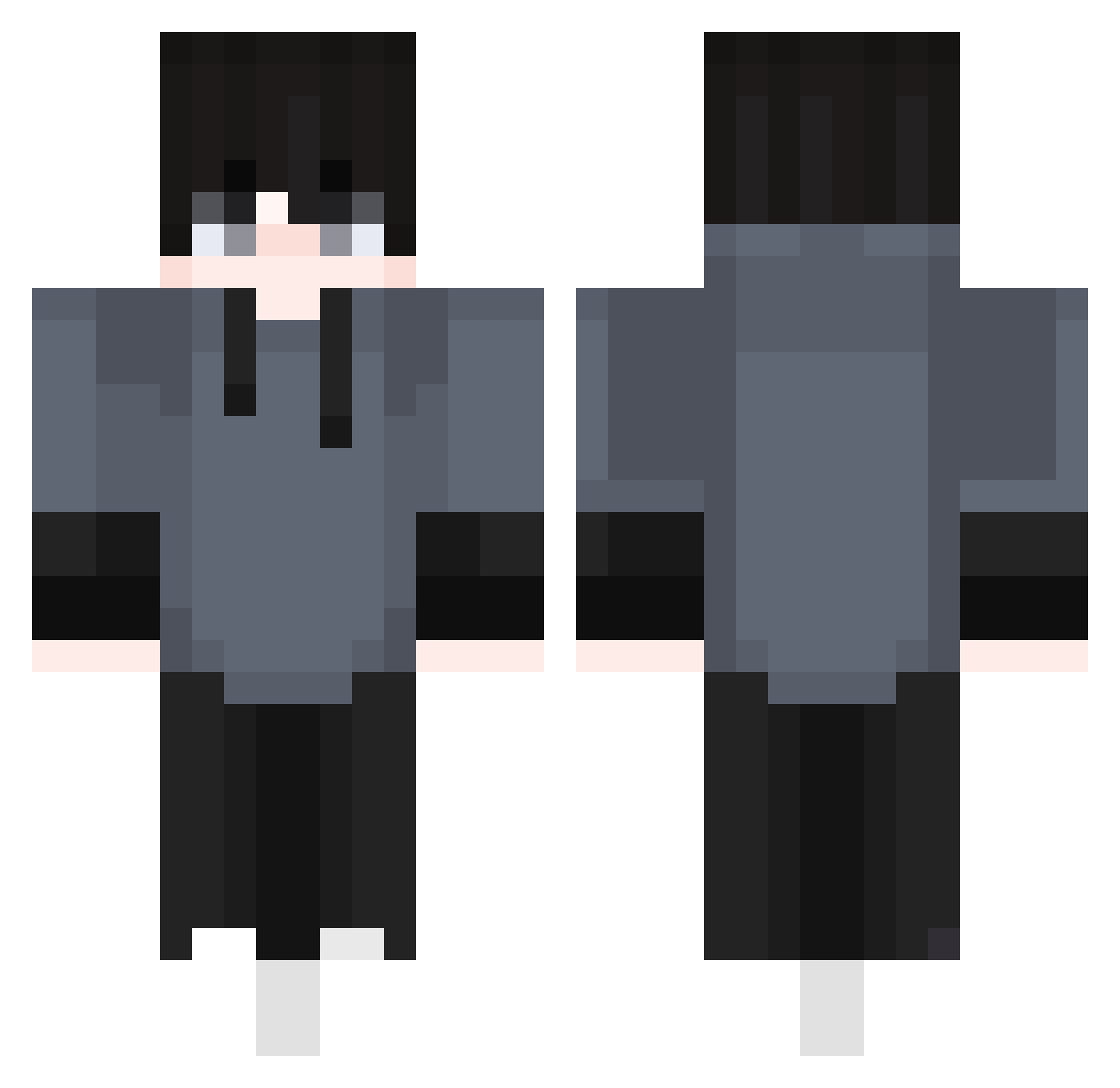
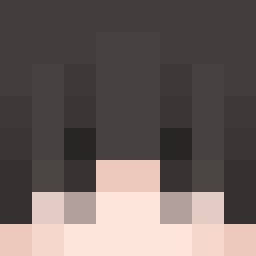
Current Minecraft skin of the player 1mfa, loaded from the official Mojang API. Rotate the 3D model with your mouse or finger, then download the skin as a PNG file and use it in Minecraft: Bedrock Edition or Java Edition for free. When 1mfa changes their skin, this page updates automatically and the old skin stays in the history below.
Other players with this skin (329)
1mfa was the 140th player we have seen with this skin, first spotted on 28.08.2026. The same skin was seen on these players. Open a nickname to see their current skin and skin history.
 Hjceomi syalim05 Dr0psh0Tz Hitansh Nordenlights SoaresDZ7 Thrusterrr 666tommy666 Jamesdean0930
 RKDTJDGHKS
 Roccox_x Luka05091 Janne_PVP ERHEN7 Jodspie LinhHcxdo0110 Ma3ic KillerTimo1132 EpsilonOV Sauuce 3rbe_ CZ4TV SuperFrancuz9 Vipex5412 0Darkless0 Afinenc danieload KaptanTeemu Officer_Socke Myflareon Tennisgott2012 Steve20156381 _Kays FeLiPeLorRd PriestDeth Ark_Bear Armaan123_ TestD SS1nu
 andy081511 NateOnMinecraft2 _Jerryyy_ Dreanr ltx7 vamjon Japing2137 FAITHPUBG
 Enferman41 Bommizauber245 BreXz ST4W TheWayplay dwutakt__ Noweks_ dagnoni22
 dfsa0420_YT
 Daviddb7 MayUknow Selionus huuma123
How to install the 1mfa skin
- Press the Download button above to save the skin as a PNG file.
- Minecraft: Bedrock Edition (PE): open the Dressing Room from the main menu (or tap your character → Edit Character), go to Classic Skins → Owned, press the + (new skin) button, choose the downloaded PNG and pick the Classic (Steve) model. Works on PC and mobile; consoles cannot import custom skins.
- Minecraft: Java Edition: open the Minecraft Launcher, go to the Skins tab, click New Skin, load the PNG, pick the Classic (Steve) model and press Save & Use. You can also upload it at minecraft.net → Profile → Change Skin.
The skin does not show up after import - what should I do?
Restart Minecraft and open the Dressing Room again - imported skins sometimes appear only after a restart. Also make sure you selected the imported skin and picked the Classic (Steve) model.
Which model should I choose, Classic or Slim?
This skin is designed for the Classic (Steve) model. If you pick the wrong model, the arms of the skin will look stretched or squeezed.
Is the skin of 1mfa free to download?
Yes. Press Download, save the PNG file and use it in Minecraft: Bedrock Edition or Java Edition - no payment or registration needed. The skin also works on multiplayer servers and Realms.
More skins
Looking for more? Go back to all Minecraft skins and check the top skins of the week, month and all time, or find any player's skin by nickname.