
113Z - Minecraft Skins & Skin History
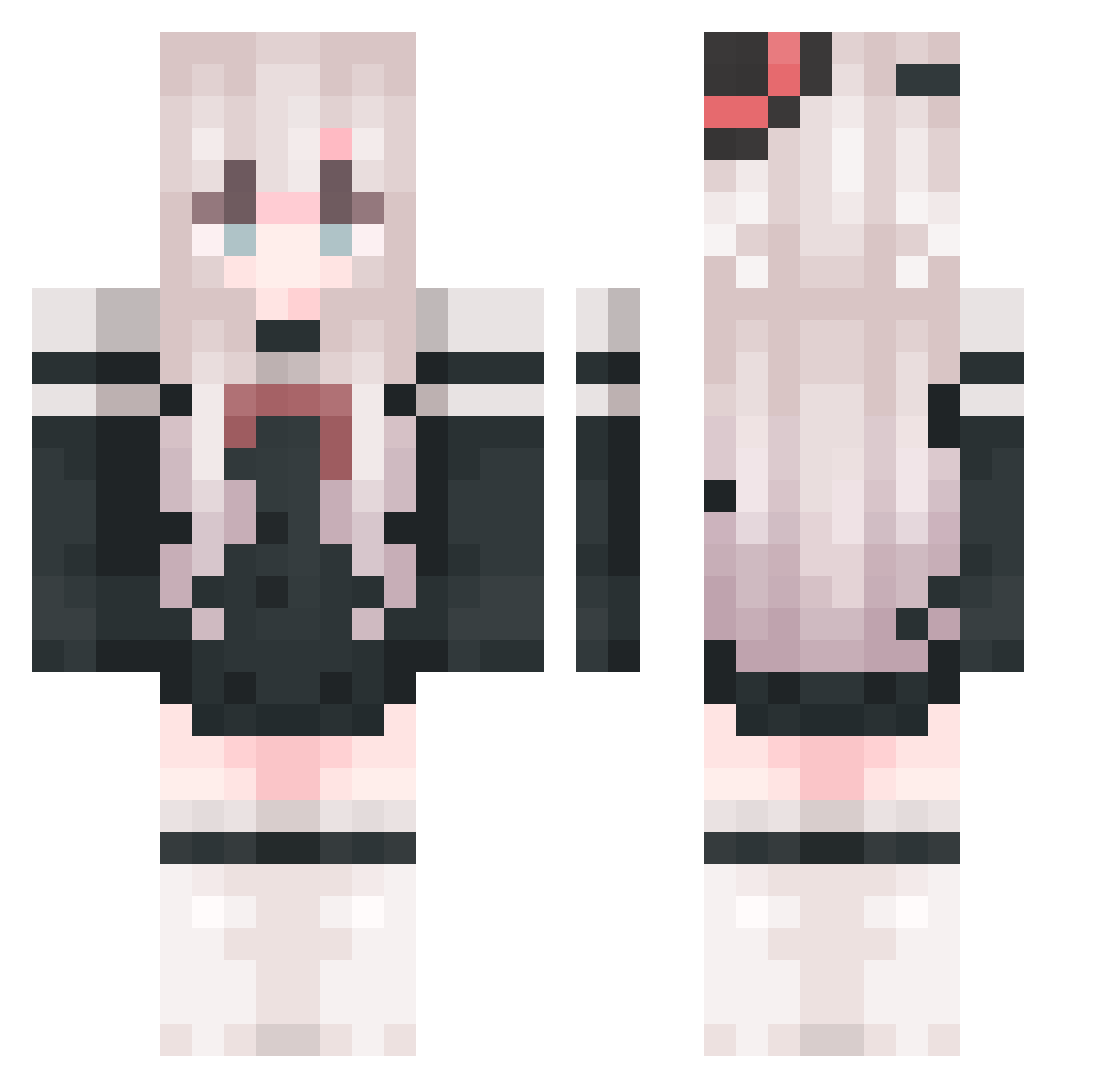
Current Minecraft skin of the player 113Z, loaded from the official Mojang API. Rotate the 3D model with your mouse or finger, then download the skin as a PNG file and use it in Minecraft: Bedrock Edition or Java Edition for free. When 113Z changes their skin, this page updates automatically and the old skin stays in the history below.
Other players with this skin (818)
113Z was the 791st player we have seen with this skin, first spotted on 19.10.2026. The same skin was seen on these players. Open a nickname to see their current skin and skin history.
 SHUKENIDAYE xiaozhee BETA0v0 panjh1 cc97610 Ye_YuChuan sleepjeep 11ii23 ceq520 xxxiaoze huangpo1 ShenWenyi 1clockcat RunickFountainAd Divinitedio CXK1ng wakunakun jmmy4813 SheepBread ACGKirino SHIYIYAYa34 yyds050807 lyingl zhusheng998 _niksik_ YodaoL Nm_Qi14 longqi605 MC_YGTY Necozzz Luzk28 snqwflqke tj613 Akane_233 yangboyi520 JenniferMuser Wild_Hanpi SernikMaster Feathound s504119 Zarrexnet HeroOfTheNovel xianyu_peng fu_skte subtleMalleabl1 BeautyJun zhiliao123 adoresX sluoluo URHura _Las0_ KILLERCHANGE Lunru Hs_Galaxy siryfre Phil0sophy1 accuracyz16 J1aren Clowner_ Wms_Y
More Top Hat Minecraft skins
How to install the 113Z skin
- Press the Download button above to save the skin as a PNG file.
- Minecraft: Bedrock Edition (PE): open the Dressing Room from the main menu (or tap your character → Edit Character), go to Classic Skins → Owned, press the + (new skin) button, choose the downloaded PNG and pick the Classic (Steve) model. Works on PC and mobile; consoles cannot import custom skins.
- Minecraft: Java Edition: open the Minecraft Launcher, go to the Skins tab, click New Skin, load the PNG, pick the Classic (Steve) model and press Save & Use. You can also upload it at minecraft.net → Profile → Change Skin.
The skin does not show up after import - what should I do?
Restart Minecraft and open the Dressing Room again - imported skins sometimes appear only after a restart. Also make sure you selected the imported skin and picked the Classic (Steve) model.
Which model should I choose, Classic or Slim?
This skin is designed for the Classic (Steve) model. If you pick the wrong model, the arms of the skin will look stretched or squeezed.
Is the skin of 113Z free to download?
Yes. Press Download, save the PNG file and use it in Minecraft: Bedrock Edition or Java Edition - no payment or registration needed. The skin also works on multiplayer servers and Realms.
More skins
Looking for more? Go back to all Minecraft skins and check the top skins of the week, month and all time, or find any player's skin by nickname.