
111sea - Minecraft Skins & Skin History
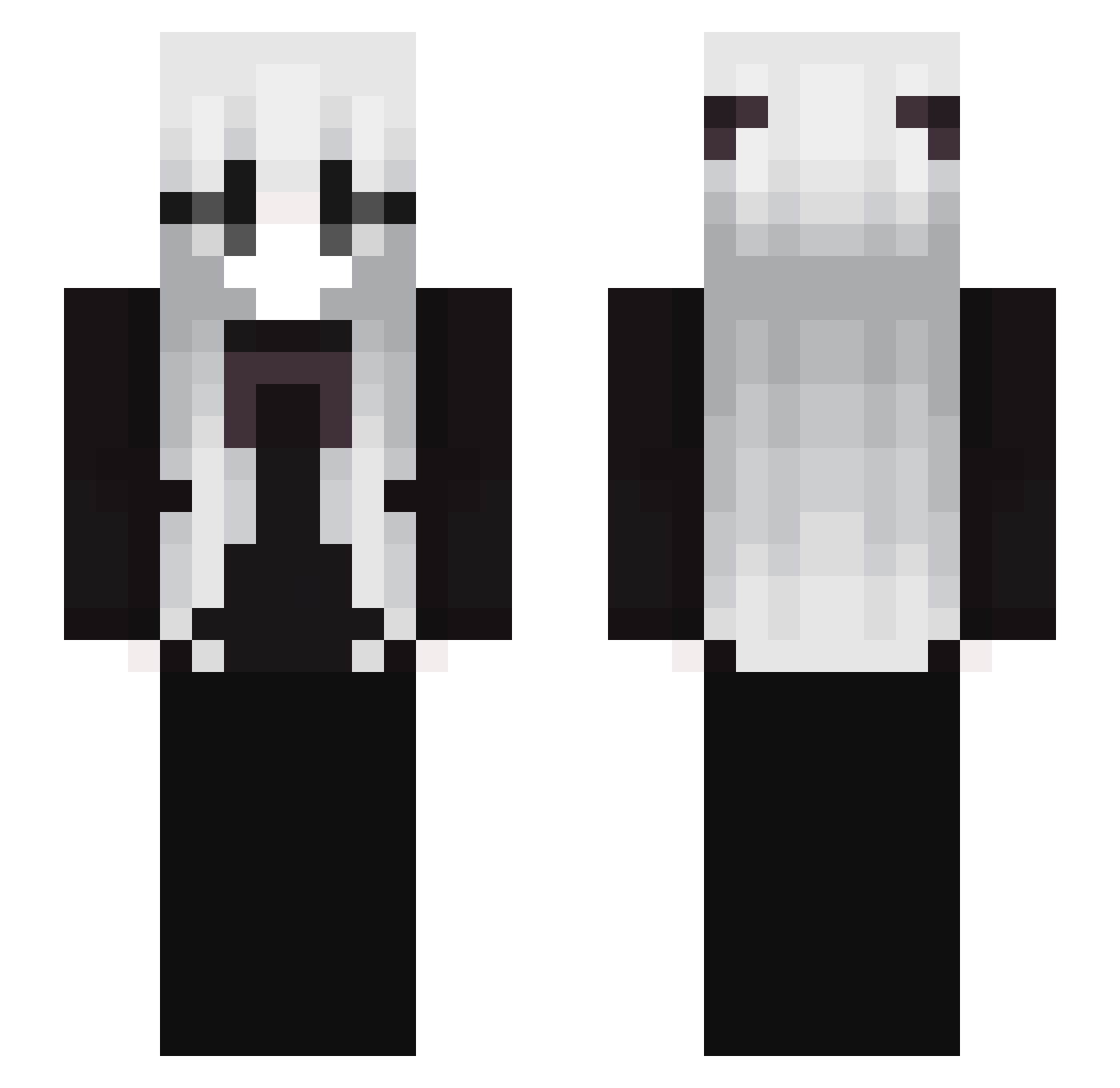
Current Minecraft skin of the player 111sea, loaded from the official Mojang API. Rotate the 3D model with your mouse or finger, then download the skin as a PNG file and use it in Minecraft: Bedrock Edition or Java Edition for free. When 111sea changes their skin, this page updates automatically and the old skin stays in the history below.
Other players with this skin (133)
111sea was the 111th player we have seen with this skin, first spotted on 17.10.2026. The same skin was seen on these players. Open a nickname to see their current skin and skin history.
 349857 Satan0666 An4wer Uraniid 3408590349 Kzip_dMNLo_06_14 Jusstt_Fynn sakunoh_vEMyC4 ConsoleClient749 vihh998 Vandelfa _____________f_ Gaviwabi 34895709234 712040238 90823457034 ItsCuddlyGrizzly iVulnerable_ BKrebs_429276 V_1337 71203985 vuxay 349038405 MXRAb 7128309209358 qnnq iiWolfzx Jrg83x Failinlove_ 3489750345 bl_girl wikuusiae 349534 anthribid LavernderFae SplGolduat IKEv2 xjk66600 712039732756 34098750 39487597 3049509 sandyrealistic8 Tcyovo 712098340958 34057937 overnimble _Unknown_player_ Vacid RONORA ElMarmotah knullentity 7102394723039 harubo1121 Sl1zoxAsh2ae flshgold yhil LFoxxriUwU 712307503945 soCanela_
More Monochrome Minecraft skins
How to install the 111sea skin
- Press the Download button above to save the skin as a PNG file.
- Minecraft: Bedrock Edition (PE): open the Dressing Room from the main menu (or tap your character → Edit Character), go to Classic Skins → Owned, press the + (new skin) button, choose the downloaded PNG and pick the Slim (Alex) model. Works on PC and mobile; consoles cannot import custom skins.
- Minecraft: Java Edition: open the Minecraft Launcher, go to the Skins tab, click New Skin, load the PNG, pick the Slim (Alex) model and press Save & Use. You can also upload it at minecraft.net → Profile → Change Skin.
The skin does not show up after import - what should I do?
Restart Minecraft and open the Dressing Room again - imported skins sometimes appear only after a restart. Also make sure you selected the imported skin and picked the Slim (Alex) model.
Which model should I choose, Classic or Slim?
This skin is designed for the Slim (Alex) model. If you pick the wrong model, the arms of the skin will look stretched or squeezed.
Is the skin of 111sea free to download?
Yes. Press Download, save the PNG file and use it in Minecraft: Bedrock Edition or Java Edition - no payment or registration needed. The skin also works on multiplayer servers and Realms.
More skins
Looking for more? Go back to all Minecraft skins and check the top skins of the week, month and all time, or find any player's skin by nickname.