
0x00FFFF - Minecraft Skins & Skin History
Current Minecraft skin of the player 0x00FFFF, loaded from the official Mojang API. Rotate the 3D model with your mouse or finger, then download the skin as a PNG file and use it in Minecraft: Bedrock Edition or Java Edition for free. When 0x00FFFF changes their skin, this page updates automatically and the old skin stays in the history below.
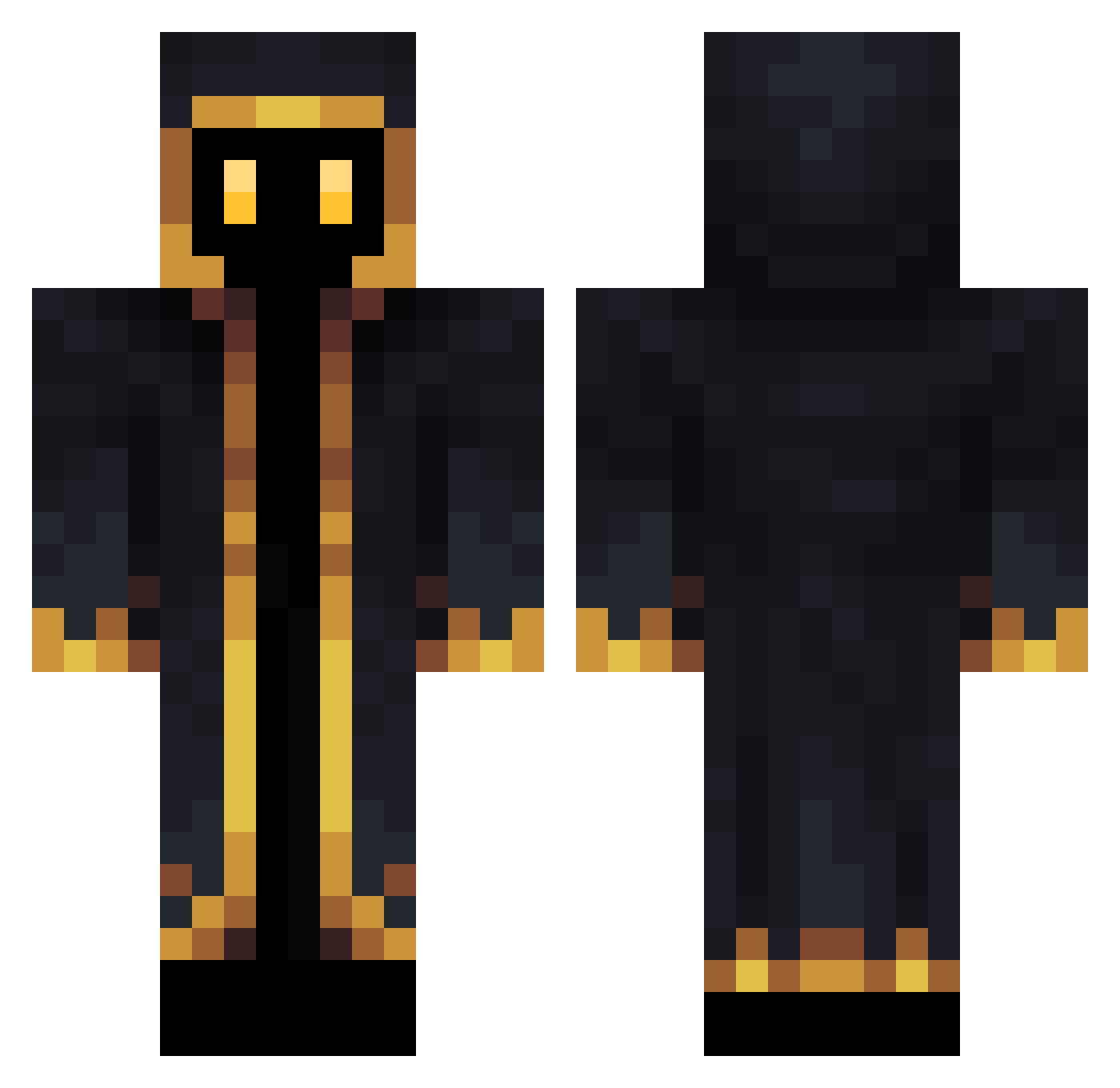
Other players with this skin (140)
0x00FFFF was the 59th player we have seen with this skin, first spotted on 03.09.2026. The same skin was seen on these players. Open a nickname to see their current skin and skin history.
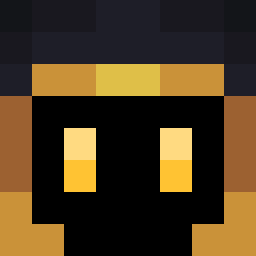 PayThePryce Convaeth WannesVervoort LeDucDeMalice pan324 FlayZze_24 Real_Dwakny nvai Leftcrow1
 _QuERTz TheBenjimane Nershy THibiki Yuyito420 priest_faris MRVNPolar 123DJJOPIE
 xogus55 yuchan00102 Kt0r andreathemagic Content_King Sandmaennchen99 malditomarco ksihu1729 MrChunkDirty UrbanSun360 Hrunzilzulm El_Tano _Kappi__ neptboss12e MoGG_ Creamy0_0 Moloker kashten MeltyKiss1 Landmork TheAronFreyr starbyck KovuCraft stonkedman not_den Victorro12 Musasih TabooCeiling543 ShowwBig Leaf__S MrConte cleeer Ree_forni Danuta1234 hellptgame Pharaoo JJAKYI oil0309 Lost_FRWR Dark1ller_
 BatGrey13 Maa99 Sanchurucho
More Hooded Figure Minecraft skins
See all 1152 Hooded Figure skins
How to install the 0x00FFFF skin
- Press the Download button above to save the skin as a PNG file.
- Minecraft: Bedrock Edition (PE): open the Dressing Room from the main menu (or tap your character → Edit Character), go to Classic Skins → Owned, press the + (new skin) button, choose the downloaded PNG and pick the Classic (Steve) model. Works on PC and mobile; consoles cannot import custom skins.
- Minecraft: Java Edition: open the Minecraft Launcher, go to the Skins tab, click New Skin, load the PNG, pick the Classic (Steve) model and press Save & Use. You can also upload it at minecraft.net → Profile → Change Skin.
The skin does not show up after import - what should I do?
Restart Minecraft and open the Dressing Room again - imported skins sometimes appear only after a restart. Also make sure you selected the imported skin and picked the Classic (Steve) model.
Which model should I choose, Classic or Slim?
This skin is designed for the Classic (Steve) model. If you pick the wrong model, the arms of the skin will look stretched or squeezed.
Is the skin of 0x00FFFF free to download?
Yes. Press Download, save the PNG file and use it in Minecraft: Bedrock Edition or Java Edition - no payment or registration needed. The skin also works on multiplayer servers and Realms.
More skins
Looking for more? Go back to all Minecraft skins and check the top skins of the week, month and all time, or find any player's skin by nickname.