
0n_beom - Minecraft Skins & Skin History
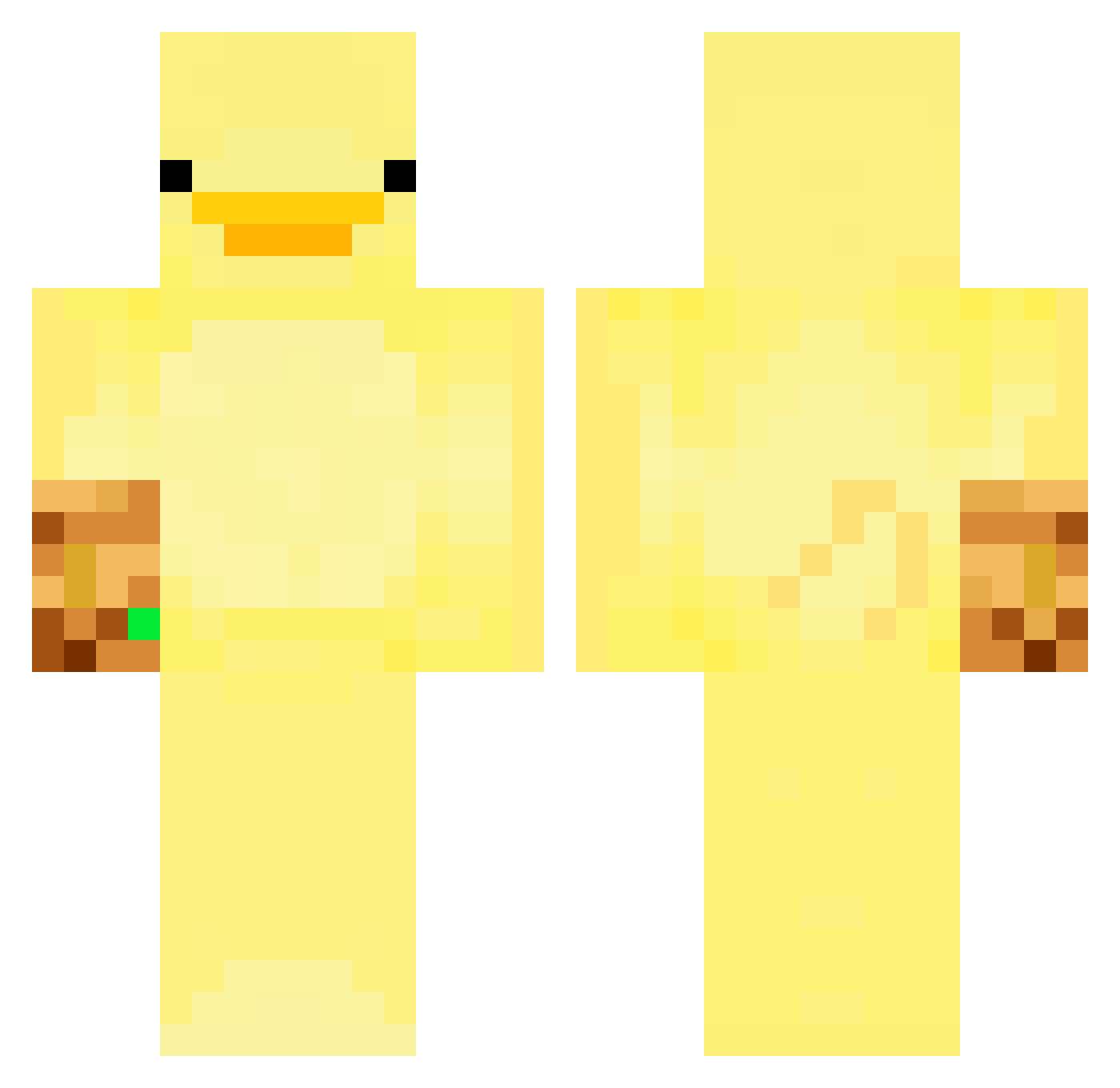
Current Minecraft skin of the player 0n_beom, loaded from the official Mojang API. Rotate the 3D model with your mouse or finger, then download the skin as a PNG file and use it in Minecraft: Bedrock Edition or Java Edition for free. When 0n_beom changes their skin, this page updates automatically and the old skin stays in the history below.
Other players with this skin (247)
0n_beom was the 215th player we have seen with this skin, first spotted on 11.10.2026. The same skin was seen on these players. Open a nickname to see their current skin and skin history.
 QuackingShovel Wnsgh_ goosenose chani829 ONESSUN fiedfi barba2025 Dragonslayer_oh jacobpatriots MMrPoopyButthole NkzJp VerbalChicken03 u_danyel agepan1109 DuXssss Salxini merkeypowcow Etormz gaetan_of_atlas Racxo0n HamidSezgin mabishain xyesos000 jutin_1005 Kastelrouge omg_night grjooo siu37 Norturr MalluN AsiaFryRye Rancid_Dave TableKnights Rondy Up_dog_bruh HandsomeSnorlax AlexFrancois0110 MauricioTuPatron BielFSilva Srk0 MillkTw_OuO M4urits wenseee Bloodyspeed s0_0k2 HamburgersHunter BackshotsBader OozeV2 CheeseGod09 angoro Di3pvries Pinchyy AsilKSP wongiii _Dextroy_ Gamer992 ektl1166 DinoBudino MrPayton98 Saam_CG
More Thanos Minecraft skins
How to install the 0n_beom skin
- Press the Download button above to save the skin as a PNG file.
- Minecraft: Bedrock Edition (PE): open the Dressing Room from the main menu (or tap your character → Edit Character), go to Classic Skins → Owned, press the + (new skin) button, choose the downloaded PNG and pick the Classic (Steve) model. Works on PC and mobile; consoles cannot import custom skins.
- Minecraft: Java Edition: open the Minecraft Launcher, go to the Skins tab, click New Skin, load the PNG, pick the Classic (Steve) model and press Save & Use. You can also upload it at minecraft.net → Profile → Change Skin.
The skin does not show up after import - what should I do?
Restart Minecraft and open the Dressing Room again - imported skins sometimes appear only after a restart. Also make sure you selected the imported skin and picked the Classic (Steve) model.
Which model should I choose, Classic or Slim?
This skin is designed for the Classic (Steve) model. If you pick the wrong model, the arms of the skin will look stretched or squeezed.
Is the skin of 0n_beom free to download?
Yes. Press Download, save the PNG file and use it in Minecraft: Bedrock Edition or Java Edition - no payment or registration needed. The skin also works on multiplayer servers and Realms.
More skins
Looking for more? Go back to all Minecraft skins and check the top skins of the week, month and all time, or find any player's skin by nickname.