
016nowwn - Minecraft Skins & Skin History
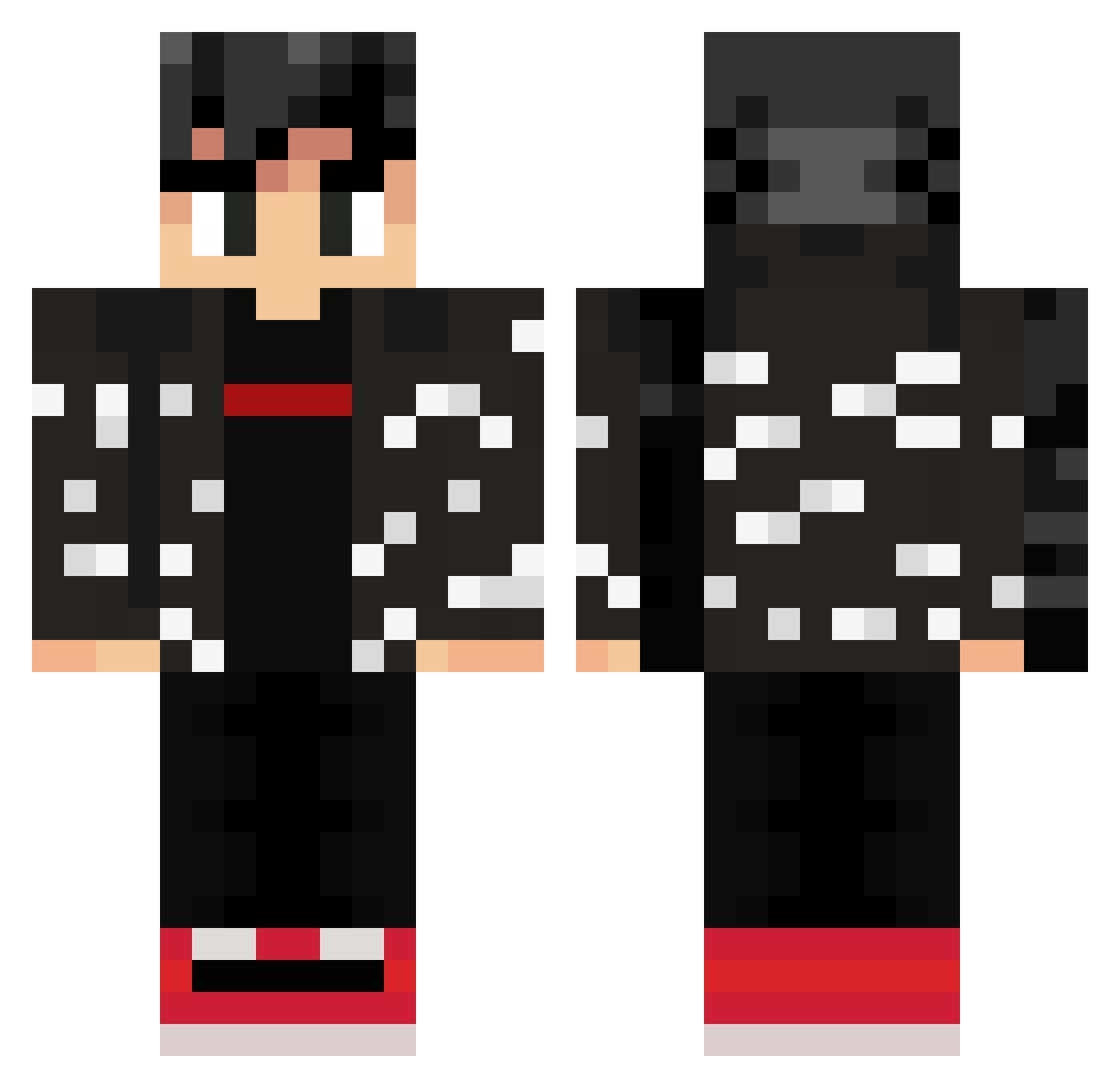
Current Minecraft skin of the player 016nowwn, loaded from the official Mojang API. Rotate the 3D model with your mouse or finger, then download the skin as a PNG file and use it in Minecraft: Bedrock Edition or Java Edition for free. When 016nowwn changes their skin, this page updates automatically and the old skin stays in the history below.
Other players with this skin (309)
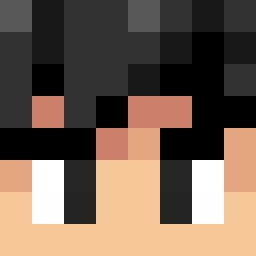
016nowwn was the 264th player we have seen with this skin, first spotted on 23.10.2026. The same skin was seen on these players. Open a nickname to see their current skin and skin history.
 ProjectMega Augusta1987 chicocebolla1 Iley6161 maxouVEVO haineW0RD pueian Dannymeme GhostSock0827 finchhouse K1NGSaL hart2407 echTM BrightNebula Petterofcat izzie100 SrJoelito AloxusV2 BareSejePlundf martieg3 Xer0Star Alvaro56 mr_sh4rk BigLargeDuckMan jarnie06 pizza123456788 xdethan7 SonGoku17Z Bundabee austinslifeyt xlFr0z3n sawcrak ConvictedP xdballitos Sham_sizzle IsRode_XD AkenSoul miro030409 Wigglerdude Muscl3M4n Jack_jie BdMn11 SobeDiscada10 Fiwi__ Alp1461 Pomiina56 k1_grandz Weirdboyss xxrsk8bordthug IZa894 Vktr72 SkillDrainer Never3ndingPain 132116352789 BWreflex LoaFisad CXLIB5175 Liamzon TyTheMemer TheXaiga
More Streetwear Minecraft skins
How to install the 016nowwn skin
- Press the Download button above to save the skin as a PNG file.
- Minecraft: Bedrock Edition (PE): open the Dressing Room from the main menu (or tap your character → Edit Character), go to Classic Skins → Owned, press the + (new skin) button, choose the downloaded PNG and pick the Classic (Steve) model. Works on PC and mobile; consoles cannot import custom skins.
- Minecraft: Java Edition: open the Minecraft Launcher, go to the Skins tab, click New Skin, load the PNG, pick the Classic (Steve) model and press Save & Use. You can also upload it at minecraft.net → Profile → Change Skin.
The skin does not show up after import - what should I do?
Restart Minecraft and open the Dressing Room again - imported skins sometimes appear only after a restart. Also make sure you selected the imported skin and picked the Classic (Steve) model.
Which model should I choose, Classic or Slim?
This skin is designed for the Classic (Steve) model. If you pick the wrong model, the arms of the skin will look stretched or squeezed.
Is the skin of 016nowwn free to download?
Yes. Press Download, save the PNG file and use it in Minecraft: Bedrock Edition or Java Edition - no payment or registration needed. The skin also works on multiplayer servers and Realms.
More skins
Looking for more? Go back to all Minecraft skins and check the top skins of the week, month and all time, or find any player's skin by nickname.