
zxc12321 - Minecraft Skins & Skin History
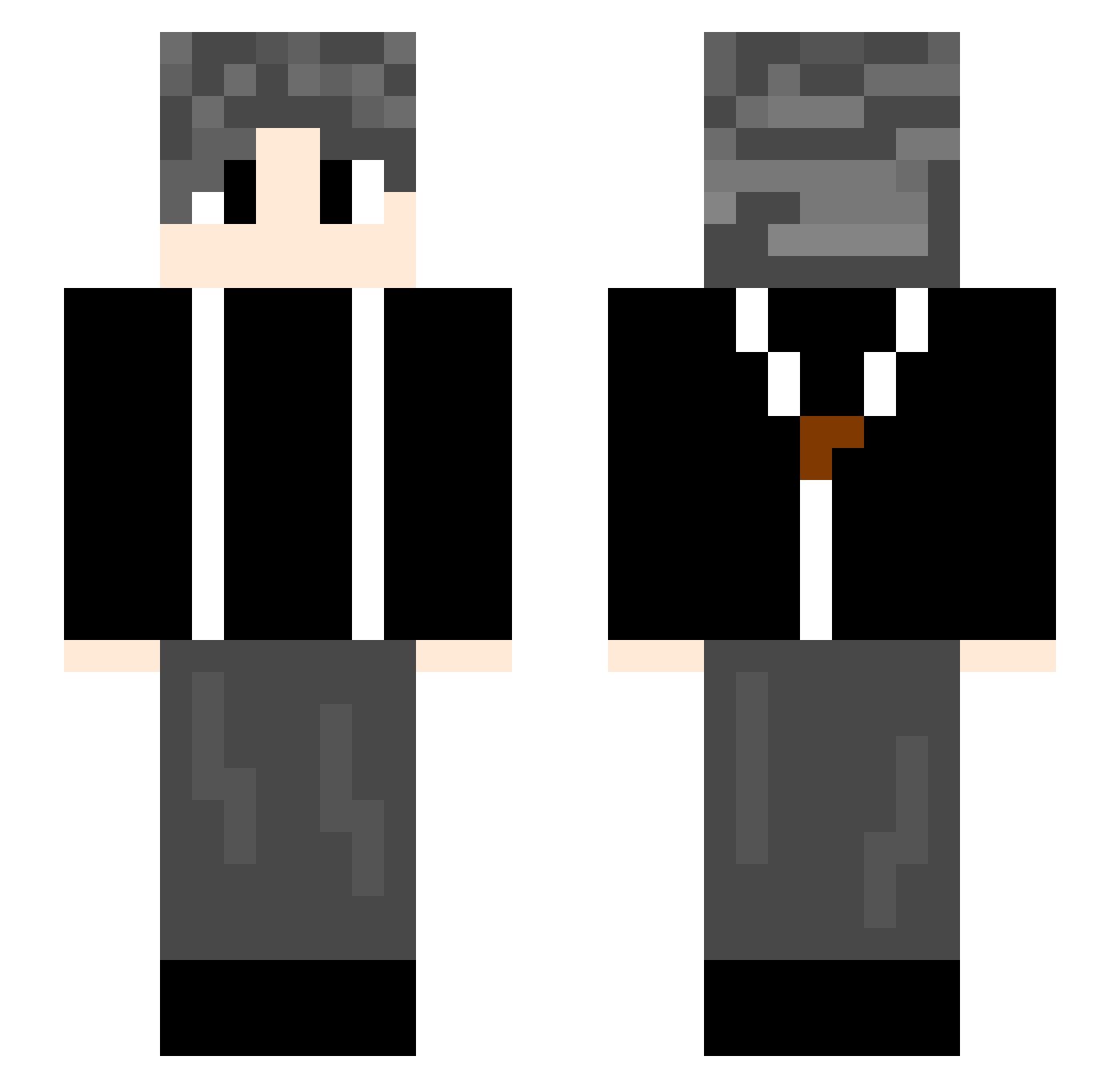
Current Minecraft skin of the player zxc12321, loaded from the official Mojang API. Rotate the 3D model with your mouse or finger, then download the skin as a PNG file and use it in Minecraft: Bedrock Edition or Java Edition for free. When zxc12321 changes their skin, this page updates automatically and the old skin stays in the history below.
Other players with this skin (775)
zxc12321 was the 746th player we have seen with this skin, first spotted on 06.11.2026. The same skin was seen on these players. Open a nickname to see their current skin and skin history.
 Stargazzzer16 snakeyx oParrot Yesman04 LongHuoGuo_ XLuuu angelessin xff123 LRISE7 Terrence217 qingcha114514 YV_U HHHKKKWWW LLue729 ZMISDOG chenshuaib3 adamniubi anonimitie weznnn KS814 StartYourEngine cxk94666 tieguo19 ZGWSss syq1 YCZL shuiqing Feiyu_Lee ZHOU_MUZE Reokia KcNc0 ssdasdasd2 jokerplus666 gfx2022 PUMENGZI derraz_ yuan_20 XOvo7 Sakuraaaa12 Y_godfather _Eustia_Astraea TangerineCat23 Jackeylove98 moonlight0109 xiaoZ423 C_n_y xaiodanke Minhaj2311 dittay xag2ji3 123654555 Tiusi charon789 Thebugisme 406415 JY1021 llZzxll hashimoto118 Huaiming123 William_0121
How to install the zxc12321 skin
- Press the Download button above to save the skin as a PNG file.
- Minecraft: Bedrock Edition (PE): open the Dressing Room from the main menu (or tap your character → Edit Character), go to Classic Skins → Owned, press the + (new skin) button, choose the downloaded PNG and pick the Slim (Alex) model. Works on PC and mobile; consoles cannot import custom skins.
- Minecraft: Java Edition: open the Minecraft Launcher, go to the Skins tab, click New Skin, load the PNG, pick the Slim (Alex) model and press Save & Use. You can also upload it at minecraft.net → Profile → Change Skin.
The skin does not show up after import - what should I do?
Restart Minecraft and open the Dressing Room again - imported skins sometimes appear only after a restart. Also make sure you selected the imported skin and picked the Slim (Alex) model.
Which model should I choose, Classic or Slim?
This skin is designed for the Slim (Alex) model. If you pick the wrong model, the arms of the skin will look stretched or squeezed.
Is the skin of zxc12321 free to download?
Yes. Press Download, save the PNG file and use it in Minecraft: Bedrock Edition or Java Edition - no payment or registration needed. The skin also works on multiplayer servers and Realms.
More skins
Looking for more? Go back to all Minecraft skins and check the top skins of the week, month and all time, or find any player's skin by nickname.