
yoojoel - Minecraft Skins & Skin History
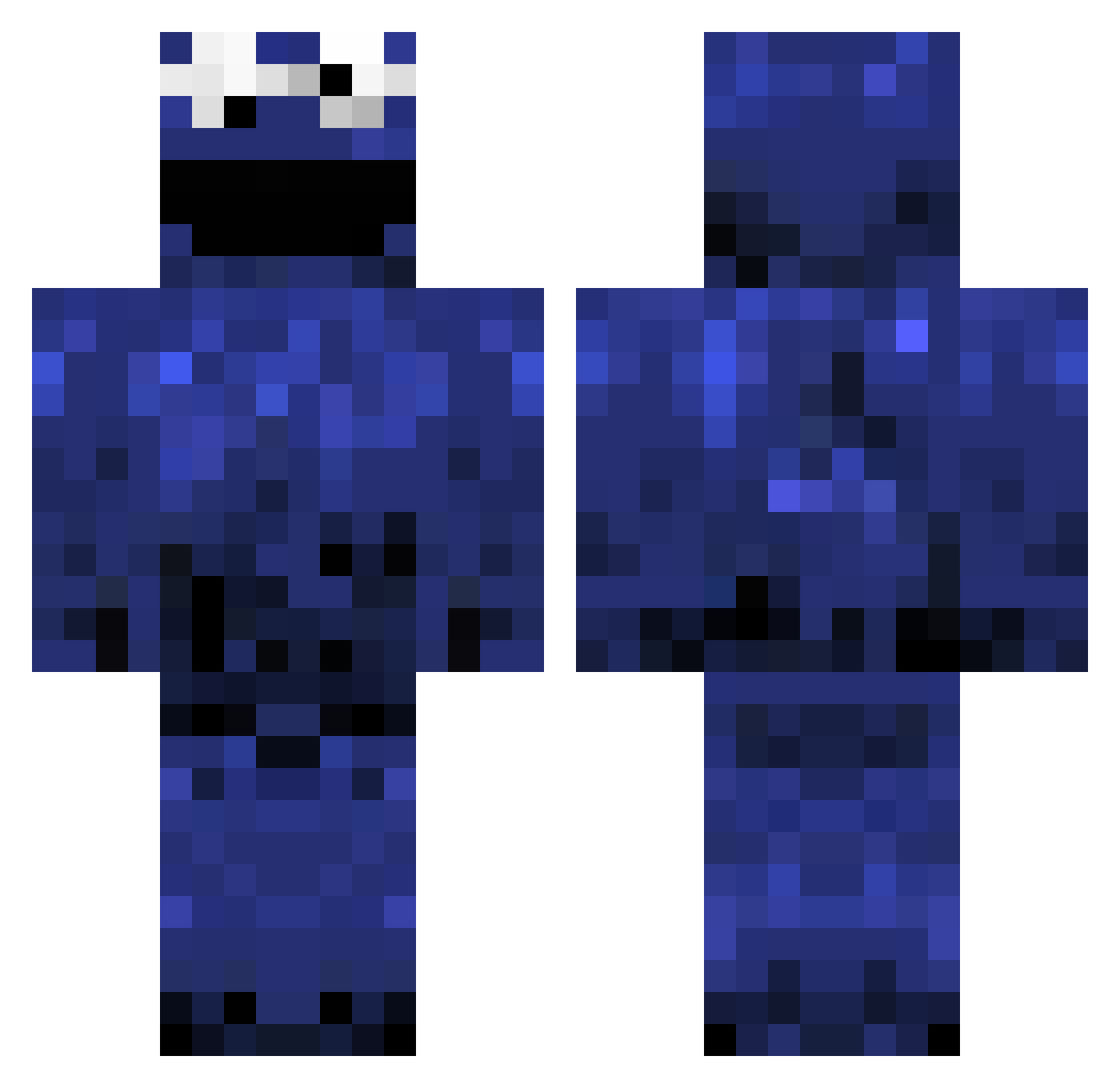
Current Minecraft skin of the player yoojoel, loaded from the official Mojang API. Rotate the 3D model with your mouse or finger, then download the skin as a PNG file and use it in Minecraft: Bedrock Edition or Java Edition for free. When yoojoel changes their skin, this page updates automatically and the old skin stays in the history below.
Other players with this skin (1241)
yoojoel was the 1017th player we have seen with this skin, first spotted on 24.10.2026. The same skin was seen on these players. Open a nickname to see their current skin and skin history.
 dpjt304 BigFlopps tleblanc92 nils_hansen awesome841123 Grayyola RunMyBlock Sir_Thorpec JustinWu912 harrison424 zena3456 WhiteBloodCells NubianPeach Stupoint0 savagexwary BlackRose__ Tolution FartingPenis56 kruemmelmonster Leo_Vir Random_Gestures Ehud21 Philanthrope Monsta_Jayyy mrdonzno1 MasterPancake99 pearse_nexon GPMainia chabos ricefire jaydazzel major_miner9 Riverhead lemurstooth NUlaw MrScifiOG cjr20 Ashenelle Pnutbutrcookies Jxliqn KingMonkey2_0 JakeStix Immortal695 Knorberlo xDraconator AJ_Toomey Higggy WompyTheWalrus _towelie_ calx1723 TMaster0007 montster11 dllines Jadelink OddPanda Funkadube coolecosy cleerusher123 ChiefDoink Naughta
More Cookie Monster Minecraft skins
See all 298 Cookie Monster skins
How to install the yoojoel skin
- Press the Download button above to save the skin as a PNG file.
- Minecraft: Bedrock Edition (PE): open the Dressing Room from the main menu (or tap your character → Edit Character), go to Classic Skins → Owned, press the + (new skin) button, choose the downloaded PNG and pick the Classic (Steve) model. Works on PC and mobile; consoles cannot import custom skins.
- Minecraft: Java Edition: open the Minecraft Launcher, go to the Skins tab, click New Skin, load the PNG, pick the Classic (Steve) model and press Save & Use. You can also upload it at minecraft.net → Profile → Change Skin.
The skin does not show up after import - what should I do?
Restart Minecraft and open the Dressing Room again - imported skins sometimes appear only after a restart. Also make sure you selected the imported skin and picked the Classic (Steve) model.
Which model should I choose, Classic or Slim?
This skin is designed for the Classic (Steve) model. If you pick the wrong model, the arms of the skin will look stretched or squeezed.
Is the skin of yoojoel free to download?
Yes. Press Download, save the PNG file and use it in Minecraft: Bedrock Edition or Java Edition - no payment or registration needed. The skin also works on multiplayer servers and Realms.
More skins
Looking for more? Go back to all Minecraft skins and check the top skins of the week, month and all time, or find any player's skin by nickname.