
xdsamiii - Minecraft Skins & Skin History
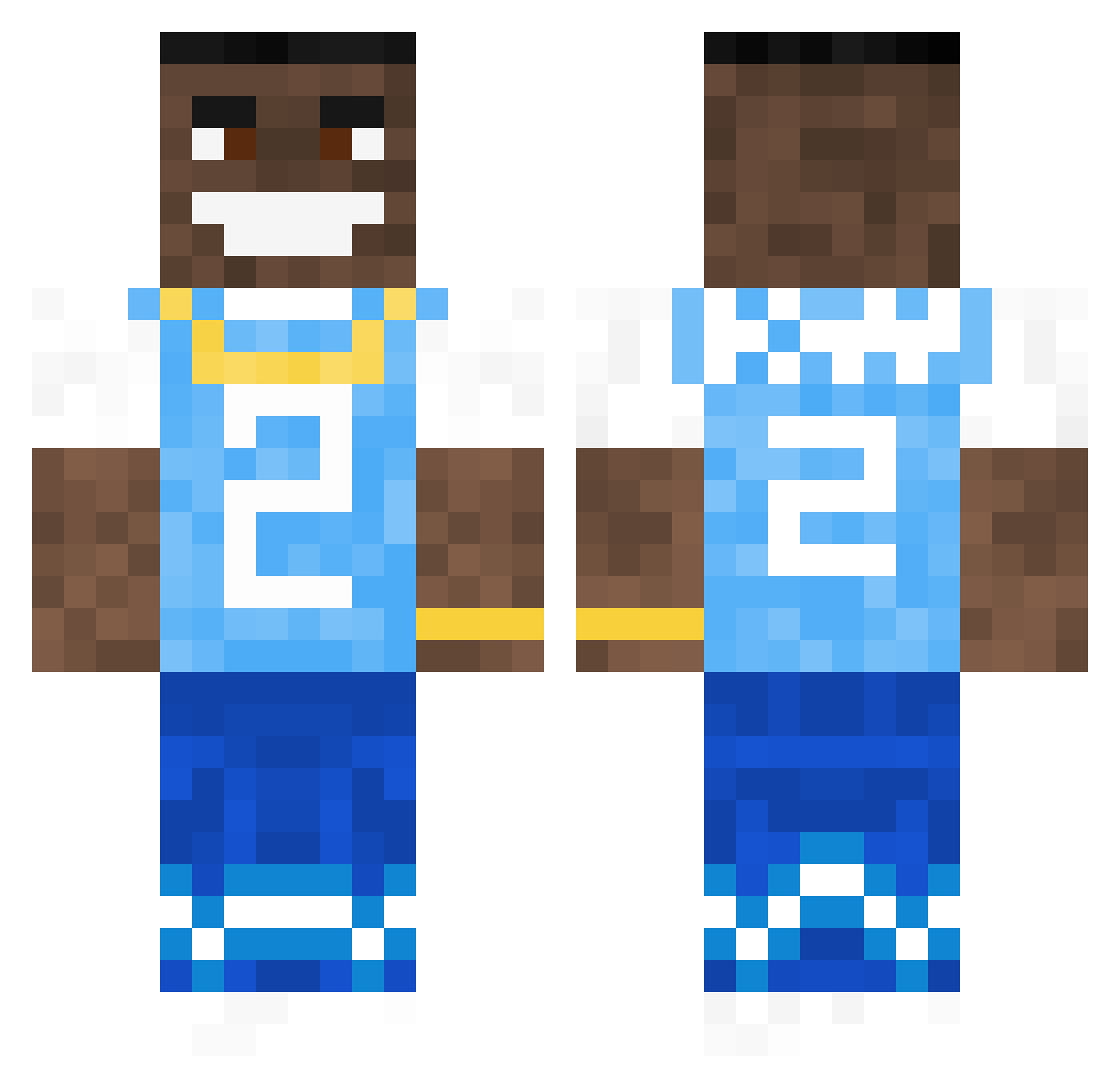
Current Minecraft skin of the player xdsamiii, loaded from the official Mojang API. Rotate the 3D model with your mouse or finger, then download the skin as a PNG file and use it in Minecraft: Bedrock Edition or Java Edition for free. When xdsamiii changes their skin, this page updates automatically and the old skin stays in the history below.
Other players with this skin (792)
xdsamiii was the 638th player we have seen with this skin, first spotted on 22.10.2026. The same skin was seen on these players. Open a nickname to see their current skin and skin history.
 _Hopss_ Lettuce1005 Tommy1818 Ouwu PaidBrake31630 JacobRL redbull242 paul120719 Adir2773 lil_beach_ mikkflurry MadiiLillyy Nhl_Guru cnbtz Kiloshi kwise69 iiJlxio ElPepeFiehn Unoserveso veazy7 JoeMeikle gangstajori dadoosh_ TrisLen dywar1 jedryk420 saskosaneas AngryAsian212 Joestin_ CocoPheonix BaconWater Fantomg01 Mathys2706 shawka Bego_ gungawarrior JohnSZN m1lk42 MagicBook375380 jojo_hobo ilelatma ii_Peak Culitoz emkazet894 Tonydied269 rrecoJ8 NickFree19 RicketyPlate742 Kappalot000 Castro77 LimaBigGuy Beniy3 Sphyx MrMcgriddle96 Mellostar25 TyroneRequis nicolasandrei610 Alpinio coohee joejoe264
More Dababy Minecraft skins
How to install the xdsamiii skin
- Press the Download button above to save the skin as a PNG file.
- Minecraft: Bedrock Edition (PE): open the Dressing Room from the main menu (or tap your character → Edit Character), go to Classic Skins → Owned, press the + (new skin) button, choose the downloaded PNG and pick the Classic (Steve) model. Works on PC and mobile; consoles cannot import custom skins.
- Minecraft: Java Edition: open the Minecraft Launcher, go to the Skins tab, click New Skin, load the PNG, pick the Classic (Steve) model and press Save & Use. You can also upload it at minecraft.net → Profile → Change Skin.
The skin does not show up after import - what should I do?
Restart Minecraft and open the Dressing Room again - imported skins sometimes appear only after a restart. Also make sure you selected the imported skin and picked the Classic (Steve) model.
Which model should I choose, Classic or Slim?
This skin is designed for the Classic (Steve) model. If you pick the wrong model, the arms of the skin will look stretched or squeezed.
Is the skin of xdsamiii free to download?
Yes. Press Download, save the PNG file and use it in Minecraft: Bedrock Edition or Java Edition - no payment or registration needed. The skin also works on multiplayer servers and Realms.
More skins
Looking for more? Go back to all Minecraft skins and check the top skins of the week, month and all time, or find any player's skin by nickname.