
wishes28 - Minecraft Skins & Skin History
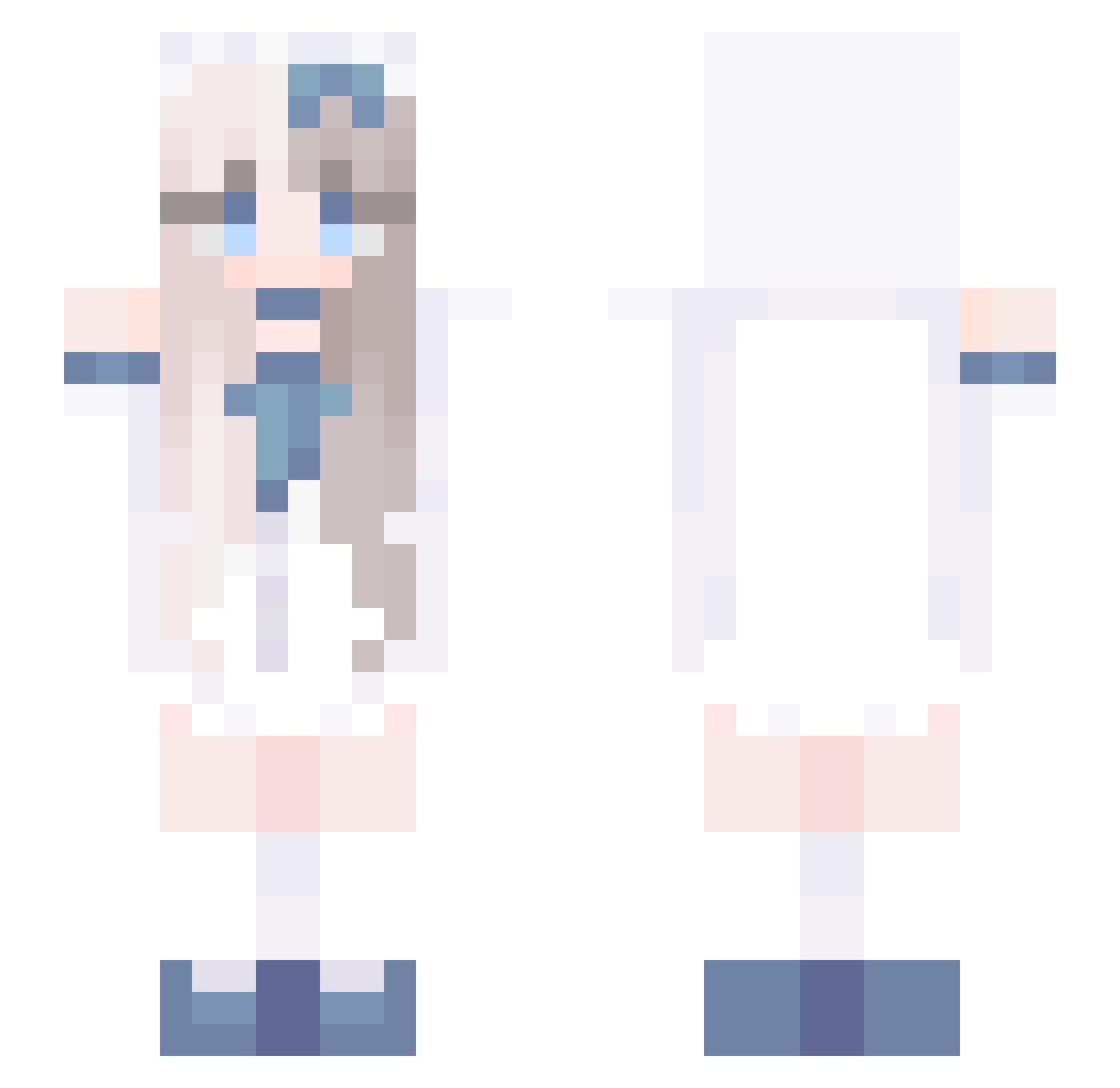
Current Minecraft skin of the player wishes28, loaded from the official Mojang API. Rotate the 3D model with your mouse or finger, then download the skin as a PNG file and use it in Minecraft: Bedrock Edition or Java Edition for free. When wishes28 changes their skin, this page updates automatically and the old skin stays in the history below.
Other players with this skin (768)
wishes28 was the 762nd player we have seen with this skin, first spotted on 09.11.2026. The same skin was seen on these players. Open a nickname to see their current skin and skin history.
 joo_hyeog_1007 TheMamli OoQ8 amelia1234566778 ZYDXY 88943 Esit_ Xuan0129 Nany0x0 sarafmdc salado4 Kaxutor Cyrus_WT GagulGagul2 Soranin PikkaMoon Jeremyk3836 lxmonx rainmark12 KZKT7428 SALMON_2013 ConnyOwO shnagu IU_UAENA _Mollie__ Azurely_Lin IfanJi Argouse CBLLL YYYanmo OoAppleoO zzzzyyyyllll Shuqimo Peiii23 sjh0505 Barrrett007 _STELLA14 curryasia Lestboy Gifuxx kmison katuuxo KisaragiYuki0210 loopylabu v_v1 MintNoiis Liuveyou tevge 7eason yk_123 kongjiu01 lillyb1lly Aasiyah Sakura_OAO JMHSL SilenceSss dashaao TheyCallMeCuteee YPY_ zinhapx
More Anime Girl Minecraft skins
See all 14116 Anime Girl skins
How to install the wishes28 skin
- Press the Download button above to save the skin as a PNG file.
- Minecraft: Bedrock Edition (PE): open the Dressing Room from the main menu (or tap your character → Edit Character), go to Classic Skins → Owned, press the + (new skin) button, choose the downloaded PNG and pick the Slim (Alex) model. Works on PC and mobile; consoles cannot import custom skins.
- Minecraft: Java Edition: open the Minecraft Launcher, go to the Skins tab, click New Skin, load the PNG, pick the Slim (Alex) model and press Save & Use. You can also upload it at minecraft.net → Profile → Change Skin.
The skin does not show up after import - what should I do?
Restart Minecraft and open the Dressing Room again - imported skins sometimes appear only after a restart. Also make sure you selected the imported skin and picked the Slim (Alex) model.
Which model should I choose, Classic or Slim?
This skin is designed for the Slim (Alex) model. If you pick the wrong model, the arms of the skin will look stretched or squeezed.
Is the skin of wishes28 free to download?
Yes. Press Download, save the PNG file and use it in Minecraft: Bedrock Edition or Java Edition - no payment or registration needed. The skin also works on multiplayer servers and Realms.
More skins
Looking for more? Go back to all Minecraft skins and check the top skins of the week, month and all time, or find any player's skin by nickname.