
threatwar - Minecraft Skins & Skin History
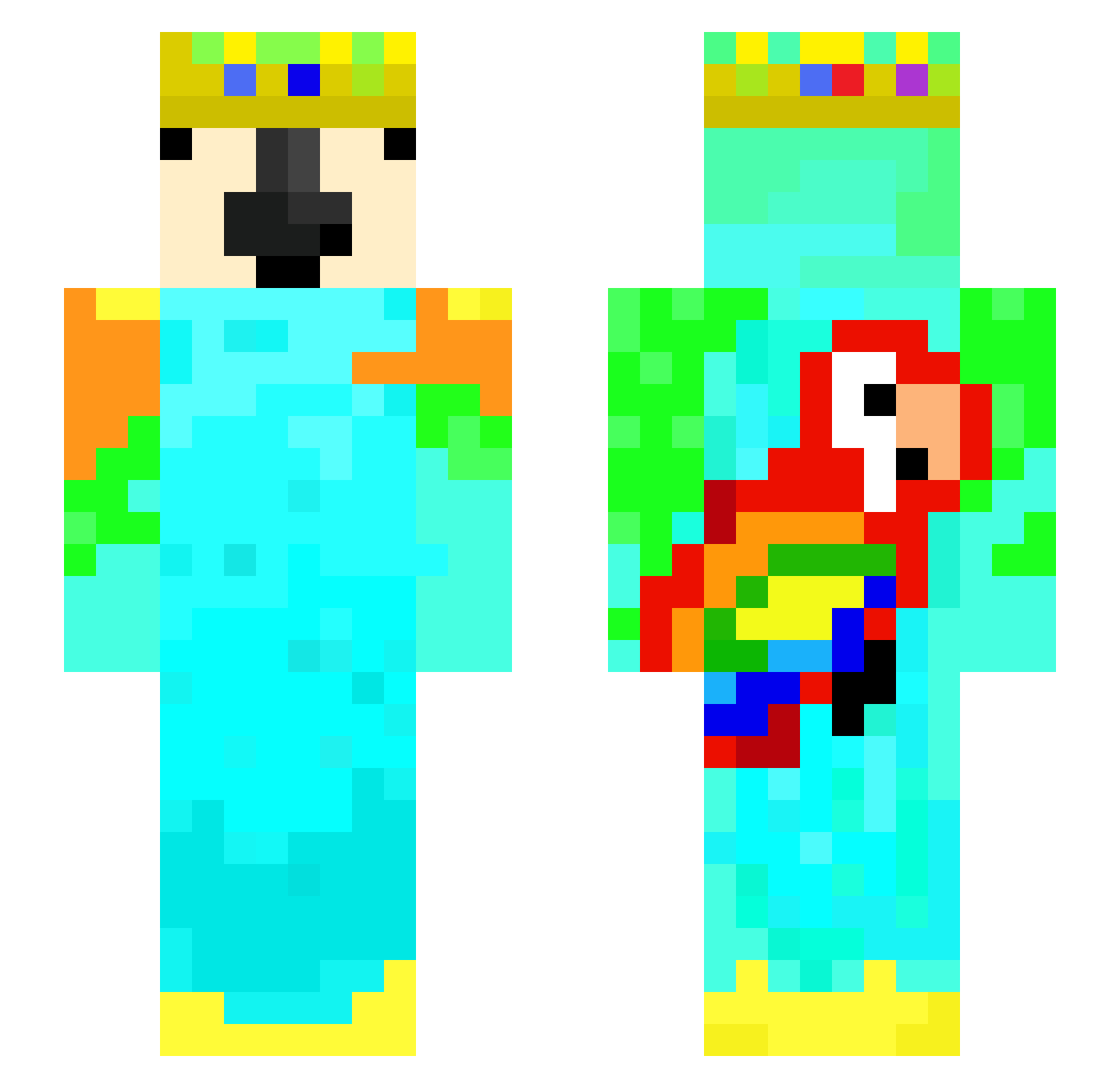
Current Minecraft skin of the player threatwar, loaded from the official Mojang API. Rotate the 3D model with your mouse or finger, then download the skin as a PNG file and use it in Minecraft: Bedrock Edition or Java Edition for free. When threatwar changes their skin, this page updates automatically and the old skin stays in the history below.
Other players with this skin (41)
threatwar was the 17th player we have seen with this skin, first spotted on 19.09.2026. The same skin was seen on these players. Open a nickname to see their current skin and skin history.
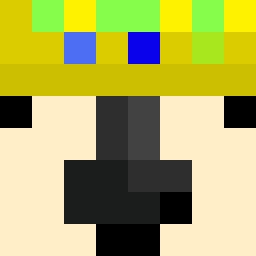 PolishedFowl Pluto846 TheMasterAang13 fran1u MightyParrotx2 BV79 asyawifi Blue_Slimmy
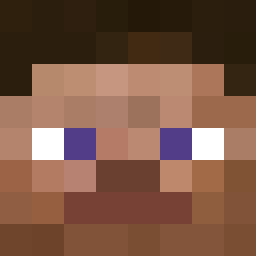 agent_wly de_g0a1 kukiee53 yorkiedave HOWEEEEEE MR_Dect ParrotX2 yicoolyt
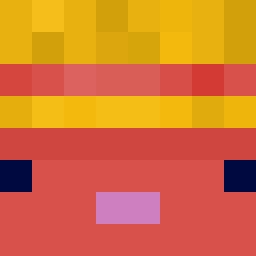 FlamebirdMC KxngRyZeIII
 THATGUY_jads 1_ParrotX2 8tuffer8 Eliot187
 insane_mohamed Virtz_35 LarsKoers slatcho
 xyx201379 GODPRANAV0097 the_mo0n Shanee2 EndKnox _SC0RP10N 13ShadowSlayer13 Evannick ZmaceZ mediumduck axolala yunggronk Kecpi
 gurbytwin SonoAle_
More Parrot Minecraft skins
How to install the threatwar skin
- Press the Download button above to save the skin as a PNG file.
- Minecraft: Bedrock Edition (PE): open the Dressing Room from the main menu (or tap your character → Edit Character), go to Classic Skins → Owned, press the + (new skin) button, choose the downloaded PNG and pick the Slim (Alex) model. Works on PC and mobile; consoles cannot import custom skins.
- Minecraft: Java Edition: open the Minecraft Launcher, go to the Skins tab, click New Skin, load the PNG, pick the Slim (Alex) model and press Save & Use. You can also upload it at minecraft.net → Profile → Change Skin.
The skin does not show up after import - what should I do?
Restart Minecraft and open the Dressing Room again - imported skins sometimes appear only after a restart. Also make sure you selected the imported skin and picked the Slim (Alex) model.
Which model should I choose, Classic or Slim?
This skin is designed for the Slim (Alex) model. If you pick the wrong model, the arms of the skin will look stretched or squeezed.
Is the skin of threatwar free to download?
Yes. Press Download, save the PNG file and use it in Minecraft: Bedrock Edition or Java Edition - no payment or registration needed. The skin also works on multiplayer servers and Realms.
More skins
Looking for more? Go back to all Minecraft skins and check the top skins of the week, month and all time, or find any player's skin by nickname.